AI 3D Generator for Unity — Multi-Model Platform to Prototype Faster
Generate 3D drafts with PicoBerry's multi-model AI platform, then bring them into Unity to block out and iterate. With UModeler X in Unity, you can edit and refine your creations.
Turn Early Ideas into 3D Prototypes with AI Assets
Get tangible starting points sooner, keeping your prototyping flow moving forward.
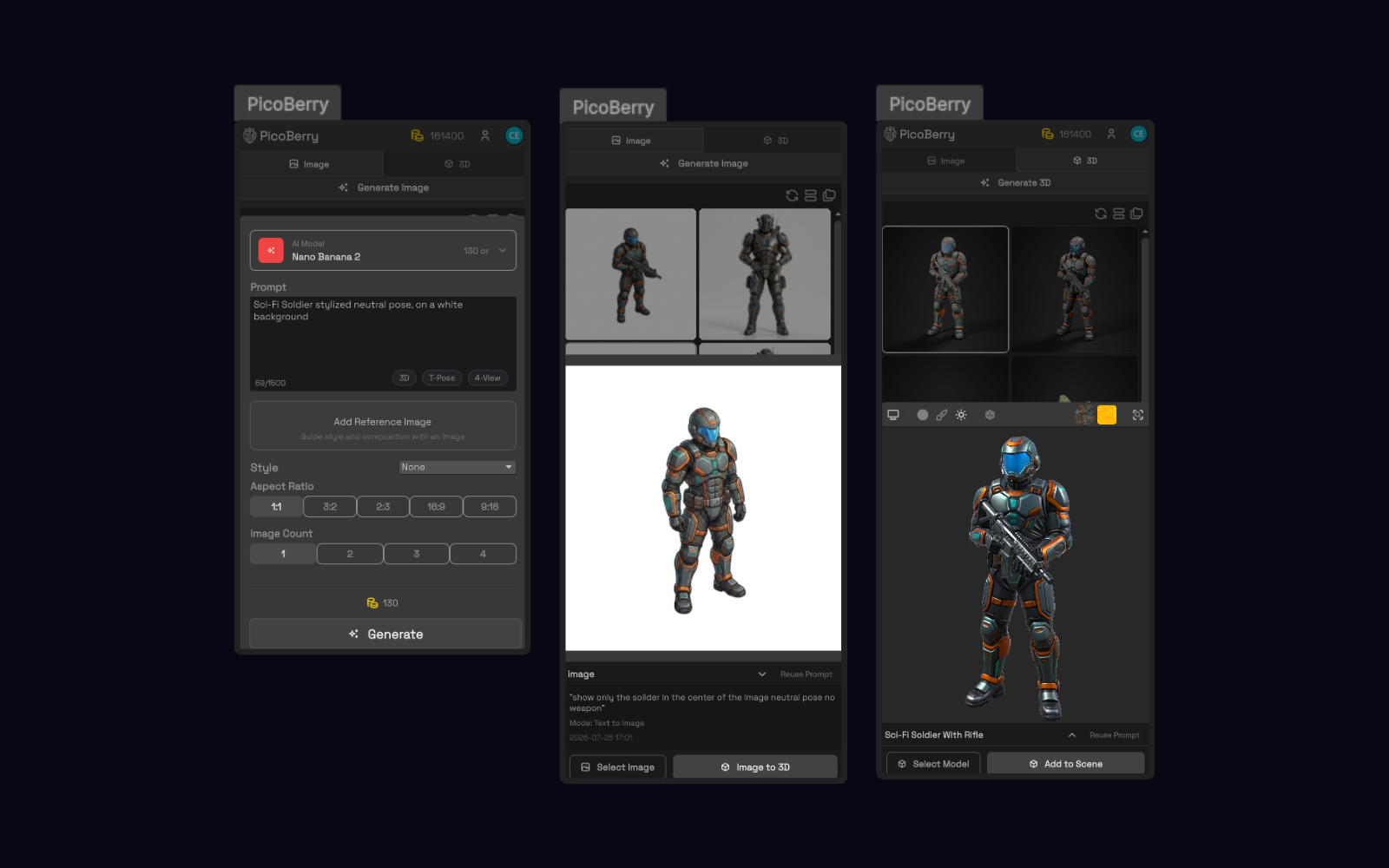
Text or Image to 3D
Turn a text prompt or a piece of concept art into a 3D draft, so an early idea becomes something tangible you can actually place in a scene.
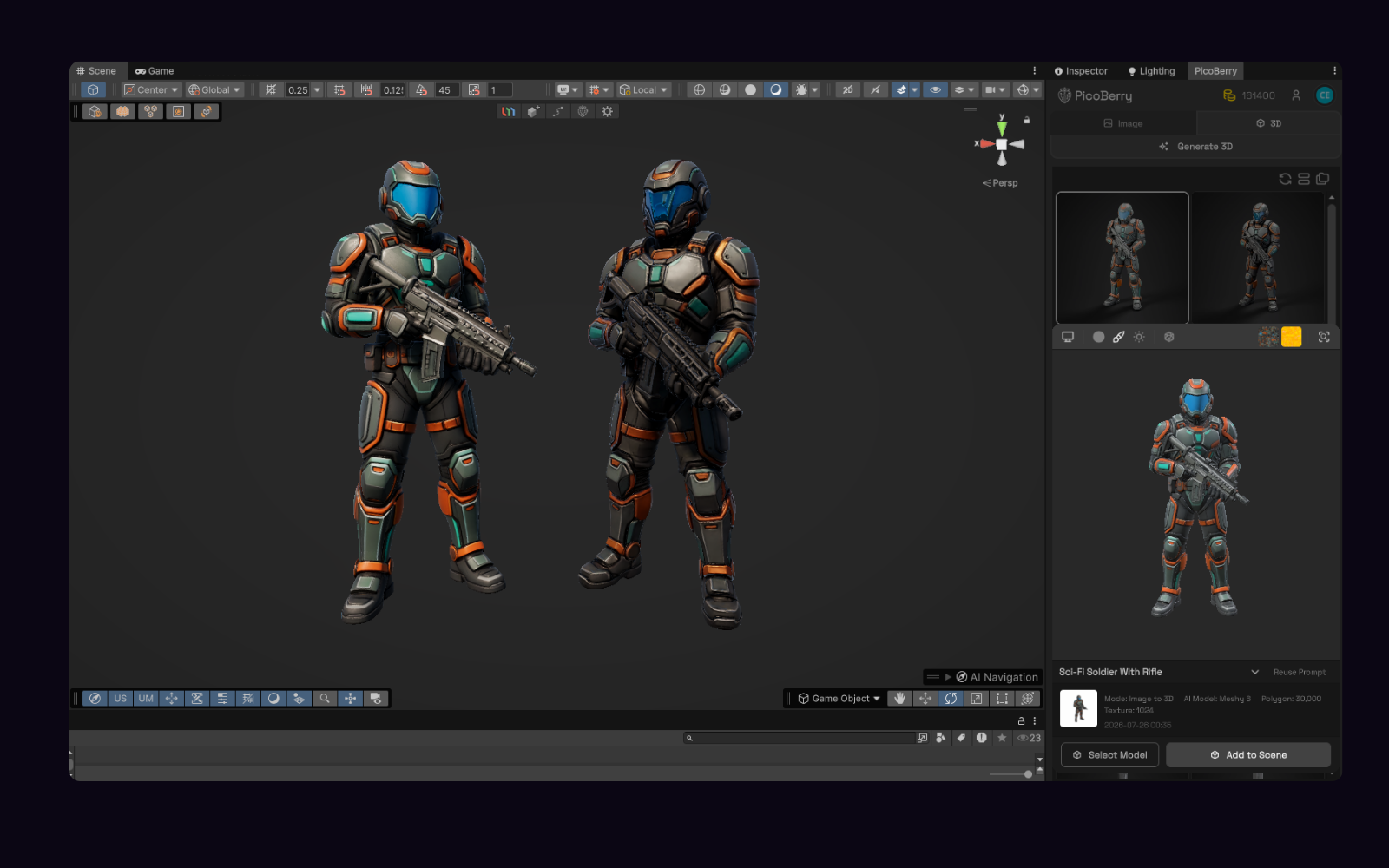
Compare Multiple AI Models
Generate across several leading AI models, compare the results, and keep the drafts that read best, instead of betting on one model.
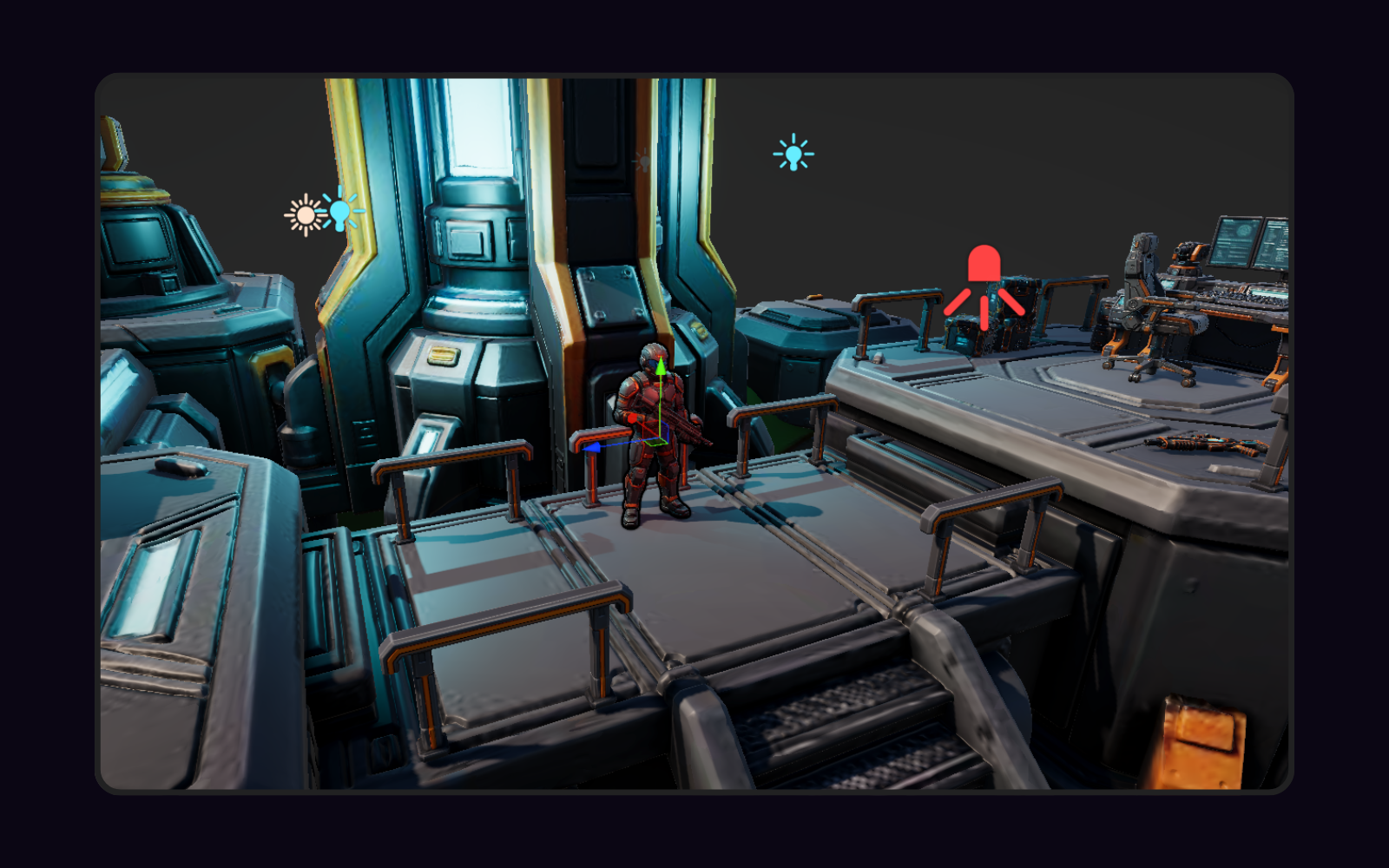
Use It in Your Engine
Bring drafts into Unity, Unreal, Blender or Godot to block out and iterate. When using Unity, use UModeler X for editing and refinement.
Your PicoBerry-to-Unity Workflow
Text or Image Prompt
Write a text prompt or upload a concept image in the PicoBerry Unity window.
Generate & Compare
Create 3D drafts across multiple AI models, then keep the one that reads best.
Add to Your Scene
Select your generation from the PicoBerry window to add the asset to your scene.
Refine with UModeler X
Edit, adapt, and finish the asset inside the Unity Editor with UModeler X when it needs work.
Unity-Ready Features for Game Developers & Creators
Multiple AI Models
Generate with leading 3D AI models and compare results side by side, instead of betting on a single engine.
Image-to-3D from Concept Art
Turn concept images into 3D drafts you can review in a real scene. May require project-specific review or refinement.
Exports for Unity Workflows
Download assets ready to bring into Unity workflows.
Unity-Native Refinement
UModeler X gives you modeling, UV, painting, and rigging tools inside the Unity Editor to finish what AI started.
See the Workflow in Action
Generate images, turn them into 3D meshes, and build a full scene in Unity with PicoBerry.
Building a sci-fi diorama in Unity — generate images, turn each into a 3D mesh with PicoBerry, place them in the scene, then set the lighting.
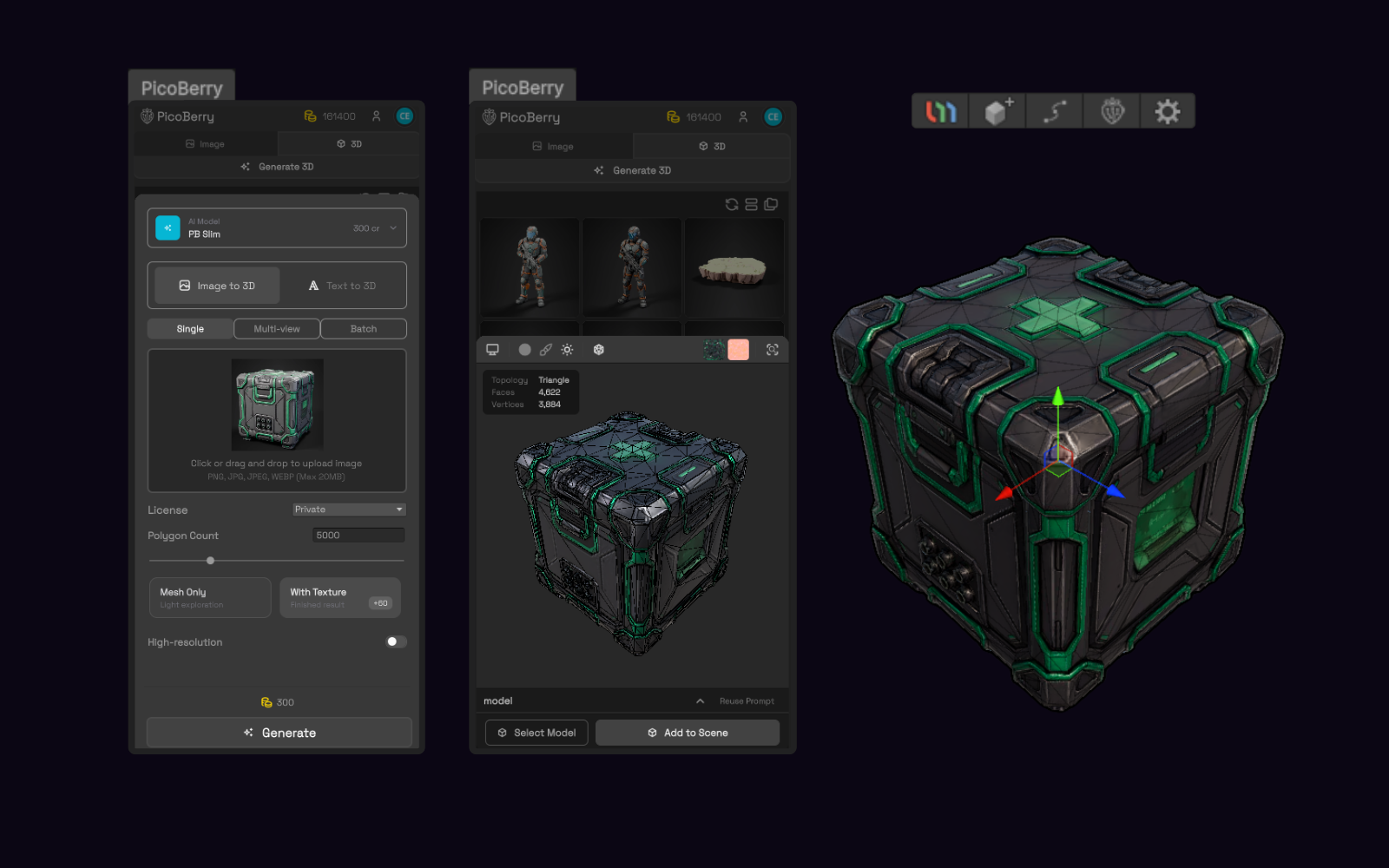
Generating a 3D asset from an image in the PicoBerry window, inside Unity.
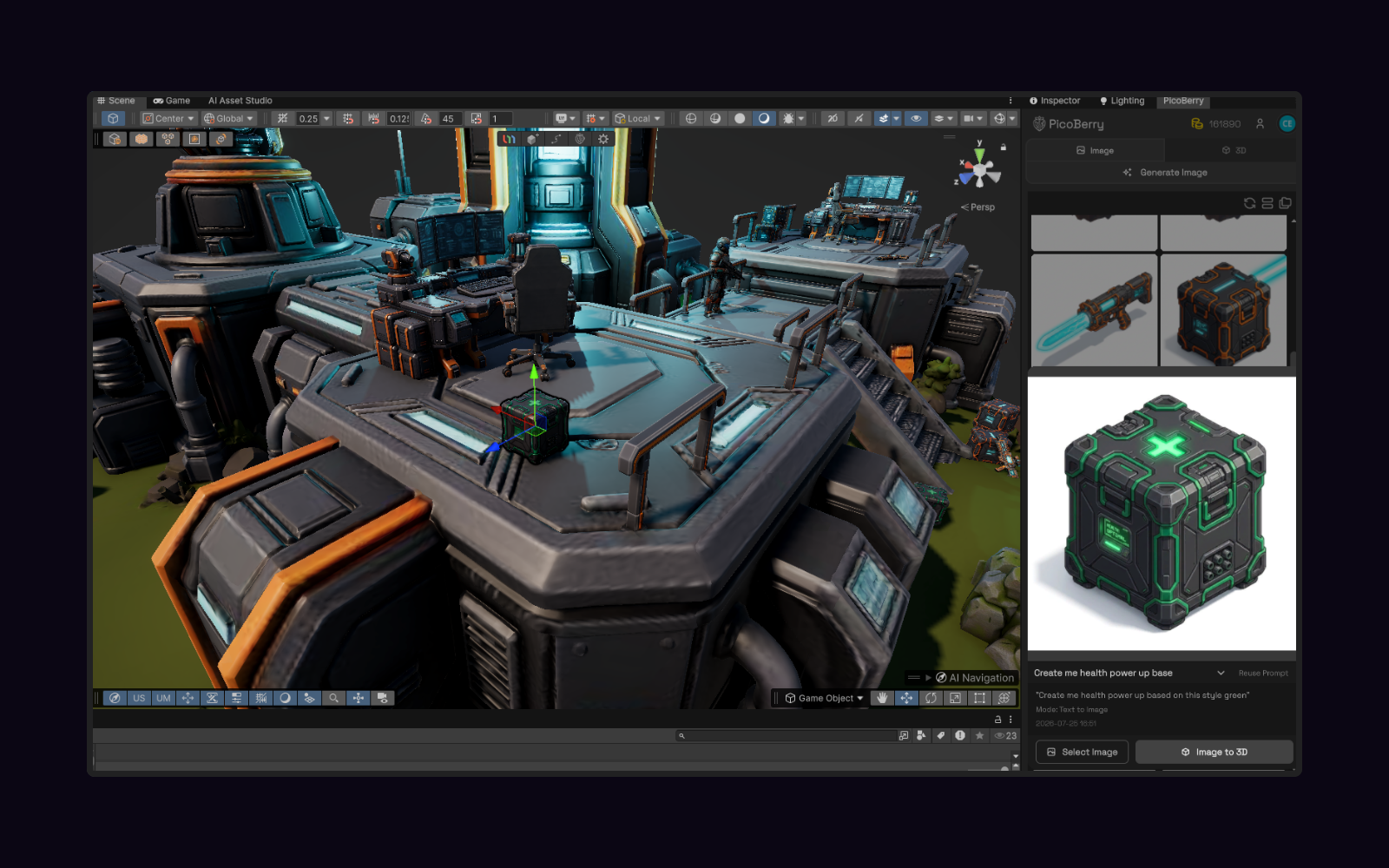
The generated asset placed in a Unity game scene.
Frequently Asked Questions
Is PicoBerry only for Unity?
No. PicoBerry is an AI 3D asset generation platform for game developers and creators, and it supports broader game-engine workflows including Unreal, Godot, and Blender. This page focuses on Unity because that is where many of our users work.
Are generated assets ready to use in my game?
Generated assets are drafts — useful for prototyping and iteration. They can be reviewed, refined, or adapted for project needs, and UModeler X gives you a Unity-native way to do that refinement.
What formats can I export?
You can download your generated 3D assets as GLB, FBX, OBJ, or STL — or send them straight to UModeler X in Unity.
Does PicoBerry have an API?
Yes. PicoBerry offers an async REST API for developers: generate 3D and images across multiple engines, then remesh, retexture, rig, and export GLB, FBX, or OBJ — all on one asset through one API, with webhooks and an MCP server for agents and tools. Learn more at api.picoberry.ai.
Do I need UModeler X to use PicoBerry with Unity?
No. You can bring generated assets into any Unity project. UModeler X is the optional Unity-native path for editing, adapting, and finishing assets without leaving the editor.
Can I use generated assets commercially?
Assets you create with PicoBerry are yours to use in your projects, including commercial work. When you generate a model you can set its license, for example CC BY 4.0 or paid-plan privacy options. See PicoBerry terms for full details. Terms of Use
How do I get started?
Sign up free at picoberry.ai, generate your first asset drafts, and bring the ones you like into Unity.
Explore More
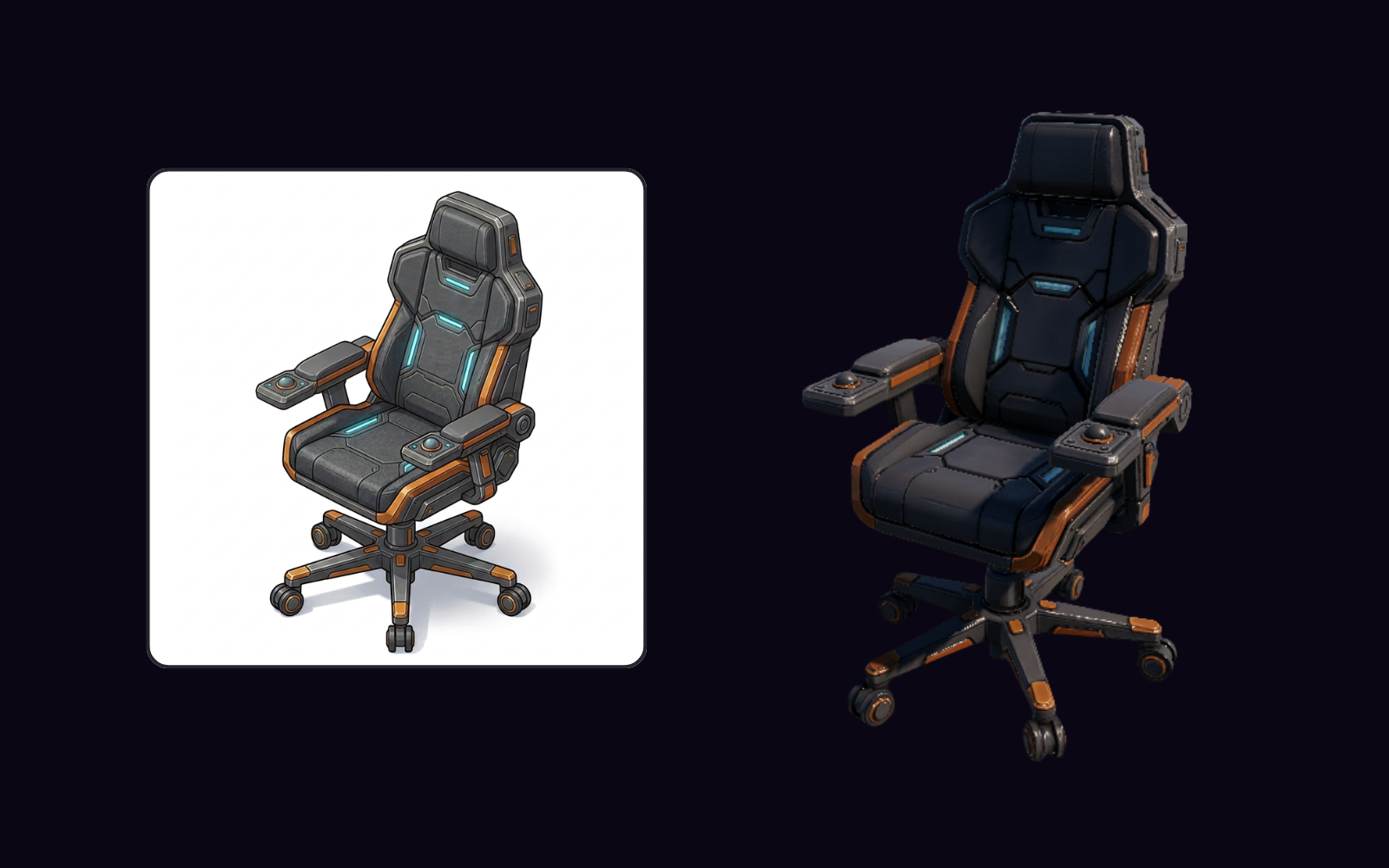
PicoBerry to UModeler X Workflow
Edit, refine, adapt, and finish AI-generated assets inside Unity.
Explore →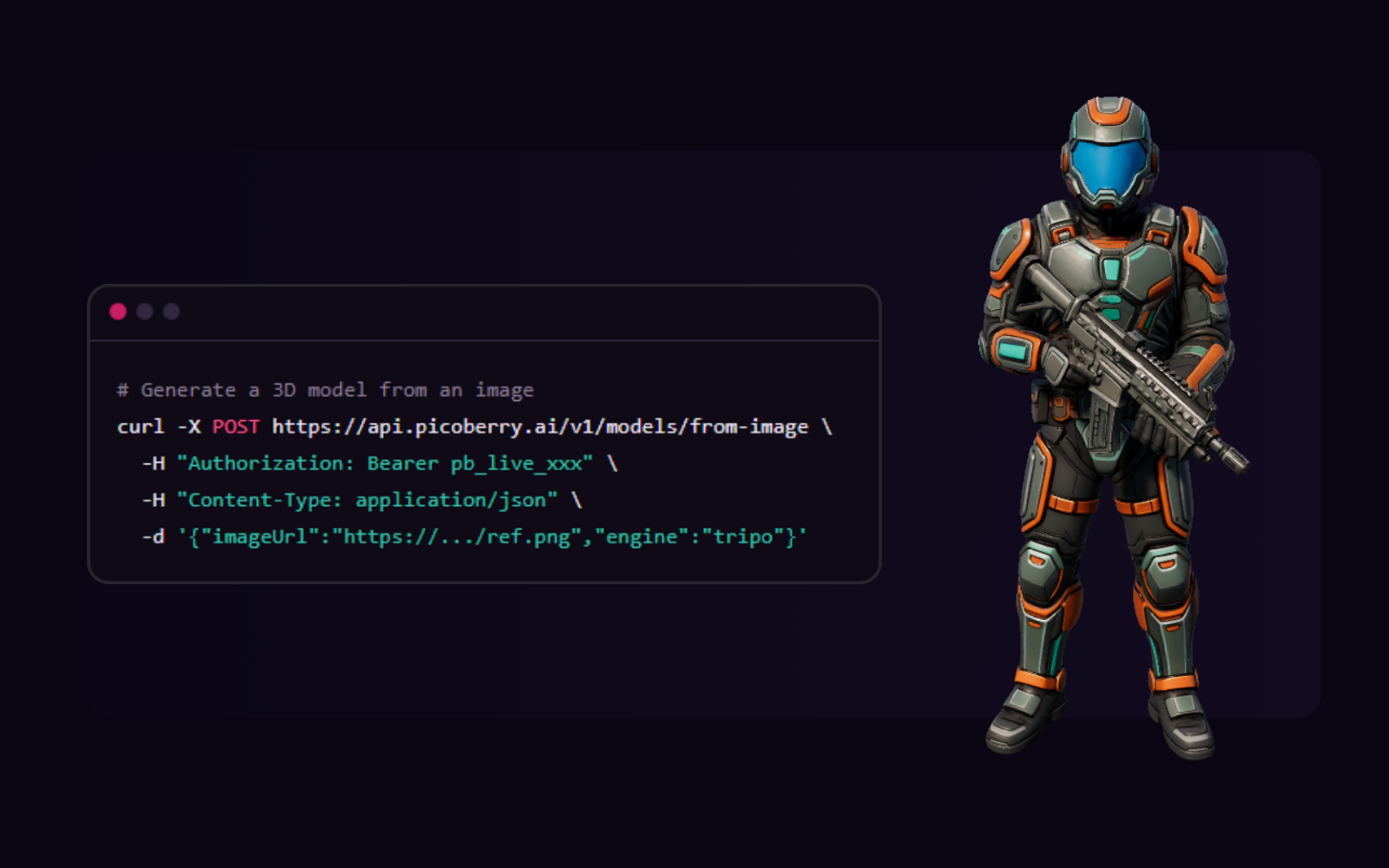
AI 3D Generation API
Build generation into your tools, pipelines, and agents with one REST API.
Explore →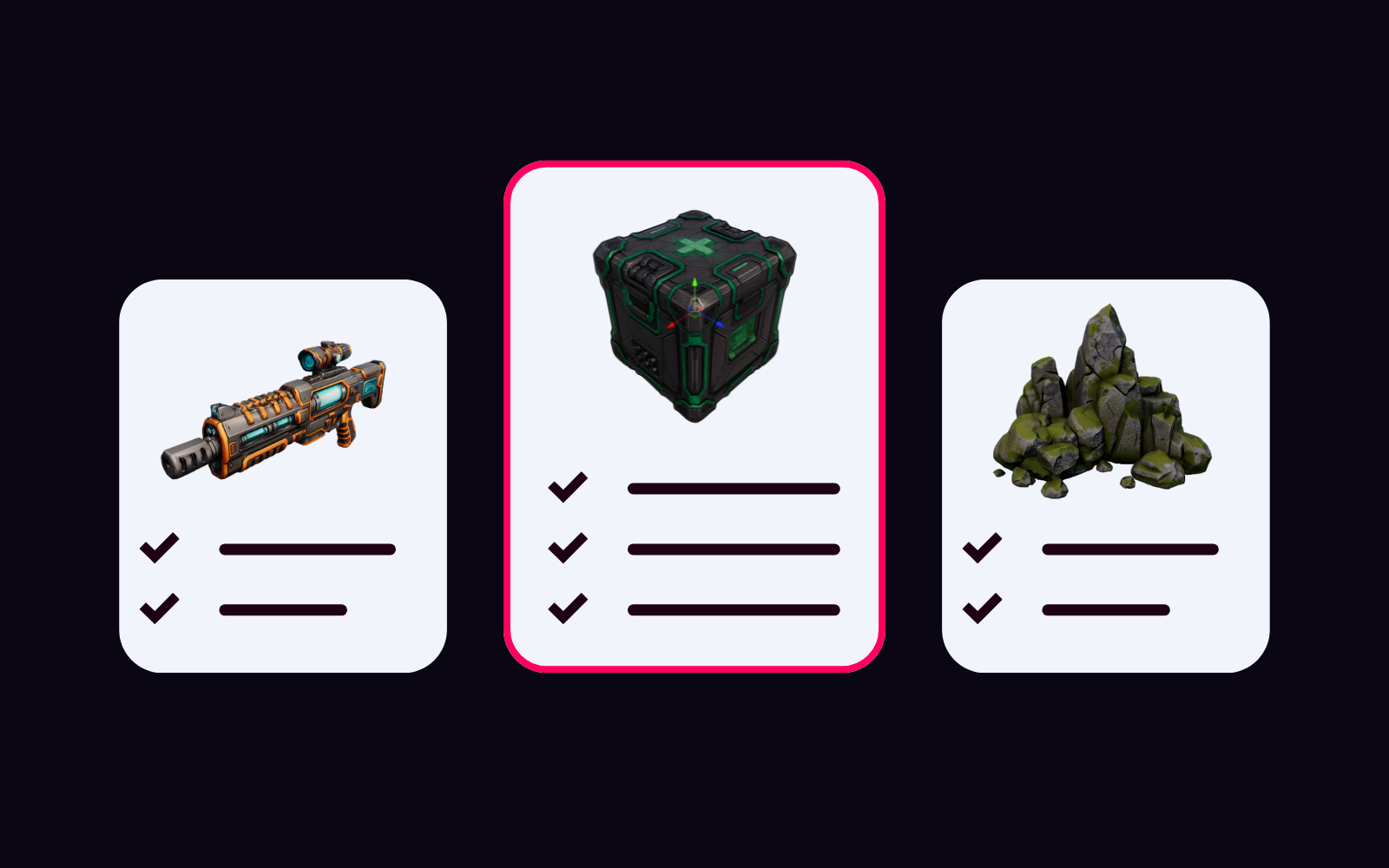
AI 3D Generator Pricing Comparison
Compare PicoBerry, Tripo, Meshy, and more on price, commercial use, API, and Unity workflow value.
Explore →Generate in PicoBerry. Continue in Unity.
Start with free credits and see how AI 3D asset drafts fit your Unity workflow.