The Unreal Bridge sends a 3D asset from your PicoBerry workspace straight into Unreal Engine — one click, no file to download and re-import. Like the Blender Bridge, it runs entirely on your own machine: there's no API key and no paid lock, so anyone on any plan can use it.
Install the plugin
- Download the plugin (a
.zip) — or use the Install link on the Unreal row of the DCC Bridge menu in your PicoBerry workspace. - Extract it into your Unreal project's
Pluginsfolder (create the folder if it doesn't exist). - Open your project. If Unreal asks to enable the plugin, choose Yes.
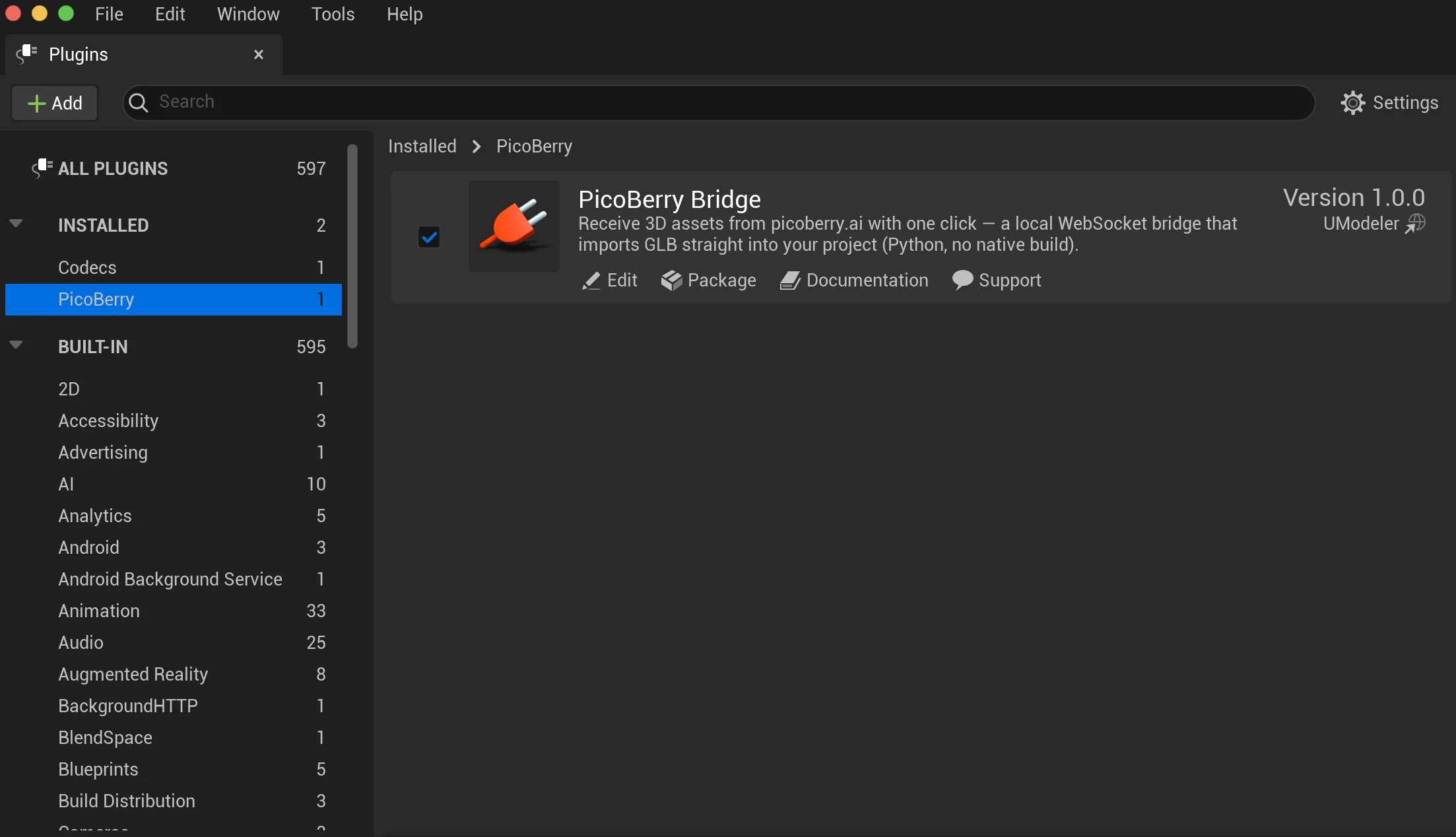
- Confirm PicoBerry Bridge is enabled under Edit → Plugins.
Connect Unreal to PicoBerry
The plugin starts a local listener automatically when the editor loads.
- In Unreal — the bridge listens on your machine (ports
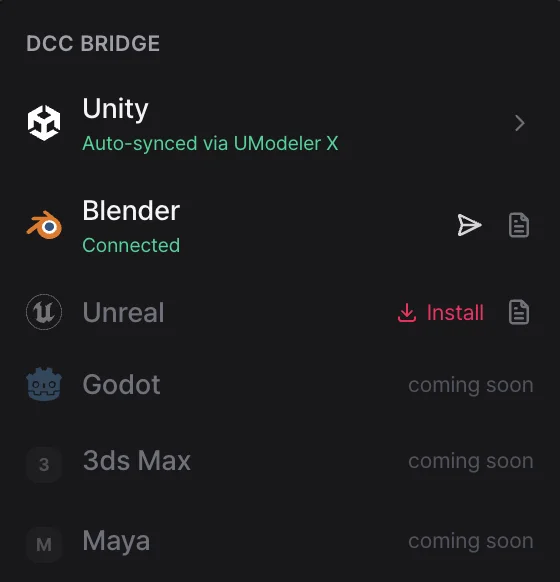
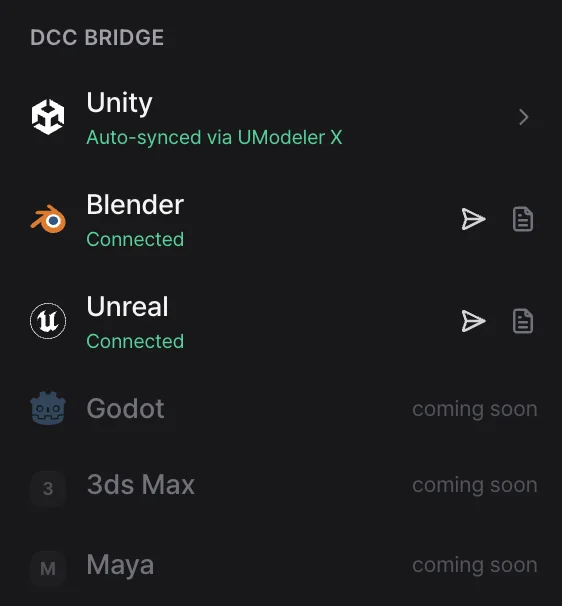
60611–60620). No window or sign-in is needed. - In PicoBerry (your browser) — open a 3D asset and click Send to a 3D tool (the paper-plane icon) in the toolbar under the 3D viewer to open the DCC Bridge menu. When the Unreal row reads Connected (green), you're ready to send. Until it connects, that row reads Not connected and shows an Install link instead.
Send an asset to Unreal
- Open a finished 3D model in your PicoBerry workspace.
- Click Send to a 3D tool (the paper-plane icon) in the toolbar under the 3D viewer to open the DCC Bridge menu.
- When the Unreal row reads Connected, click that row (or the paper-plane icon on the right).
- A progress toast appears while the asset downloads and imports.
- In Unreal's Content Browser, the model shows up under PicoBerry / <name> — mesh, materials, and textures together — and is placed into the open level.
Troubleshooting
The send menu never shows Connected / it won't connect.
- Make sure the PicoBerry Bridge plugin is enabled in Edit → Plugins, and that the Python Editor Script Plugin is also on.
- If you opened PicoBerry before Unreal, the page may take a moment to find it on its own. Switch to another tab and back, or reload the page, to rescan right away.
- Confirm you're on Unreal Engine 5.4 or newer.
- Check that no other program is using ports
60611–60620.
Still stuck?
- Check the editor's Output Log (filter for PicoBerry) to see what the plugin recorded, then reach out to support with that detail.