AI agent · Unity level prototyping
What if an AI agent could build a whole game level?
Fable 5 was wired into the Unity Editor through MCP, generated every prop through the PicoBerry API, and placed it by name — while UModeler X carried the blockout and the hand-finishing. A Dust II-inspired A-site, from floorplan to walkable, in about 8 hours. Below is the whole thing, broken into the three parts it actually took.
The finished A-site, walked at street level in Unity.
Built withUnityUModeler XFable 5MCPPicoBerry API
Can an AI agent build a game level inside Unity?
Yes — for a prototype. With Unity wired to the agent through MCP, Fable 5 renamed the blockout hierarchy into clean modules, called the PicoBerry API to generate each prop and building, and placed the results by name. It carried the repetitive half and got placement roughly 70% of the way; the remaining 30% — scale, alignment, grip, and art direction — was finished by hand in UModeler X. The whole A-site took about 8 hours. It is a prototype, not a competitive map.
The build, in three parts
What stayed human, what went to the agent, and what changed about how assets get treated.
Part 1 — The blockout stays human
The A-site massing, cover, and sightlines were hand-built in UModeler X. This is the design work, and doing it first is why the finished scene reads as a map. (The UModeler team is developing a feature that turns a floorplan into a blockout.)
Hand-building the A-site blockout in UModeler X inside Unity
Part 2 — The repetitive work goes to the agent
Fable 5 renamed the whole blockout hierarchy into clean modules, then generated every prop from reference images through the PicoBerry API and placed them by name. The agent handled about 70% of the work; the remaining 30% was finished by hand. Roughly two hours for a full scene’s worth of assets.
The agent generating props through the API and placing them into the scene
Part 3 — Assets are cheap parts, not finished pieces
The base map came out of Unity, the API weathered it, and clean UV unwrapping made the results fit together. One sheet of nine rock piles became nine prefabs, scattered with the terrain brush rather than placed one by one. Three hours for this pass — eight in total.
Weathering, terrain patterns, and prop scattering in the detailing pass
What the API produced
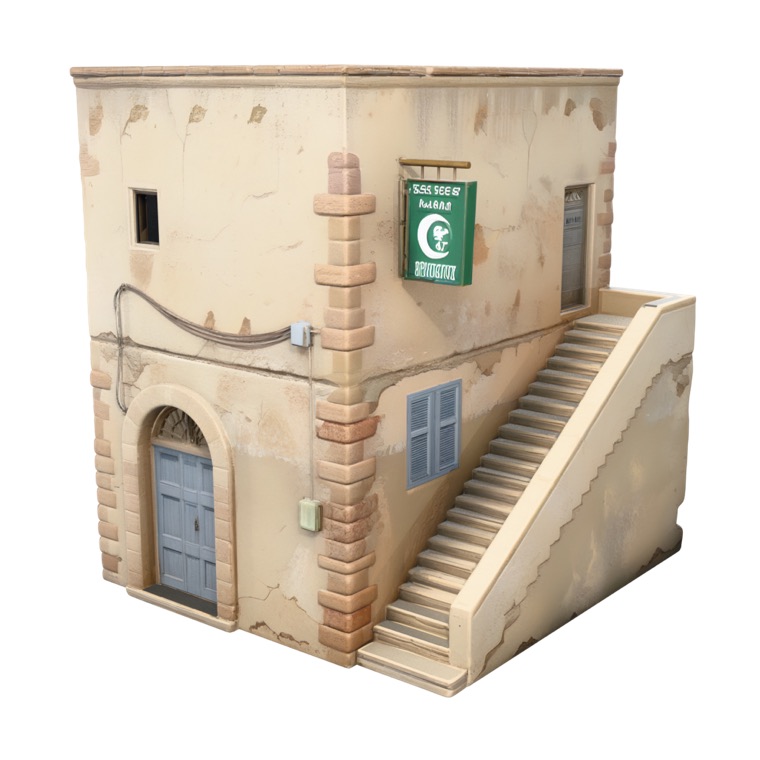
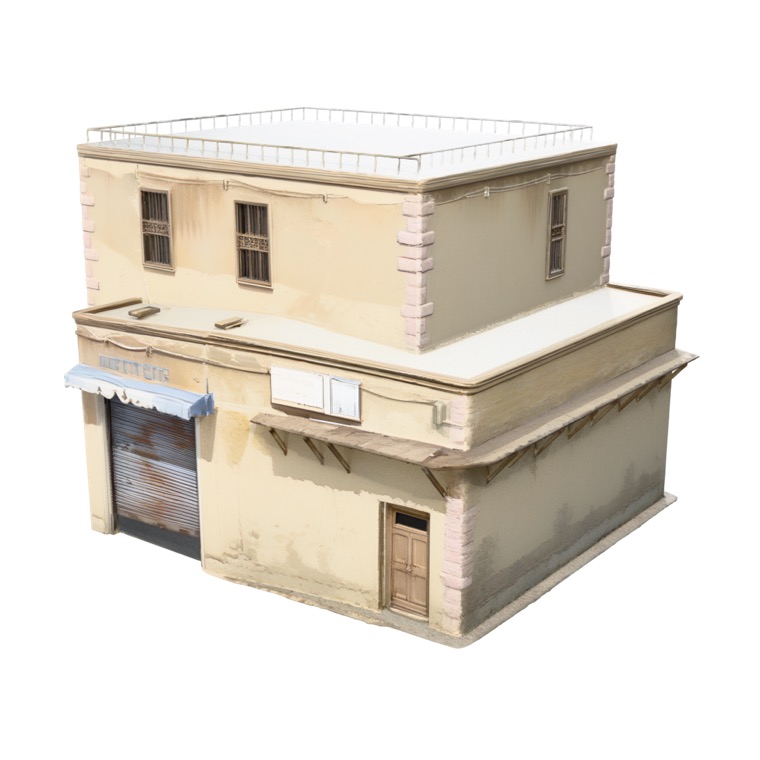
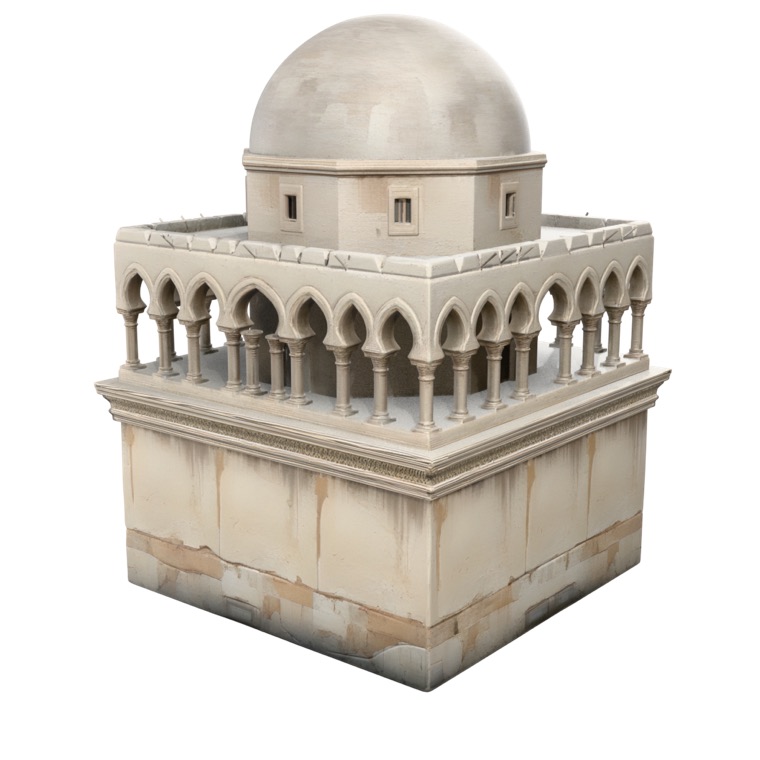
Every building and prop began as a 2D reference image and went through image-to-3D. Ground surfaces came from generated tiling patterns rather than modelled geometry.
Corner shop
Domed building
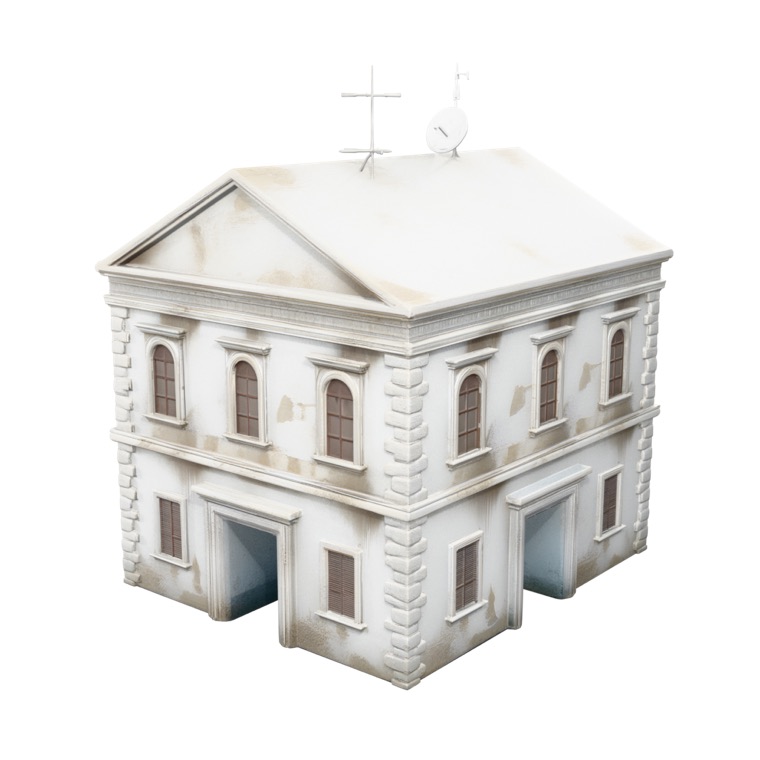
Satellite building
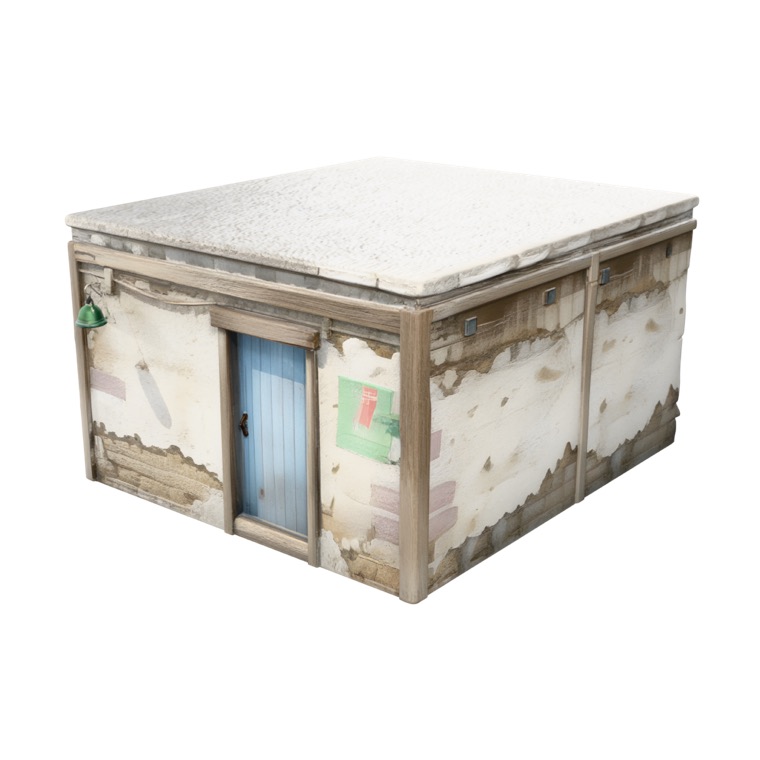
Bunker shack
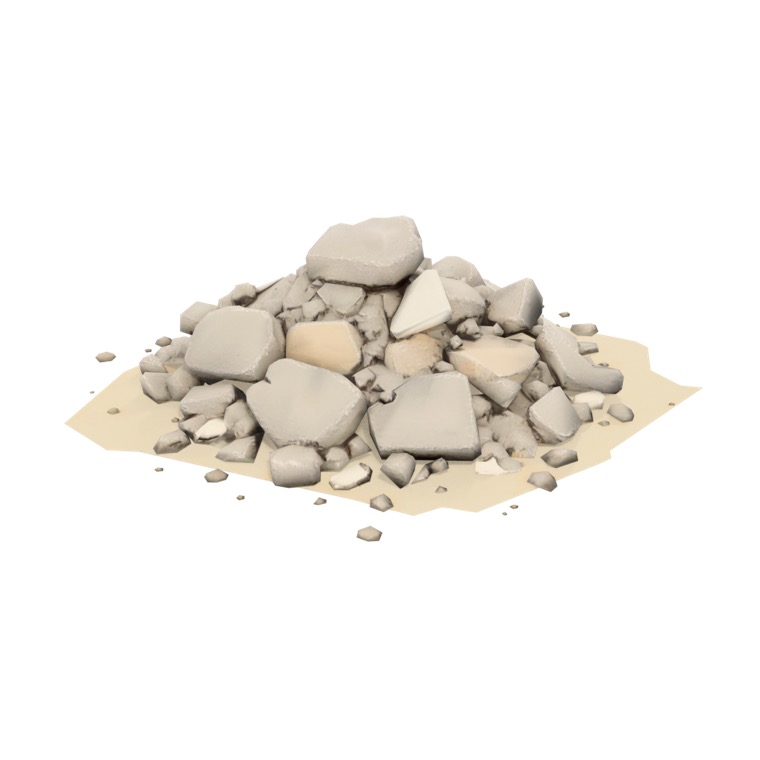
Rubble pile
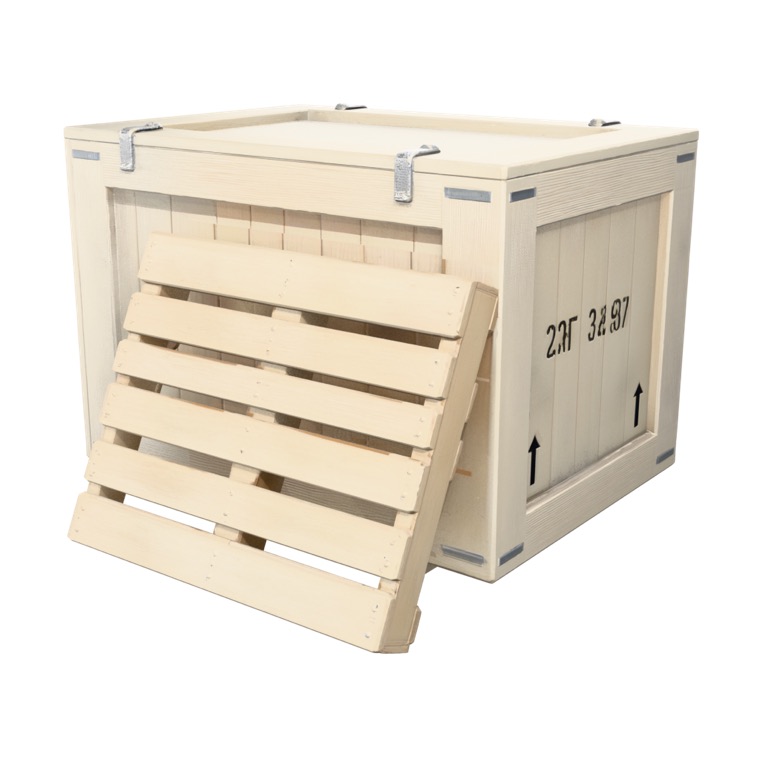
Crate
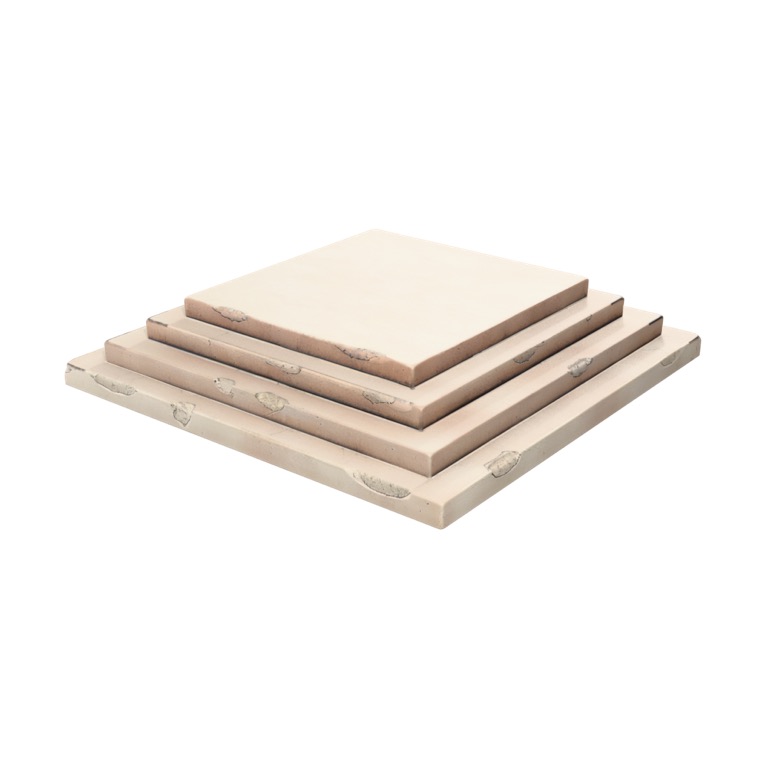
Stone steps

Terrain — dirt
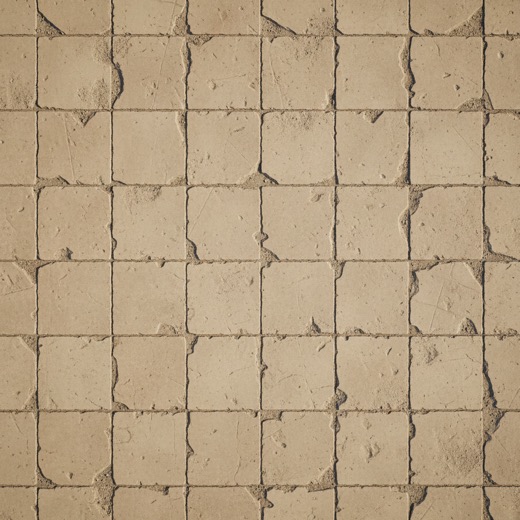
Ground — sandstone
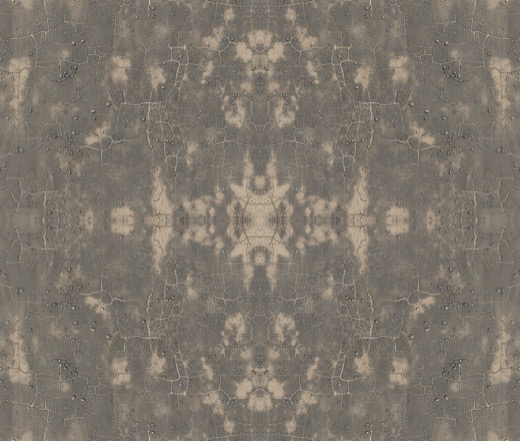
Ground — asphalt
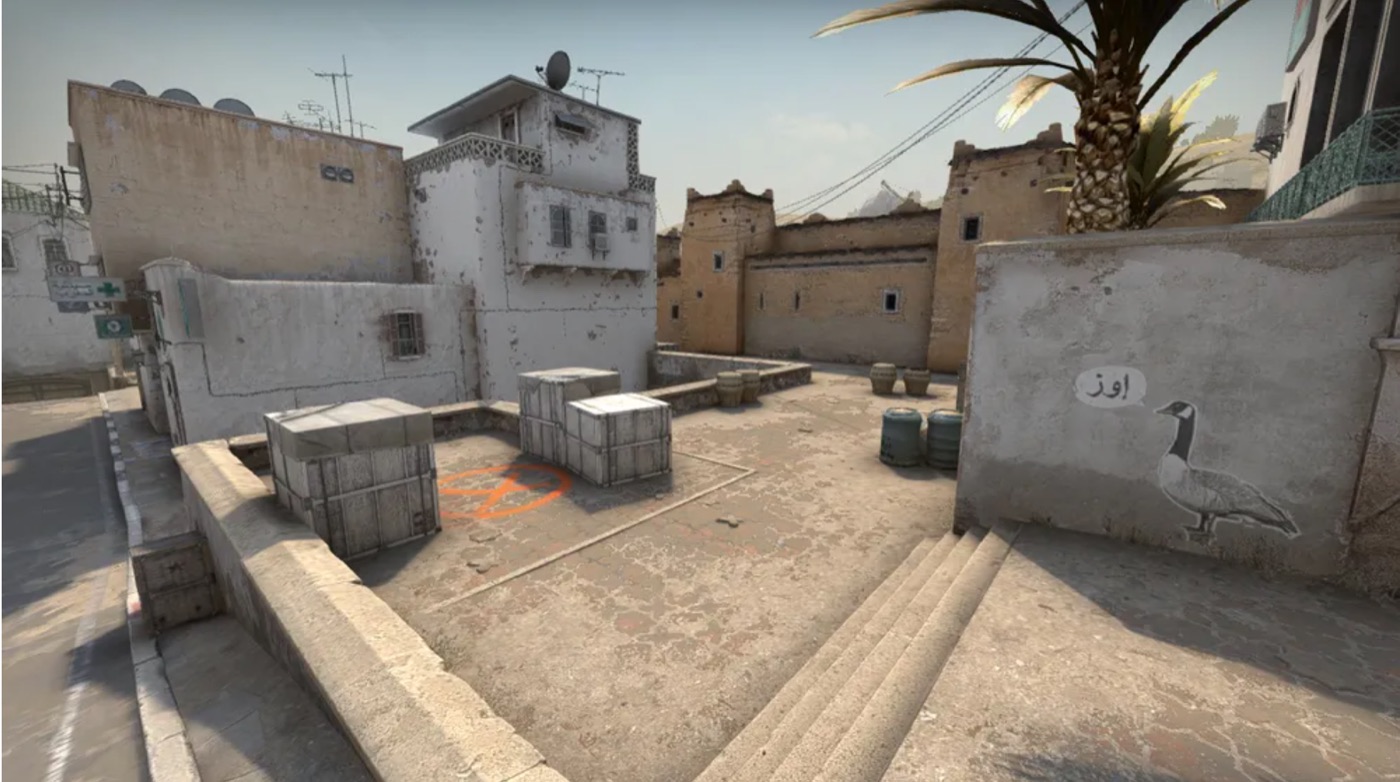
The input plan
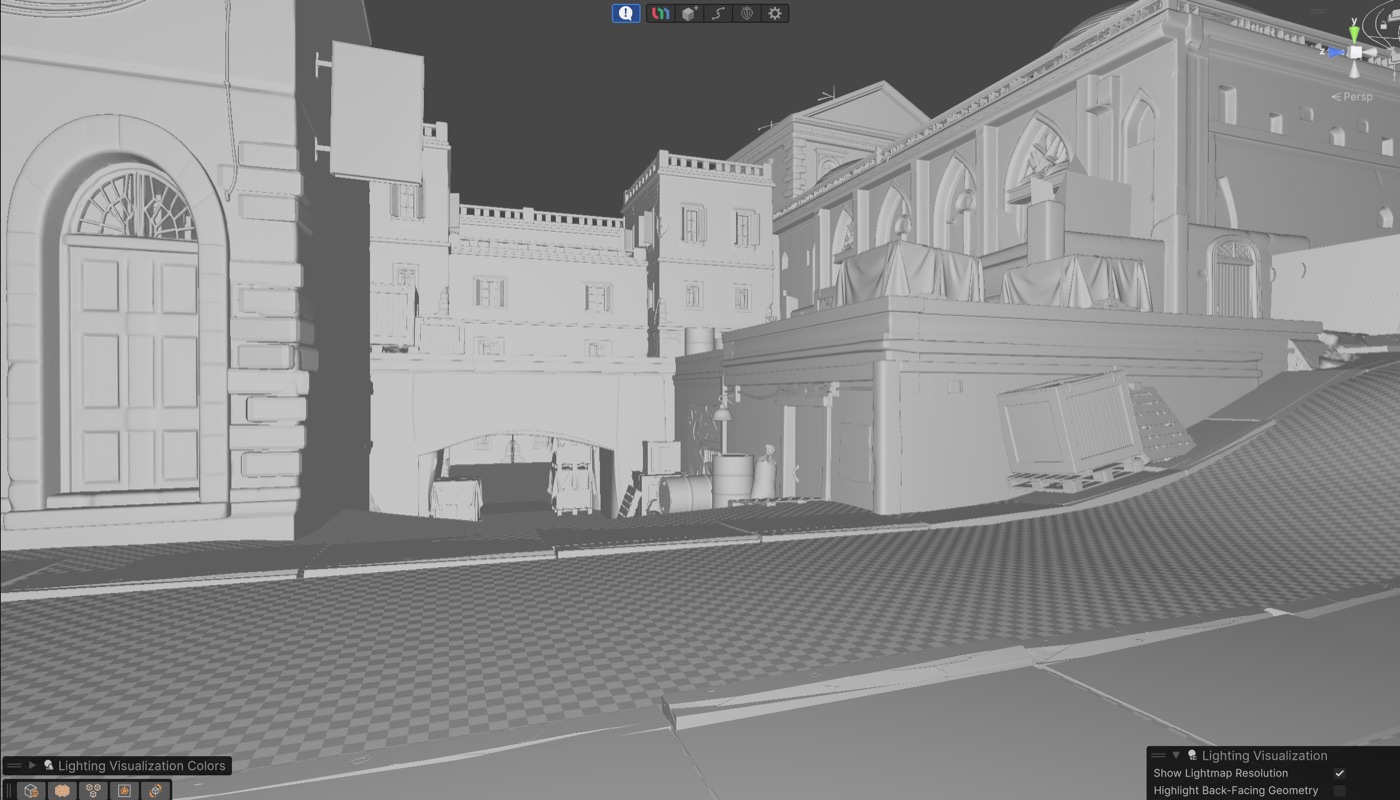
Before and after
The same scene, greybox and dressed. The gap between the two is what the workflow produced.
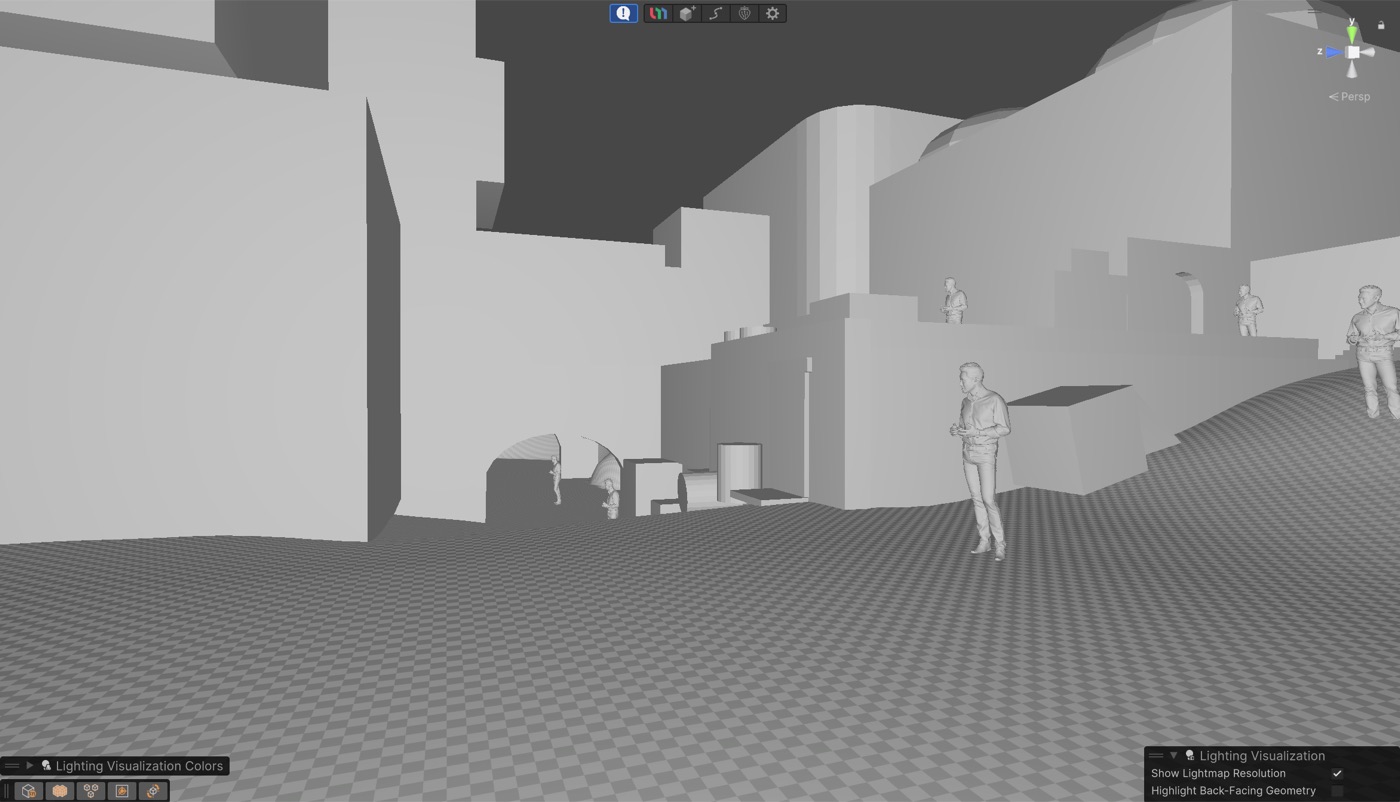
Blockout — clay
Massing only.
Dressed — clay
Same camera, after placement.
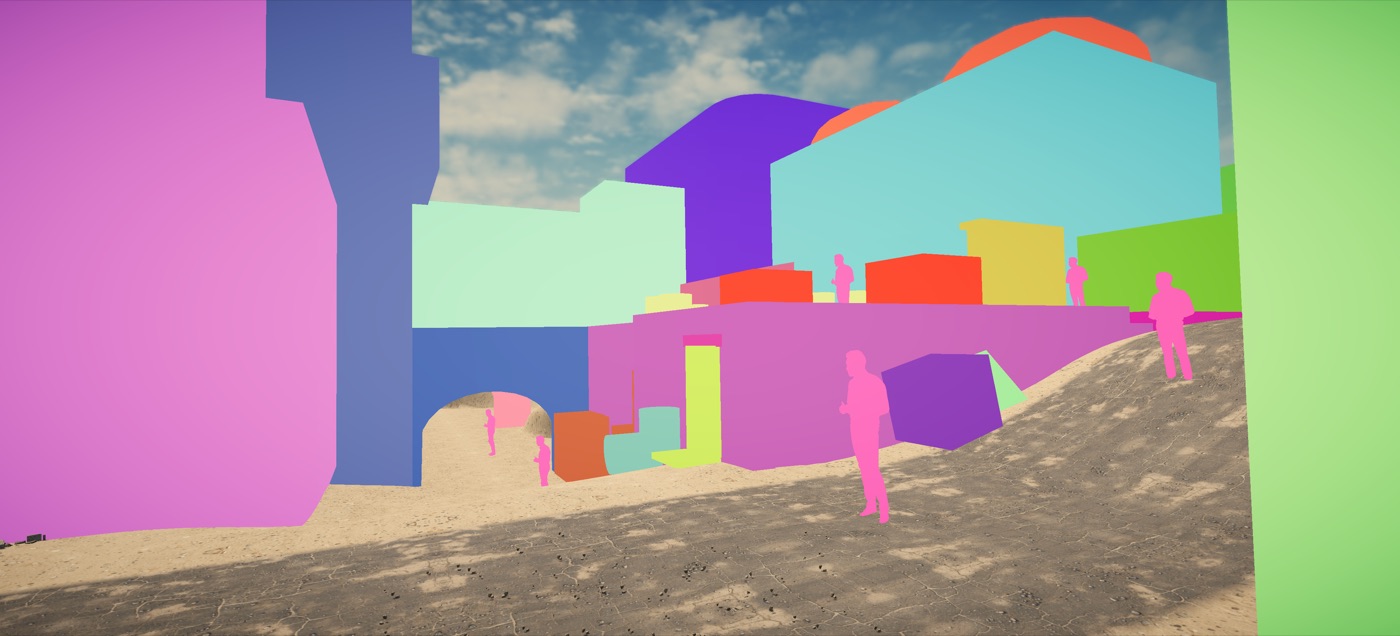
Blockout — in game
Grey boxes at street level.
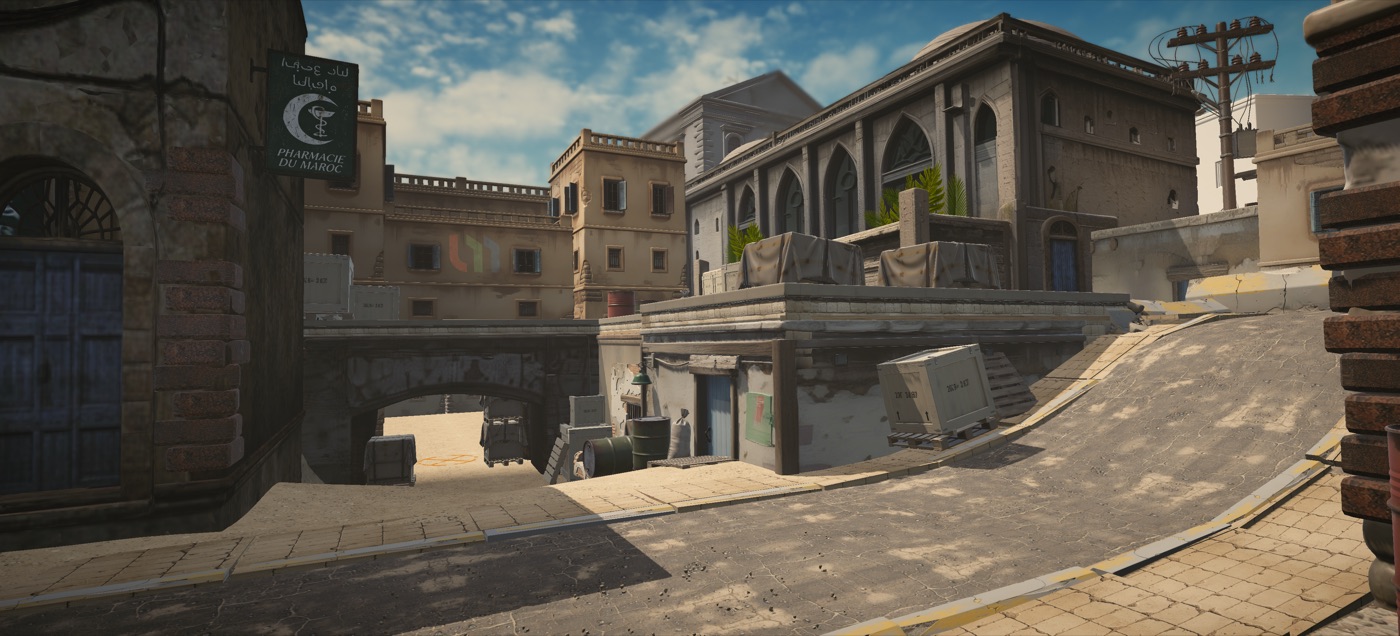
Dressed — in game
The same view, finished.
The honest part
What the agent did not do.
Prompts alone gave grey boxes
The agent drives the editor; it does not decide what the level should feel like. Massing, cover, and sightlines were hand-built first — that ordering is why the result reads as a map at all.
Placement was ~70%, not 100%
Objects landed wrong often enough that a human pass was mandatory. Scale, grip, and alignment were corrected by hand in UModeler X.
Some generations were cut
Generated meshes were treated as cheap parts, not finished art. Several were regenerated or dropped. Regeneration costing one call is what makes that affordable.
The full run, start to finish
Blockout, generation, placement, and detailing in one pass.
One A-site, about 8 hours.
Frequently asked questions
How much of the level did the AI actually do?
Placement landed around 70% correct, and the agent handled hierarchy naming and asset generation end to end. The remaining 30% — corrections, scale and grip, art direction calls — was done by hand in UModeler X.
What connects the AI agent to Unity?
MCP. Unity is wired to the agent through it, so Fable 5 can act inside the open scene — reading the hierarchy, renaming objects, and placing generated assets by name.
Do I need to know how to model to use this workflow?
You need to be able to judge a blockout. The massing and sightlines were hand-built because that is the design work; the dressing is what the agent and the API carried.
Where do the 3D assets come from?
The PicoBerry API. Each prop began as a 2D reference image and was converted with image-to-3D; ground surfaces came from generated tiling patterns rather than modelled geometry.
How long did each stage take?
The blockout was the first pass, asset generation and placement took roughly two hours, and the detailing pass took about three — eight hours in total across sessions.
Can I use the result in a shipping game?
Treat it as a prototype. Assets come out of the pipeline needing a review pass — some are regenerated, some cut — and a shipping level would need art direction, optimisation, and playtesting beyond what this run covers.
Is this Unity-only?
The agent-in-editor part is Unity, through UModeler X and MCP. The generation side is not — the PicoBerry API returns standard GLB and FBX, so the same asset workflow fits Unreal, Godot, Blender, or a web runtime.
Prototype your next level with an agent in the editor
Generate the props, let the agent place them, and finish it yourself in Unity.