Generate, refine, and get it into your game
Each stage of working with 3D assets in PicoBerry, shown with real screens — how to choose a generation route, what to fix before an asset moves on, and how the result reads once it is inside an engine.
Create the 3D
A prompt, an image, or a parts breakdown — pick the route that matches what you already have.
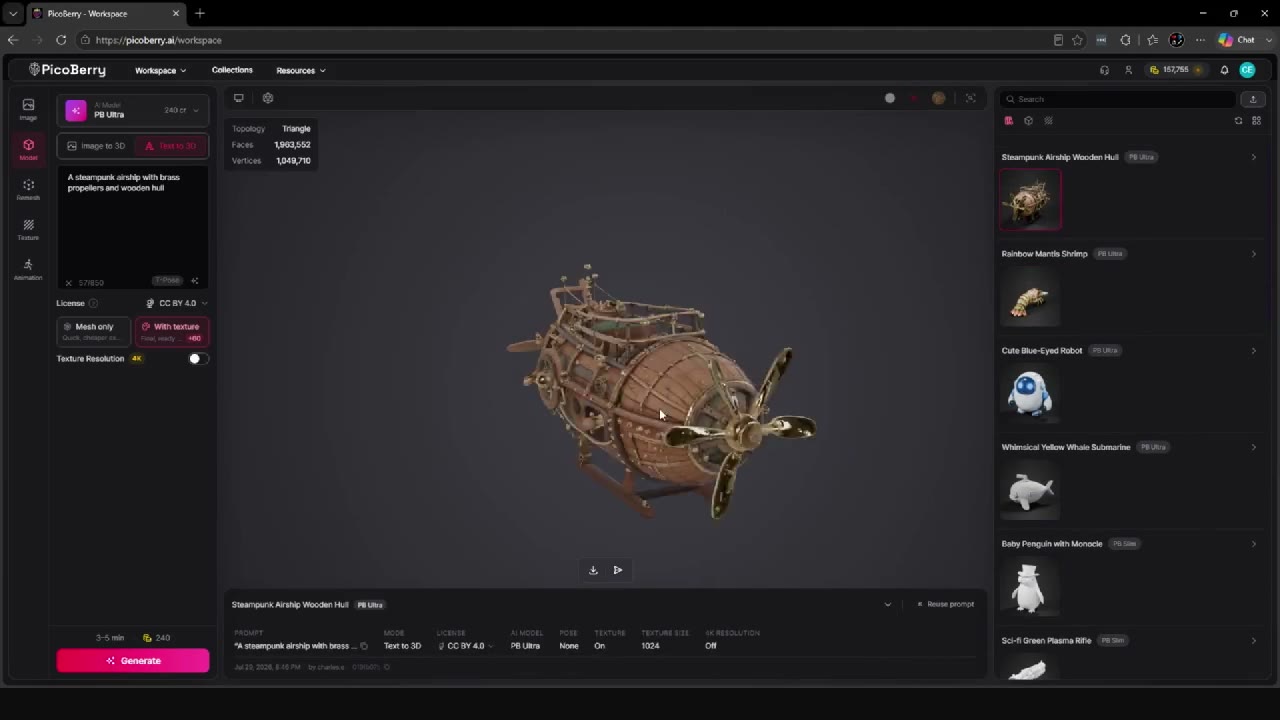
Text to 3D for Game Developers
Write a prompt, generate several drafts, compare them side by side, then refine only the one you picked.
Read more →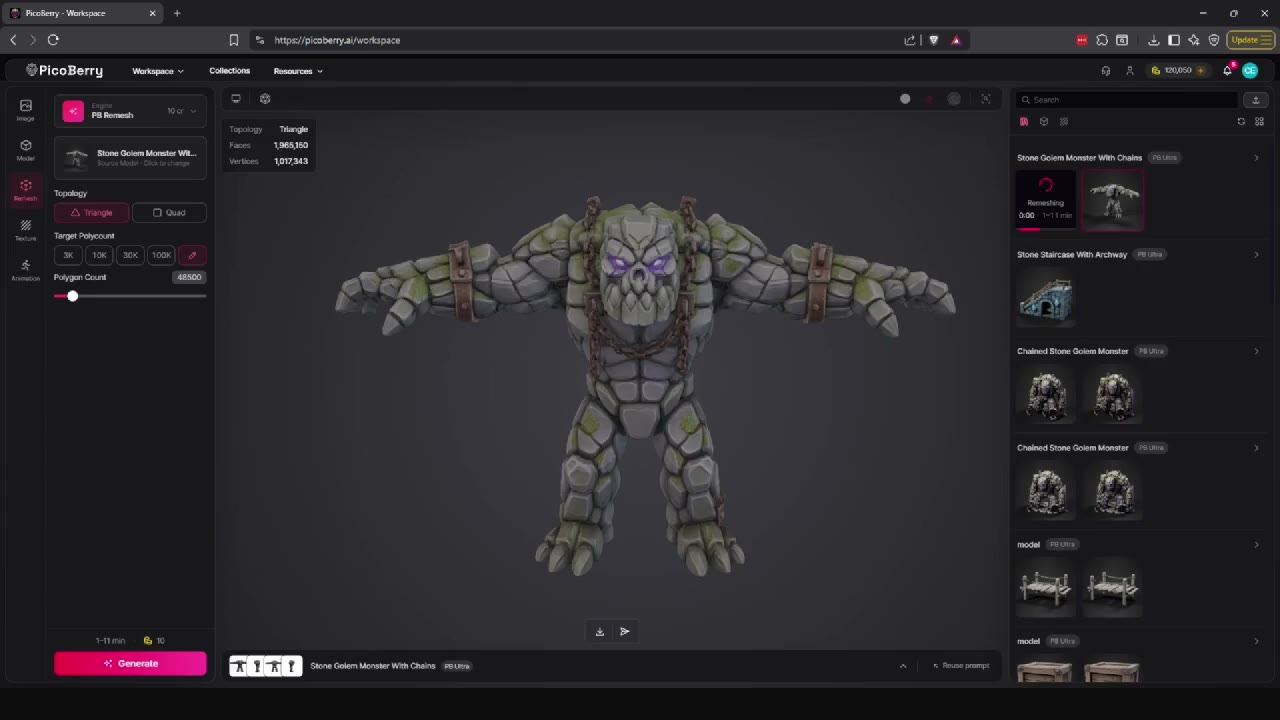
Image to 3D for Game Developers
Turn concept art, sketches, and reference sheets into 3D model candidates, then review them.
Read more →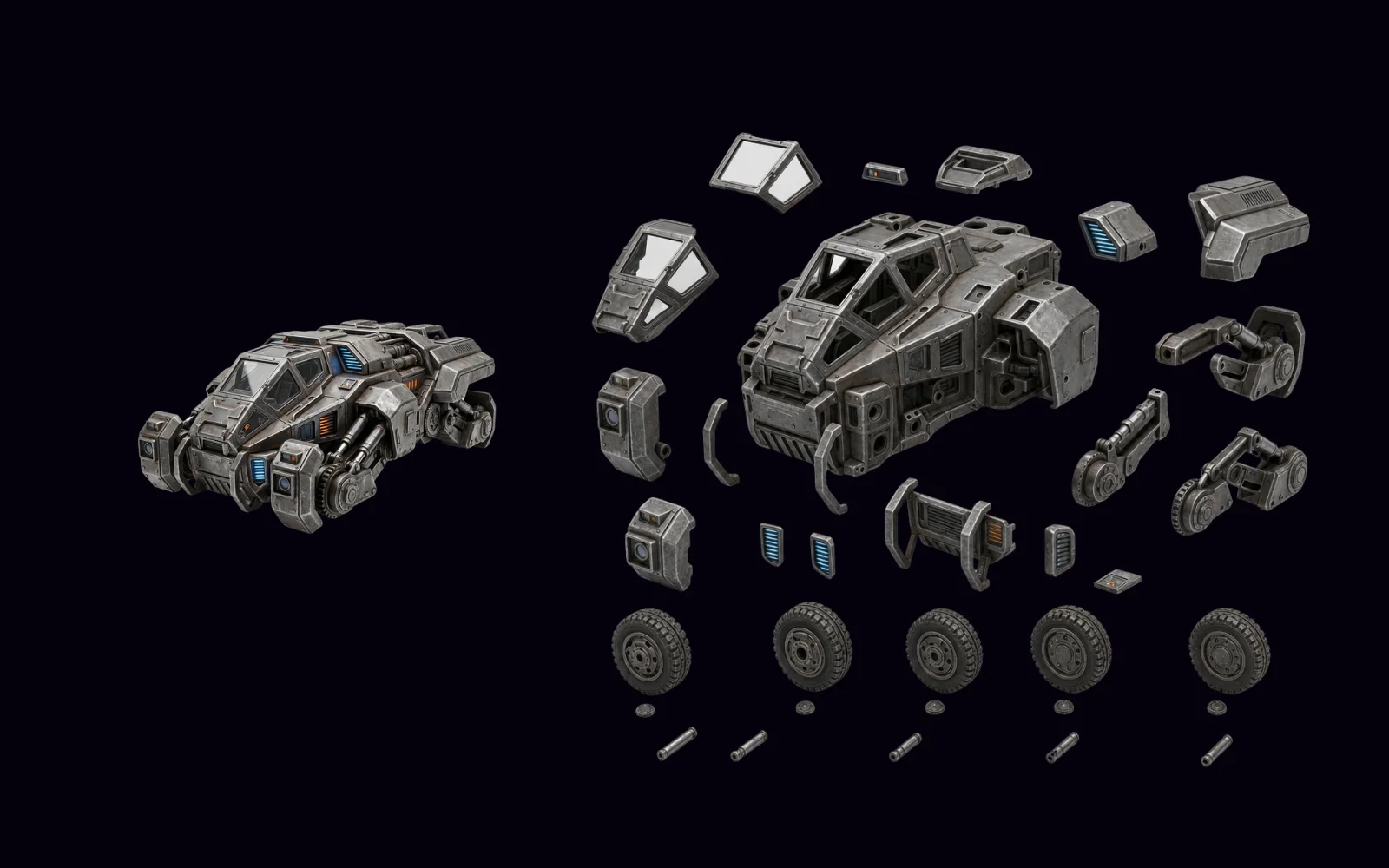
3D from 2D Parts Breakdown
Explode a character, mech, or vehicle image into a parts board, then convert it with Image to 3D.
Read more →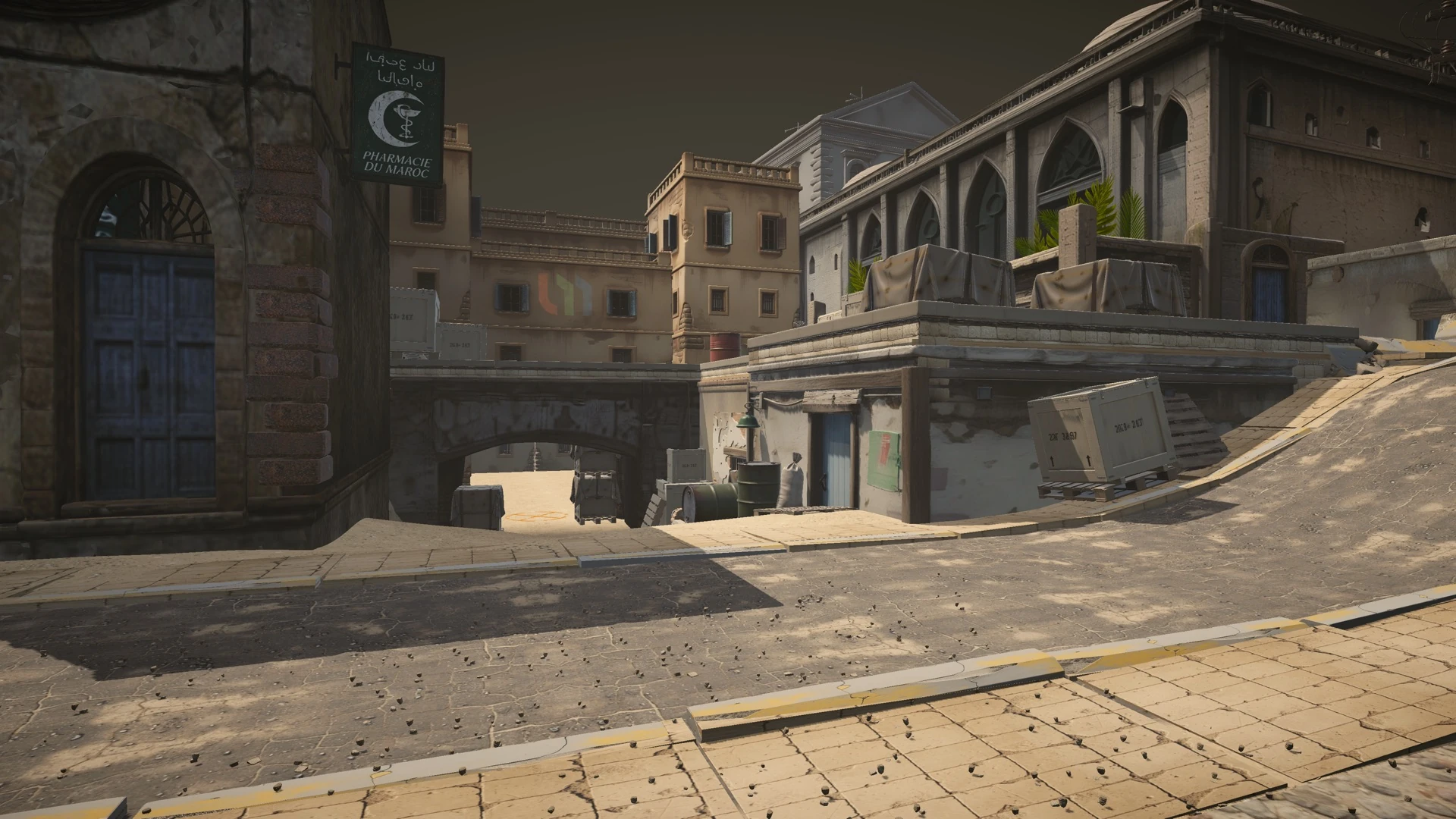
AI Agent Game Level Generation
An AI agent wired to the Unity Editor over MCP, generating props through the PicoBerry API and placing them by name.
Read more →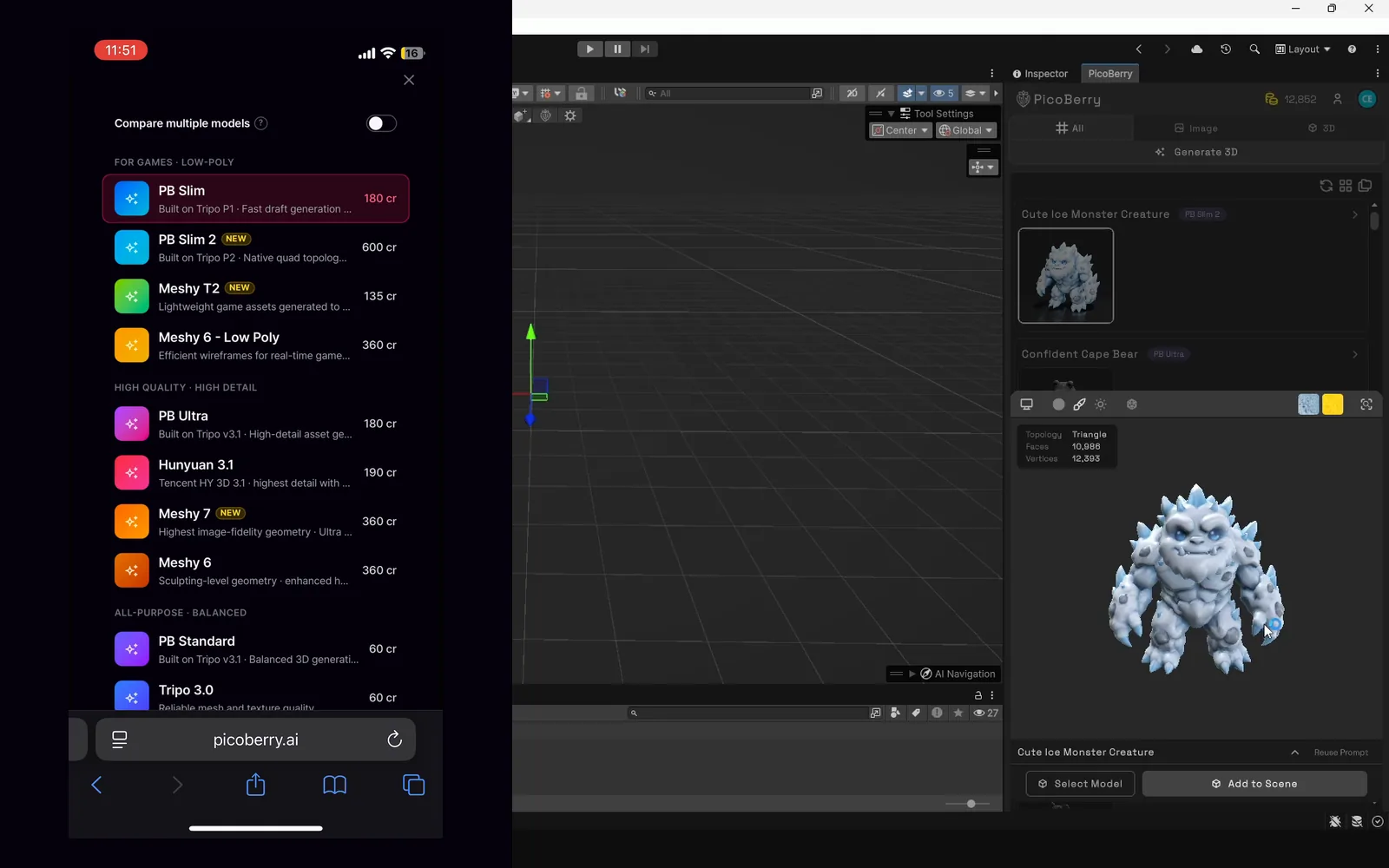
Generate 3D on Your Phone
Prompt and generate 3D on the phone in your browser, then open Unity — UModeler X reads the same asset library, so nothing is pushed or sent.
Read more →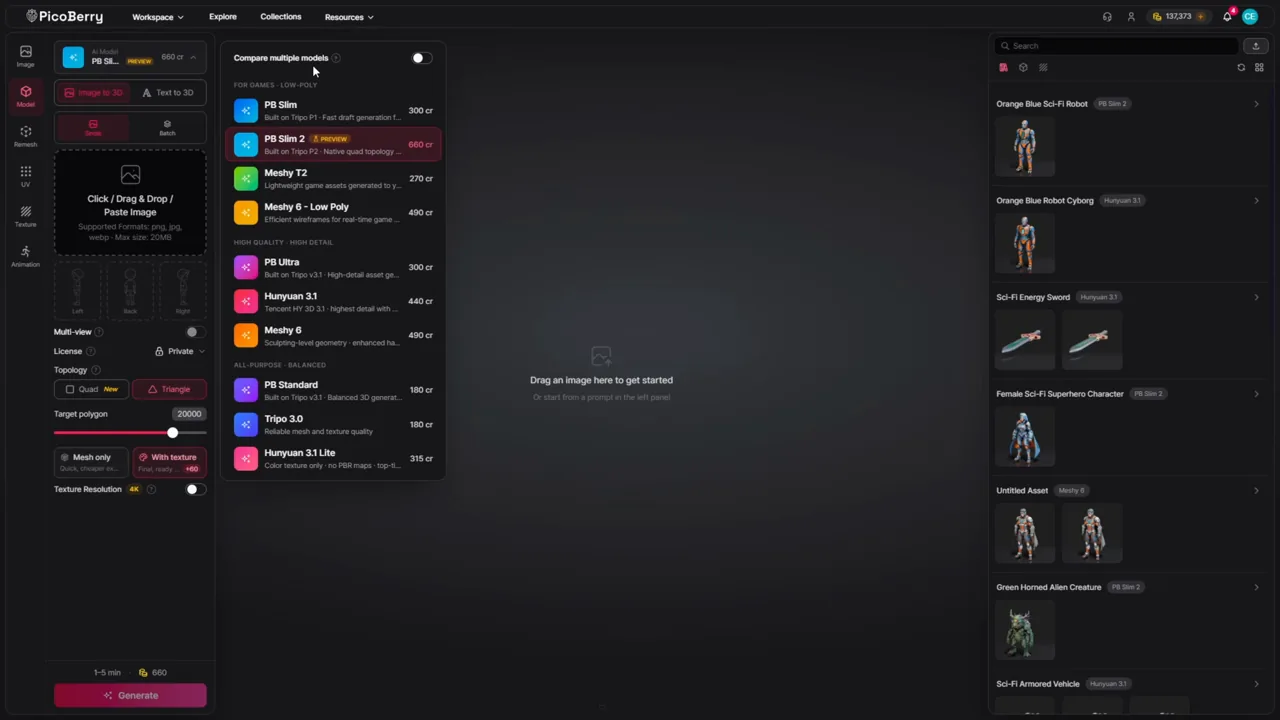
Choosing an AI 3D Model
There is no single best model — pick a starting candidate by asset type, then compare two on the same prompt.
Read more →Refine and finish
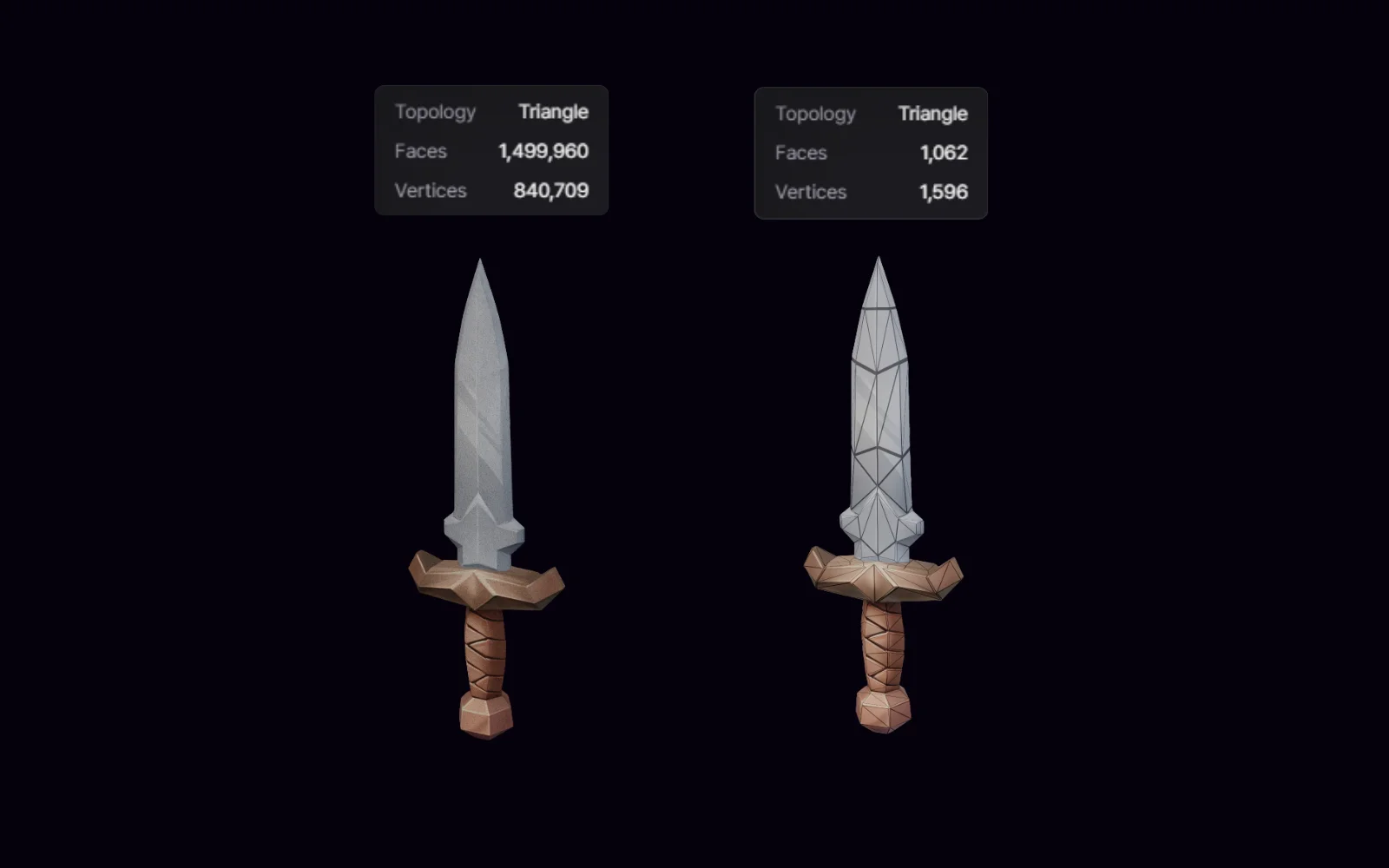
A first result is a candidate. These are the passes that get topology, surface, and motion ready for the next step.
Remesh Workflow
Rebuild mesh geometry and check topology before texturing, rigging, or bringing an asset into an engine.
Read more →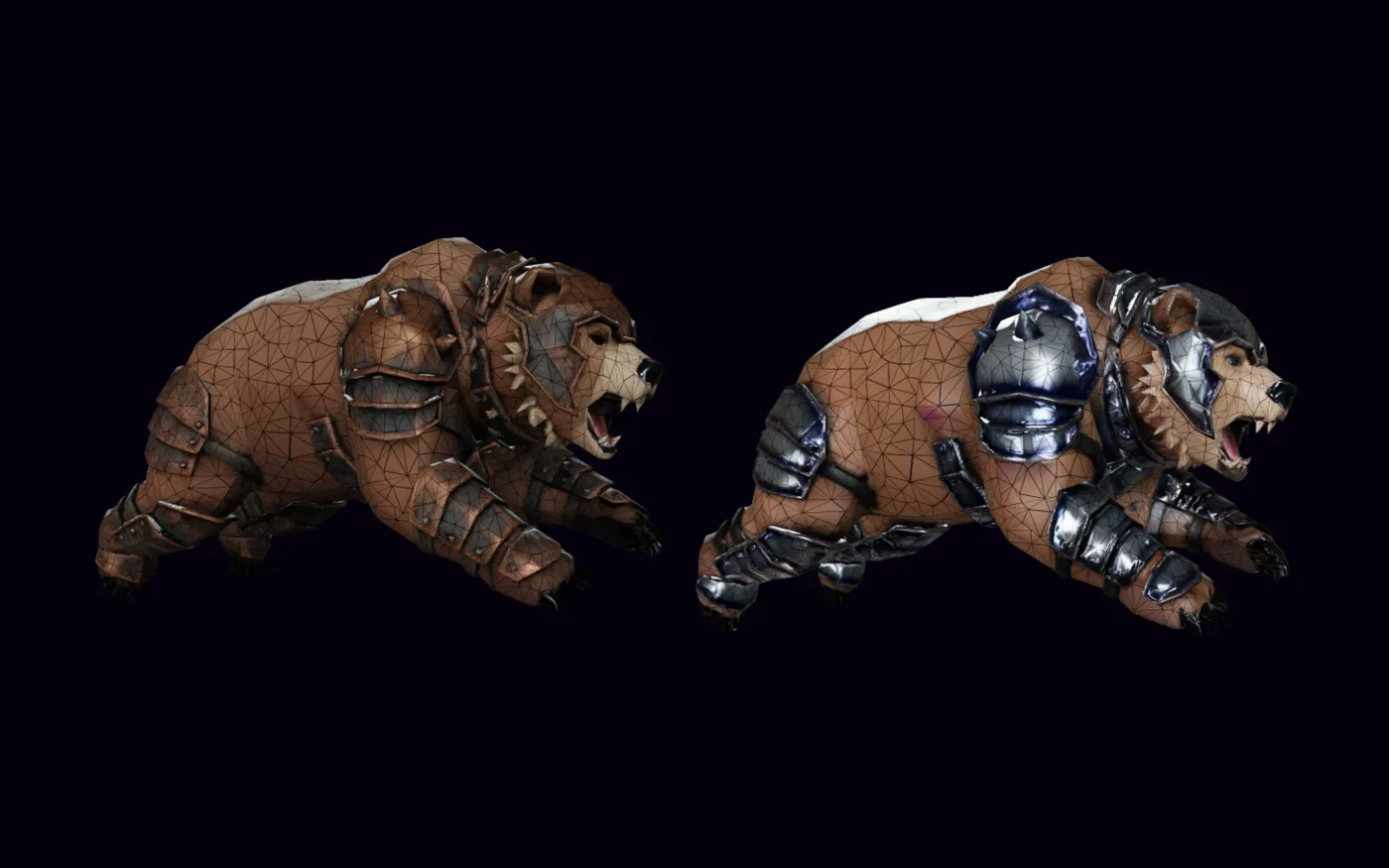
Texture Workflow
Right shape, wrong surface? Re-texture from an image reference, at resolutions up to 4K.
Read more →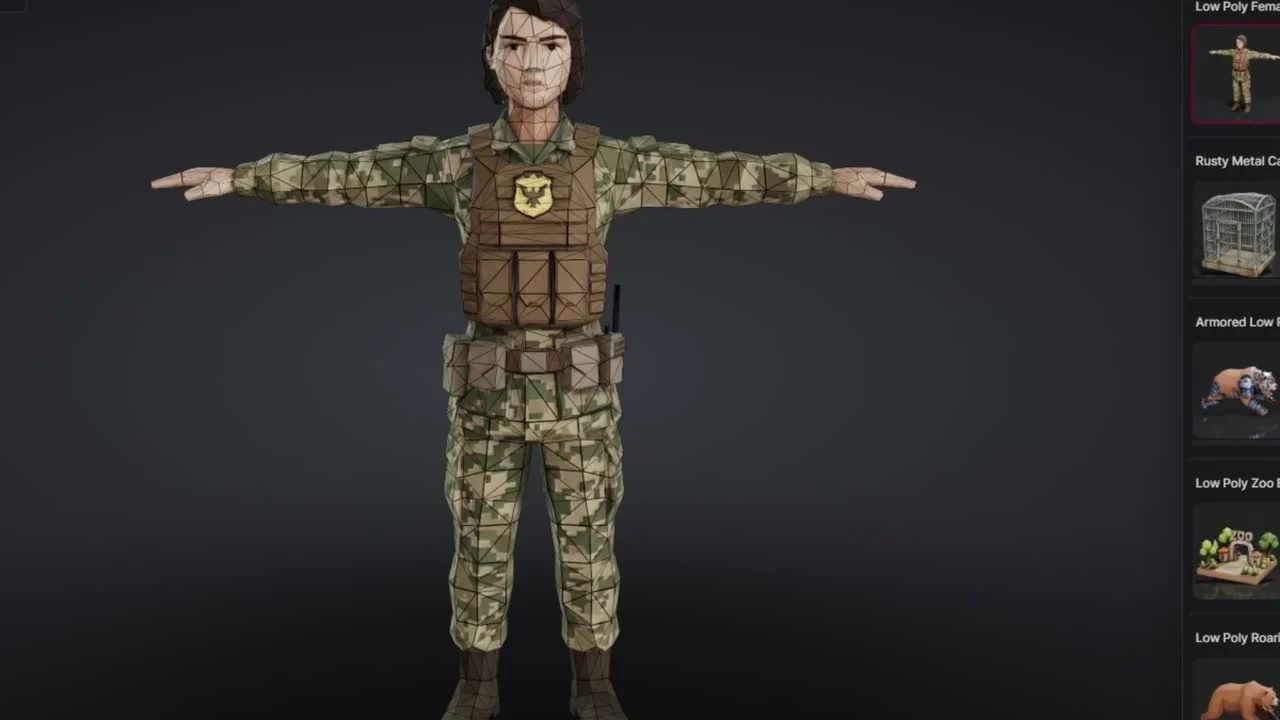
Animation Workflow
Auto-rig a humanoid, apply a library animation, preview the motion, then export GLB or FBX.
Read more →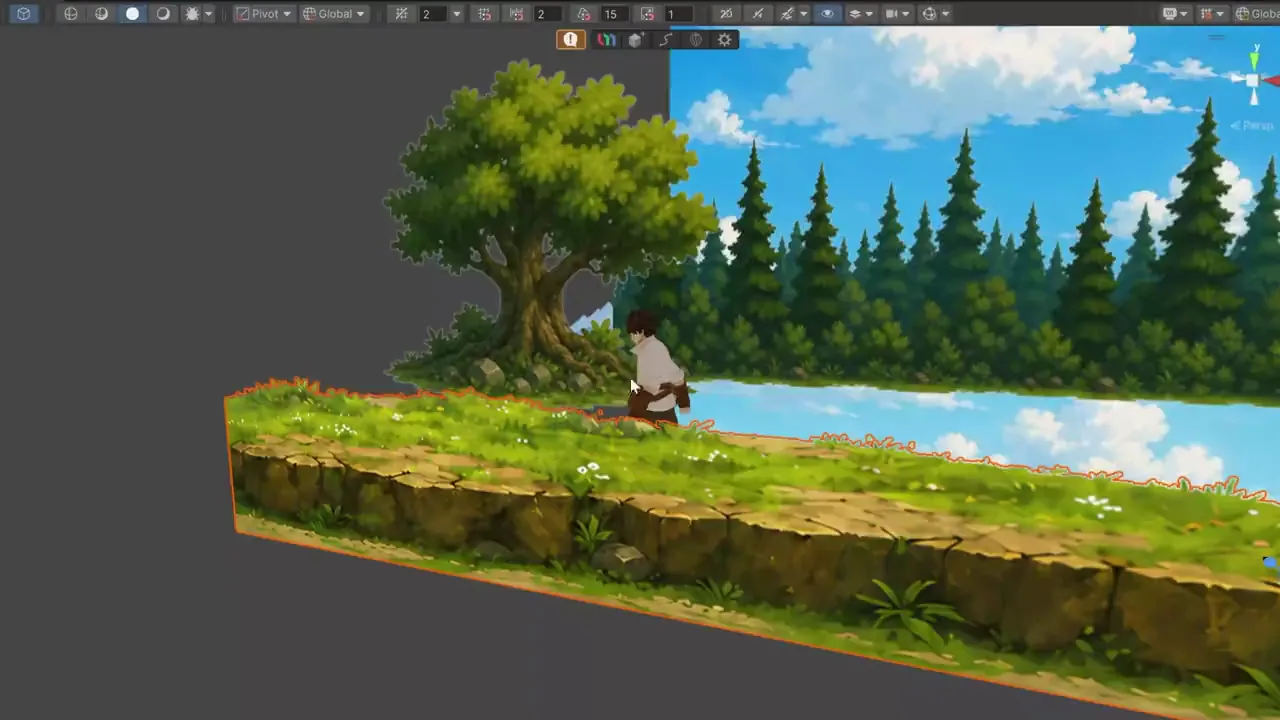
Render 3D as 2D
Put 3D assets into a Unity 6.3 URP 2D Renderer scene and play it to see how they actually read.
Read more →Organize and judge
Find assets again as the library grows, decide which ones are good enough, and see a game that was actually built this way.
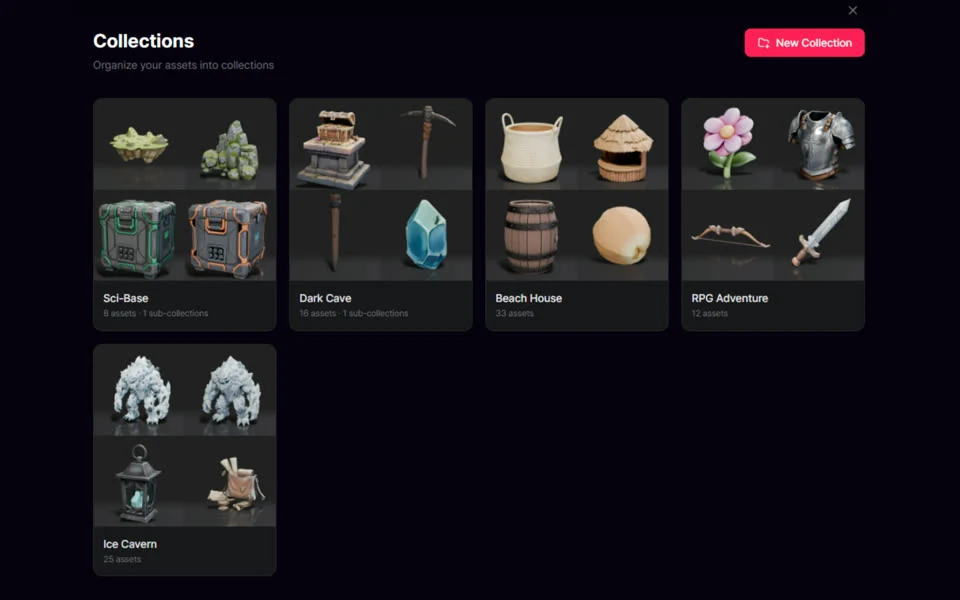
Organize Assets with Collections
Group generated models and images into named Collections, with sub-collections and asset-type filters.
Read more →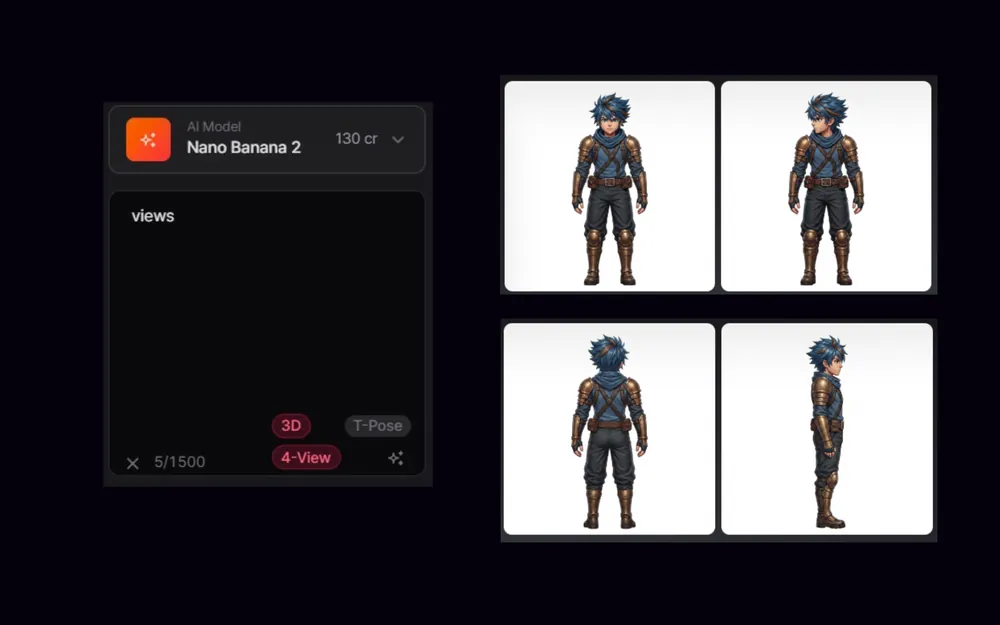
High-Quality AI Game Assets
Quality is decided after generation — how to judge silhouette, topology, scale, and textures.
Read more →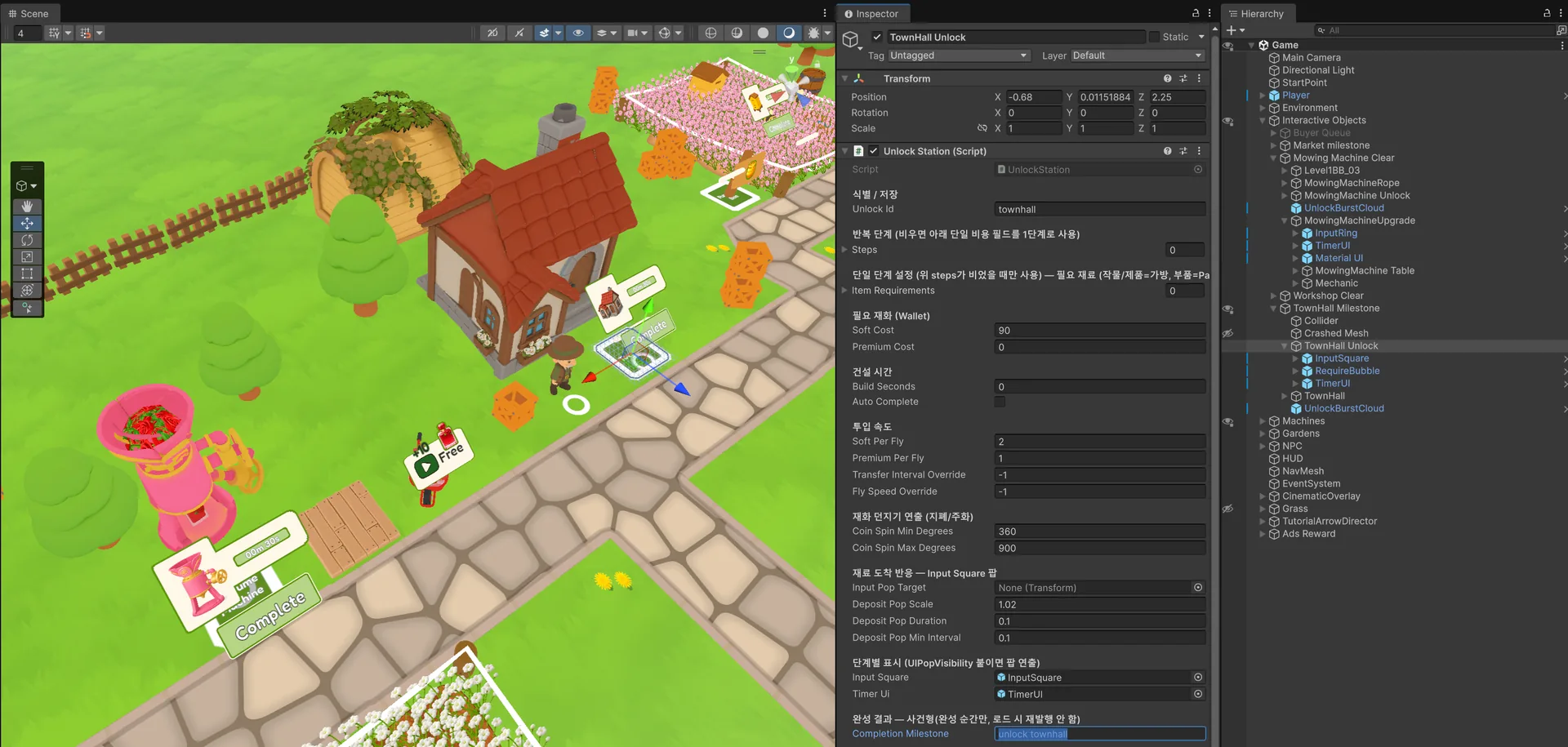
Game Built with AI-Generated Assets
One developer, 20 working days, every 3D asset AI-generated up to the first playable prototype.
Read more →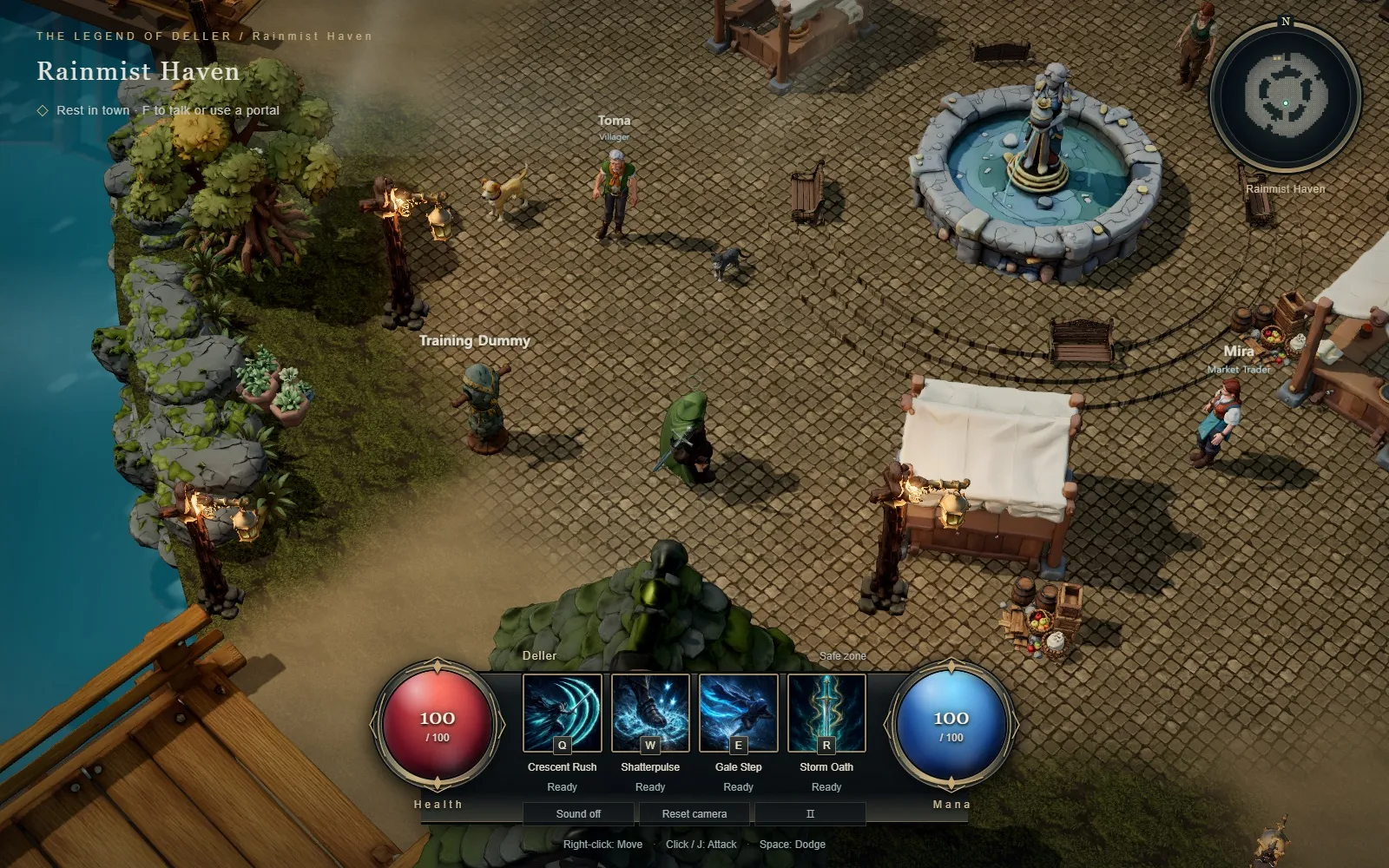
Build a 3D Game with GPT-6 ASTRA
GPT-6 ASTRA coded a playable three.js RPG in Codex; the PicoBerry API supplied its 3D models, humanoid rigs, and library animations.
Read more →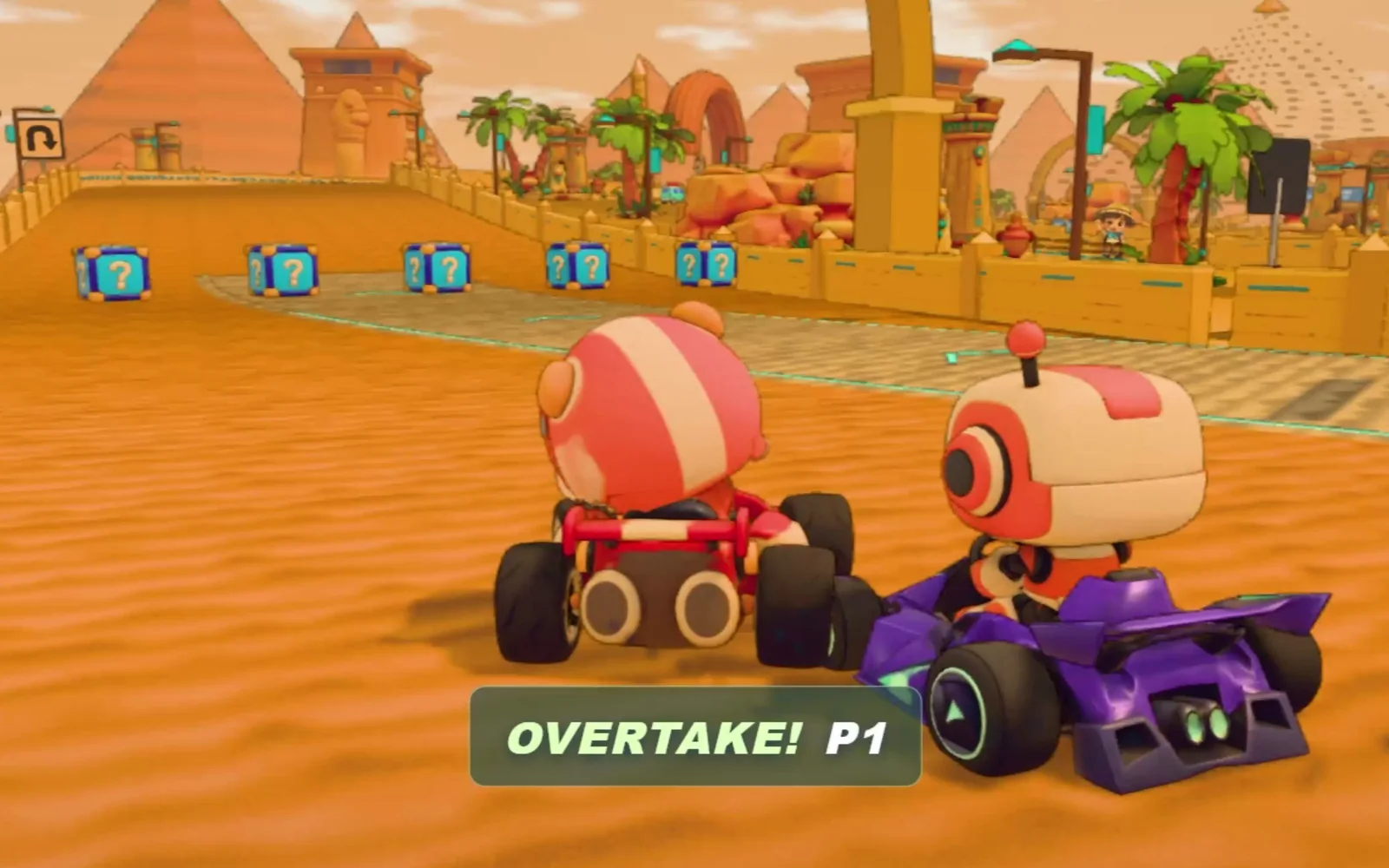
Build a Racing Game with GPT-6 Sol
The developer built a three.js kart racer with GPT-6 Sol; PicoBerry supplied its drivers, karts, props, and items: 64 models in play.
Read more →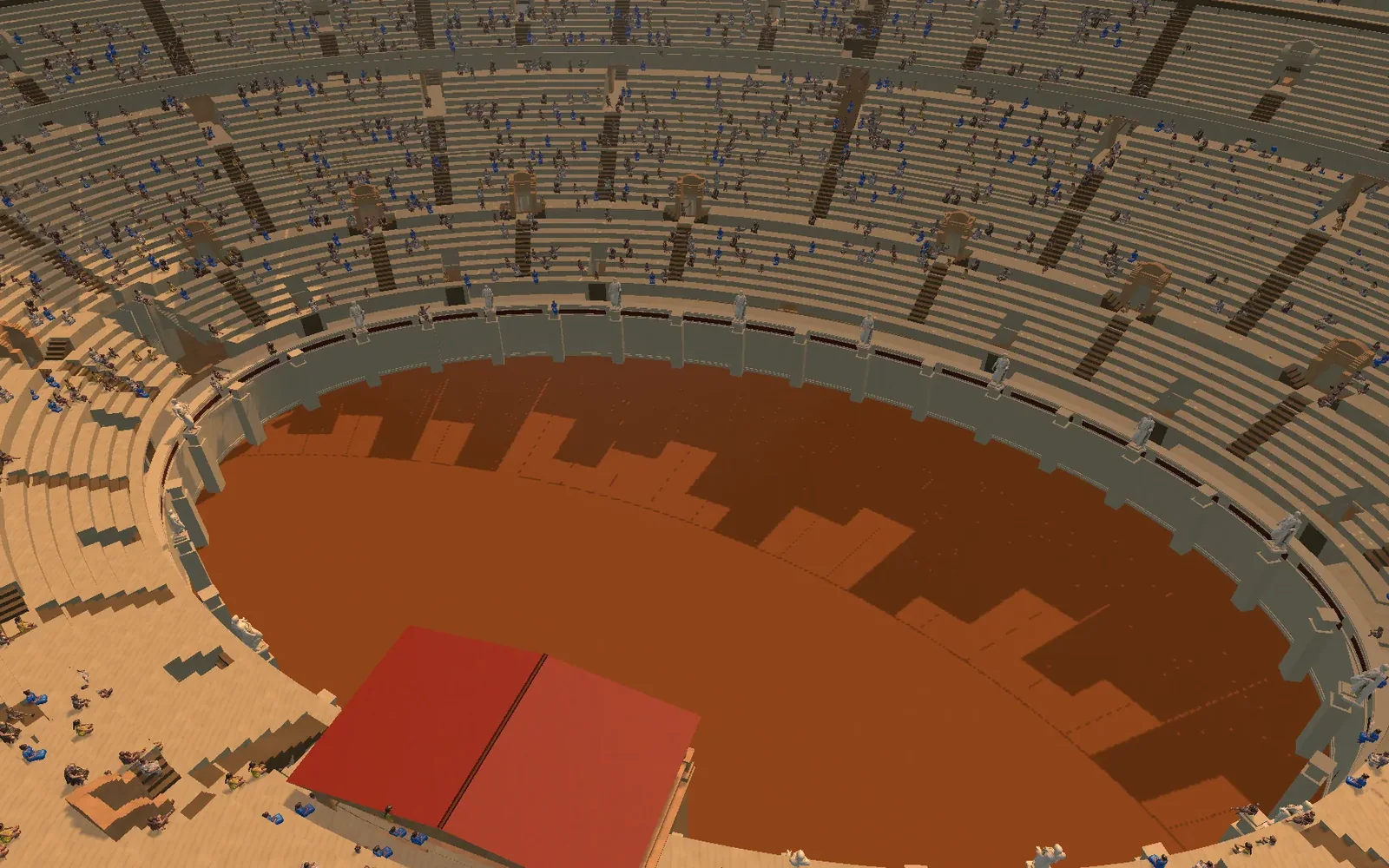
Model a Building from Drawings with GPT-6 ASTRA
GPT-6 ASTRA modeled the Colosseum from one spec in Blender and in Unity; the results matched, the build stayed in Unity with UModeler X, and PicoBerry filled the stands.
Read more →Faster to just try it
Start free and put your first 3D asset through the workflow you just read about.