Launch Event50% off annual plans · free Nano Banana images · Premium Templates with Max yearlySee the offer
NewSegmentation & PB Animation are liveTry it now
Remesh · Mesh rebuild workflow
PicoBerry Remesh Workflow — rebuild mesh candidates for the next pipeline step
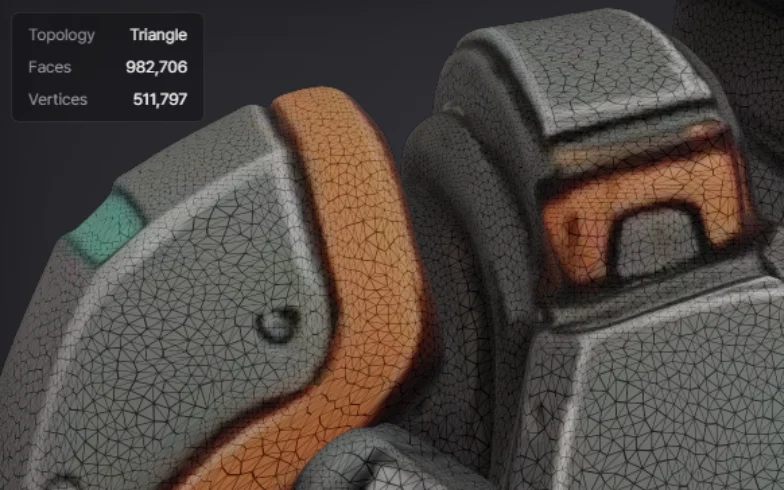
A generated model can look great and still carry topology that isn’t ready for texture, rigging, editing, or engine import. PicoBerry Remesh rebuilds the mesh, so you can look at the asset as a cleaner candidate for whatever comes next.
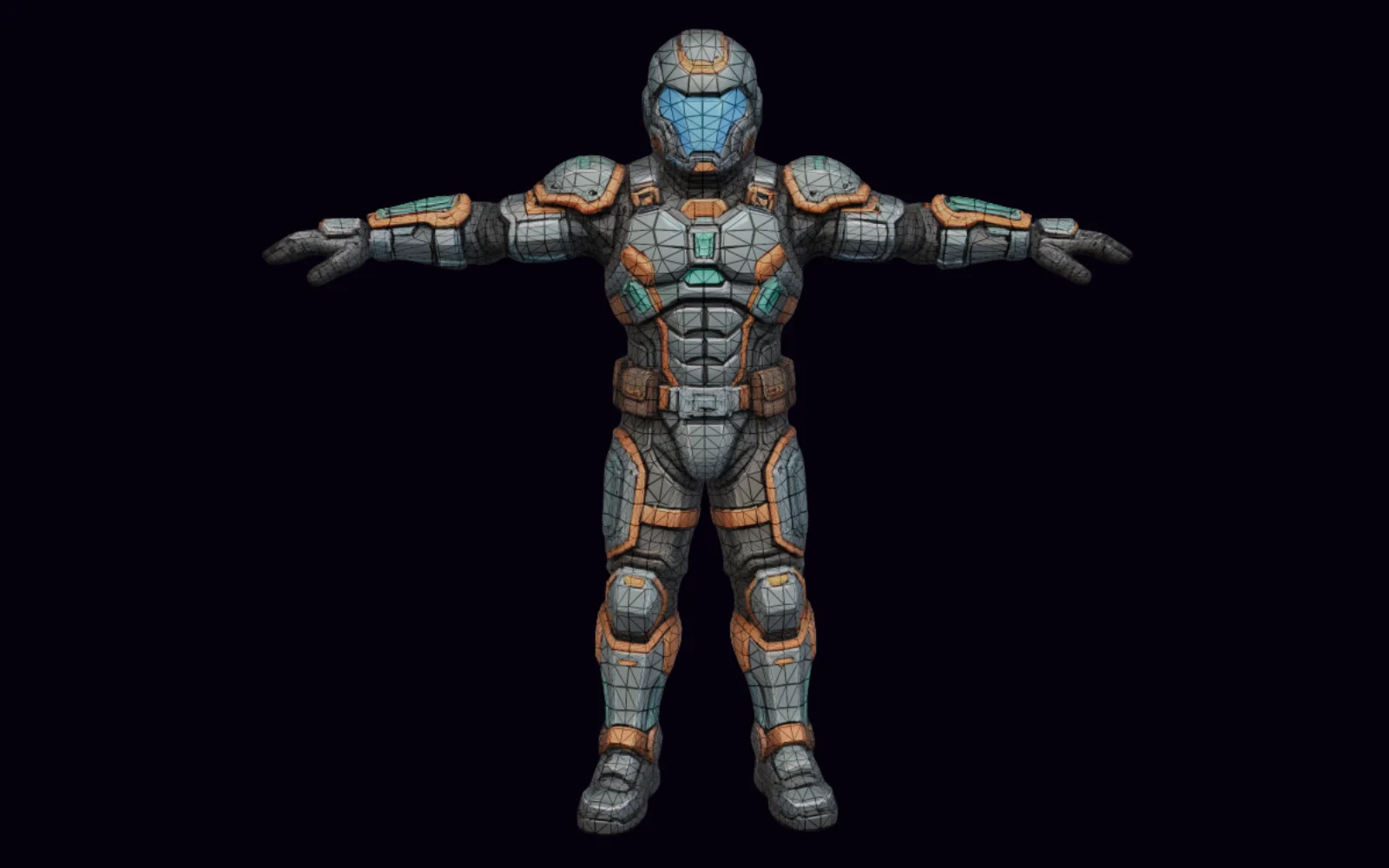
PicoBerry Remesh in action: rebuilding a generated model’s mesh for the next pipeline step.
Built forGame DevelopersUnityUnrealGodotBlenderPicoBerry
When should you remesh an AI-generated 3D model?
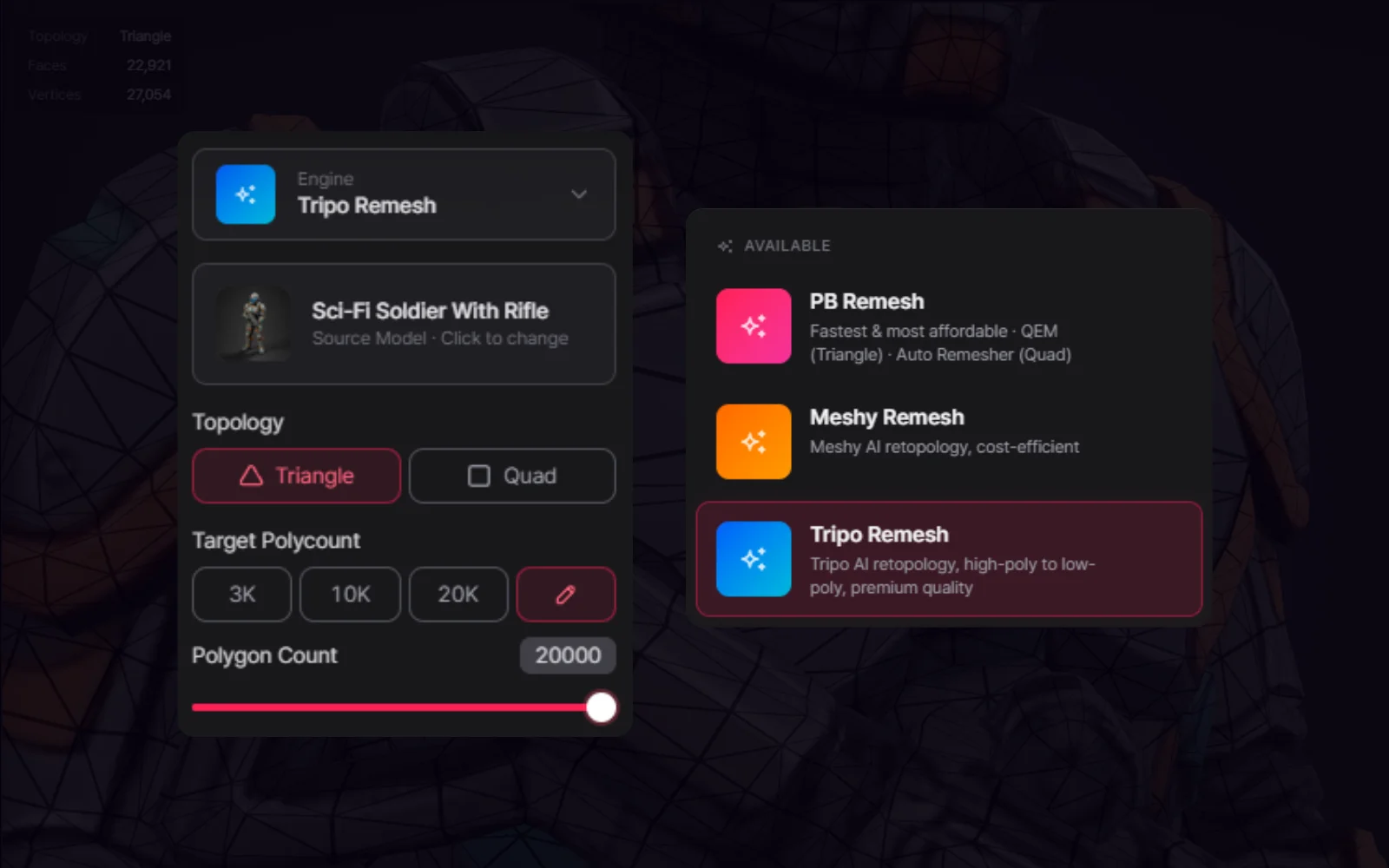
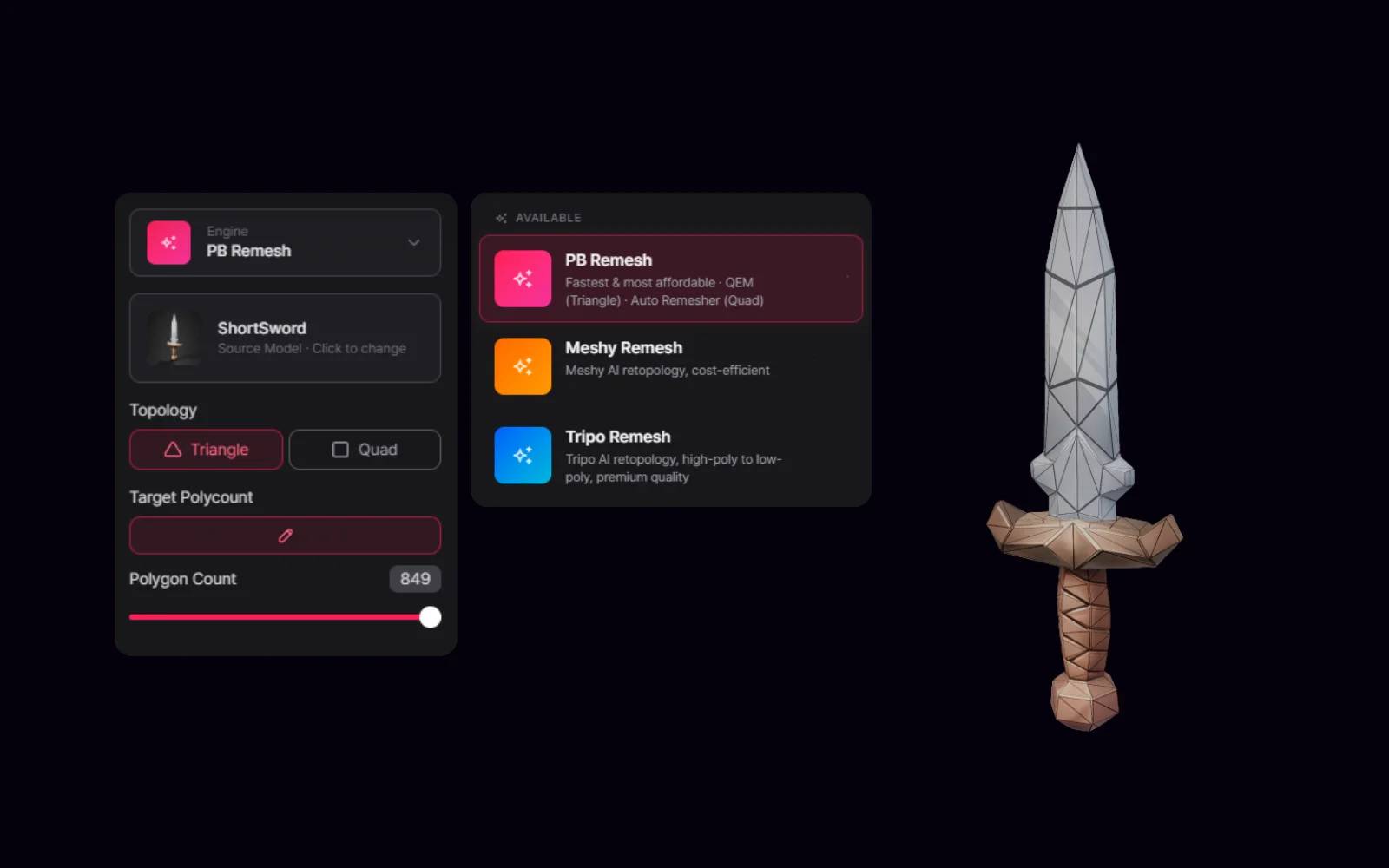
Remesh when the shape is right but the mesh is not: dense or uneven topology, a polygon count that misses your budget, or triangles where you need quads. In PicoBerry pick an engine — PB Remesh, Tripo Remesh, or Meshy Remesh — set triangle or quad topology and a target polygon count, then compare silhouette preservation, topology flow, and UV behaviour before and after. Do it before texturing, rigging, or engine import rather than after.
A great-looking generated model can still carry the wrong mesh for production
Render quality and mesh usability are two different problems. A model can sell the idea and still need its topology rebuilt before an artist can texture, rig, optimize, or edit it with any confidence.
Rebuild the mesh structure
Reach for Remesh when the topology, polygon density, or editability needs work.
Choose based on the next step
Different remesh options lean toward speed, cost, retopology quality, or geometry-only cleanup.
Plan the operation order
Remesh rewrites topology and can affect rigging or textures, so place it in the pipeline on purpose.
Where teams reach for Remesh
Use it when a promising model needs cleaner geometry before texture, rigging, editing, or engine review.
AI model cleanup
Turn a generated model with a promising shape into a cleaner mesh candidate.
Lower-poly exploration
Explore lighter versions when real-time performance or editability is on the line.
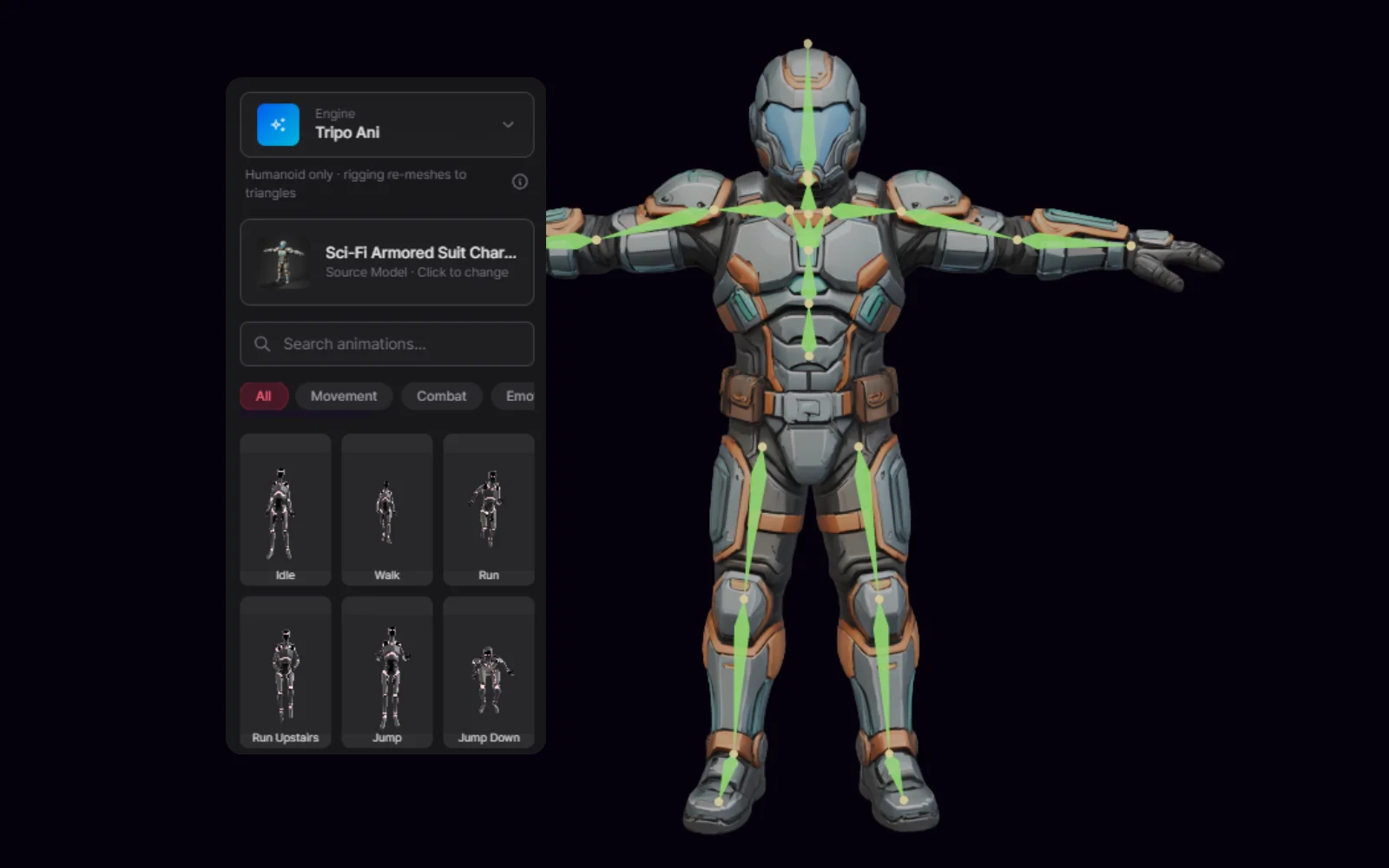
Pre-rigging preparation
Rebuild the topology before rigging when the source mesh isn’t up to it.
Texture continuation
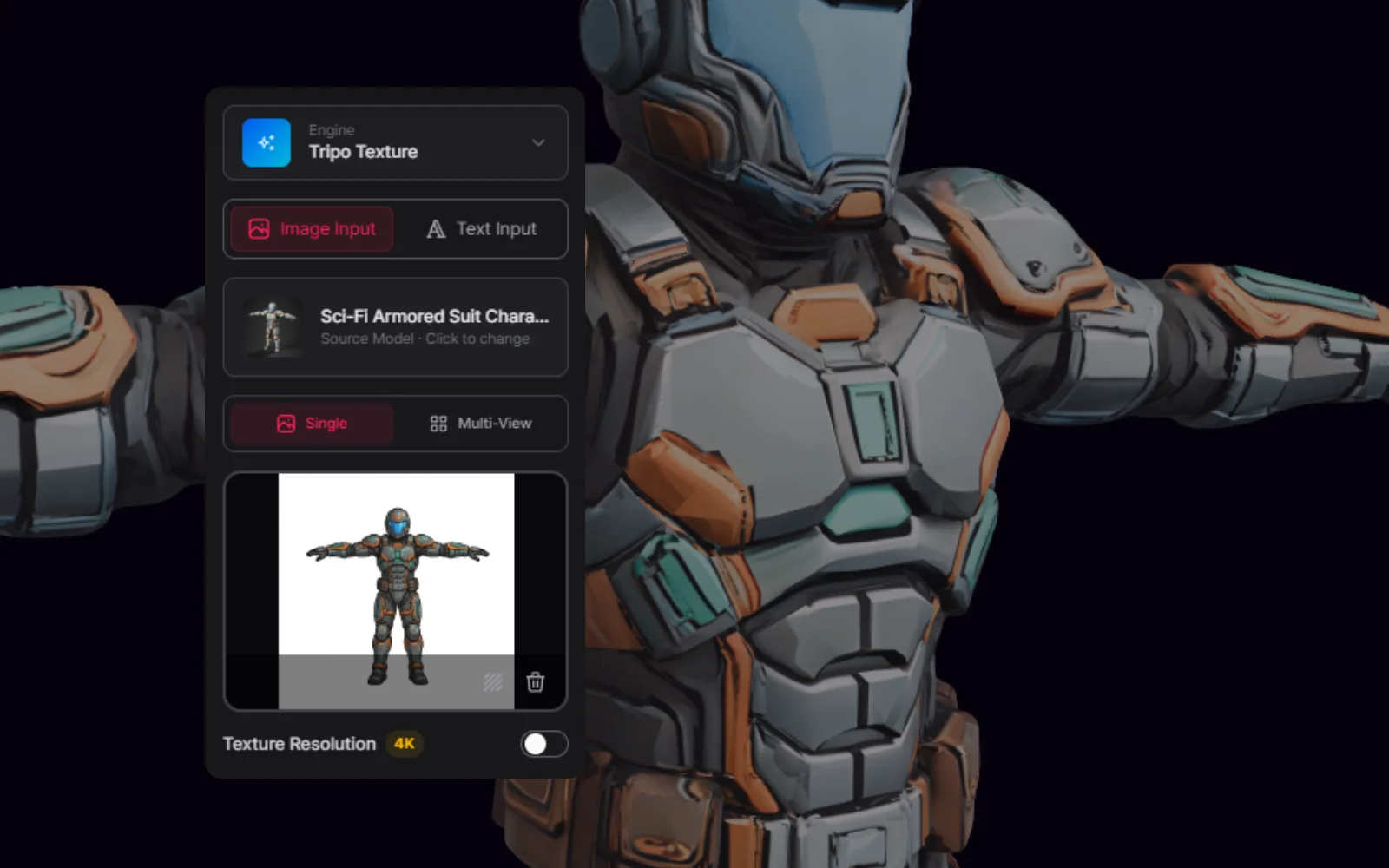
Re-check texture or material steps after a geometry-focused remesh.
Practical workflow
Start from a promising source model, rebuild the mesh, compare the topology, then carry on into texture, rigging, editing, or engine review.
STEP 01
Select the source model
Start from a generated or uploaded asset with a useful shape that still needs a mesh review.
STEP 02
Choose the remesh direction
Pick an engine — PB Remesh, Tripo Remesh, or Meshy Remesh — set triangle or quad topology, and choose a target polygon count based on whether texture, rigging, editing, or engine import comes next.
STEP 03
Compare before and after
Look at silhouette preservation, topology flow, polygon density, UV behavior, and any texture impact.
STEP 04
Continue the pipeline
Move the remeshed candidate into texture, UModeler X, Blender, rigging, or engine-specific optimization.
Where this fits in a game-asset pipeline
Lean on it where it speeds up a decision, and review closely where production constraints are tight.
Best fit
Generated models with messy topology, high-poly candidates, pre-rigging cleanup, and assets that need to be easier to edit.
Use caution
Already-rigged assets, work where the texture has to be preserved, or models with exact topology requirements.
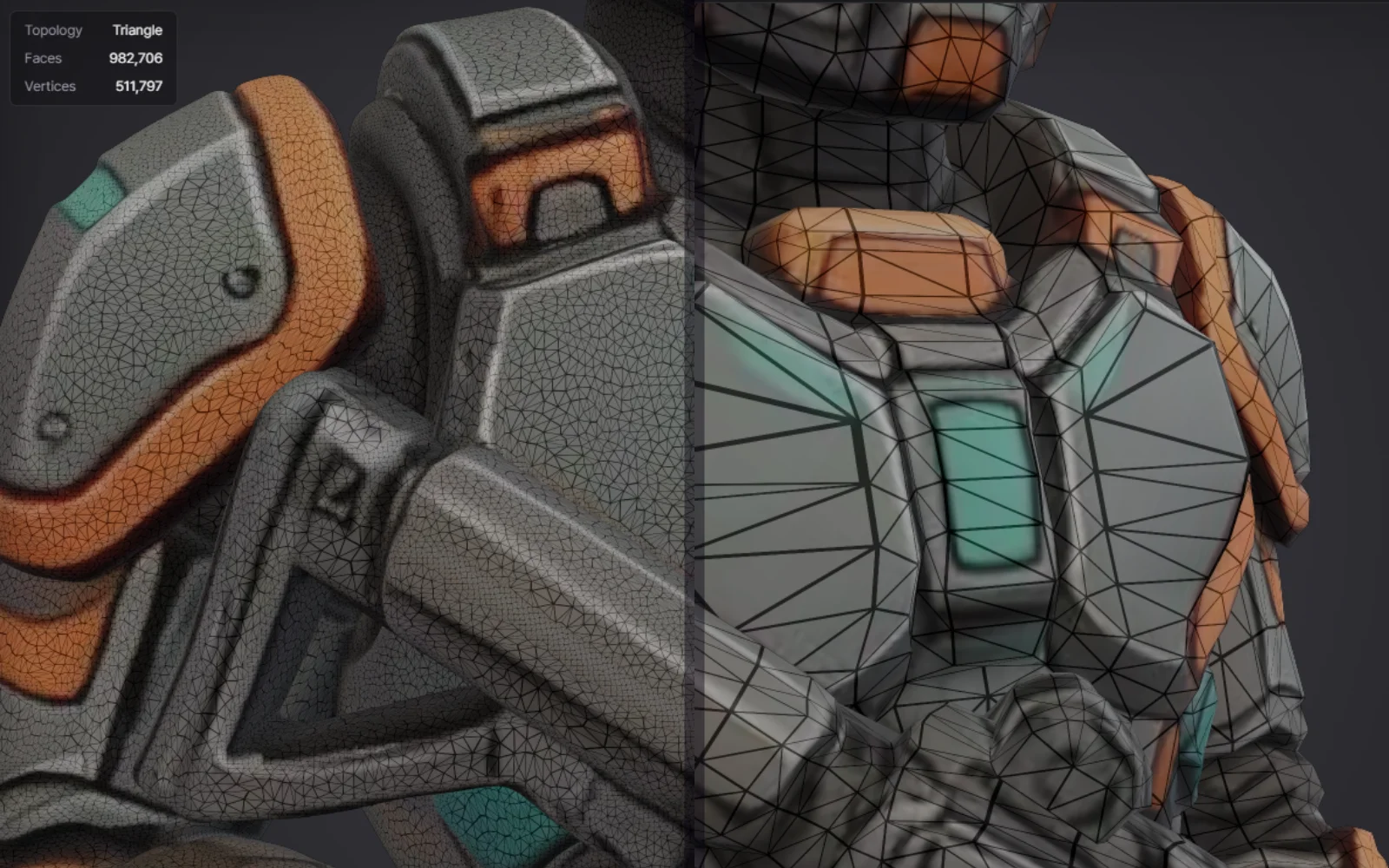
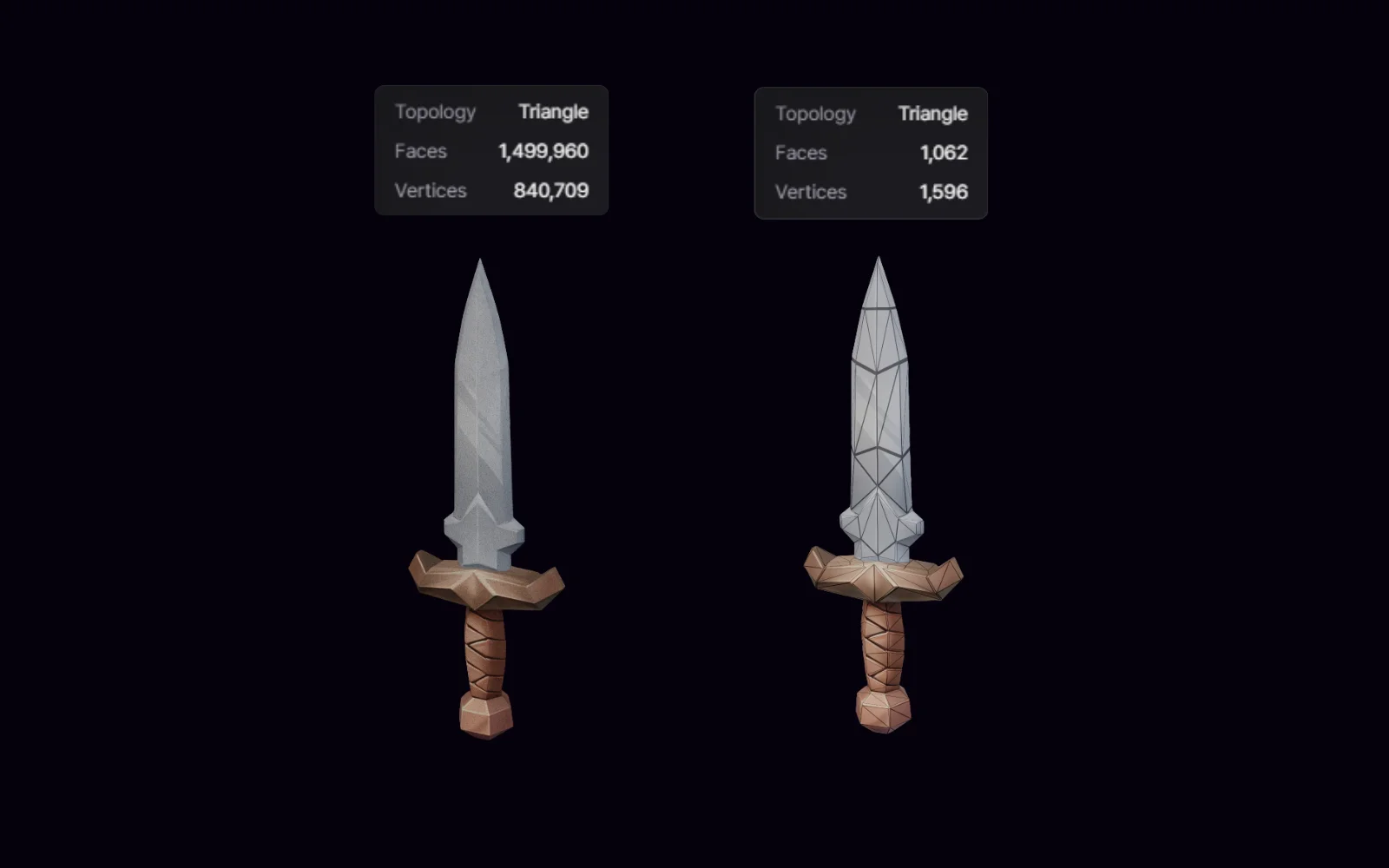
See the source mesh, the remeshed candidate, and the next-step inspection together so the topology change is clear.
Before / after topology
The source mesh and remeshed candidate shown with a wireframe or topology comparison.
Settings and engine choice
The remesh settings and engine choice tie directly to the resulting mesh and the next pipeline step.
Next-step continuation
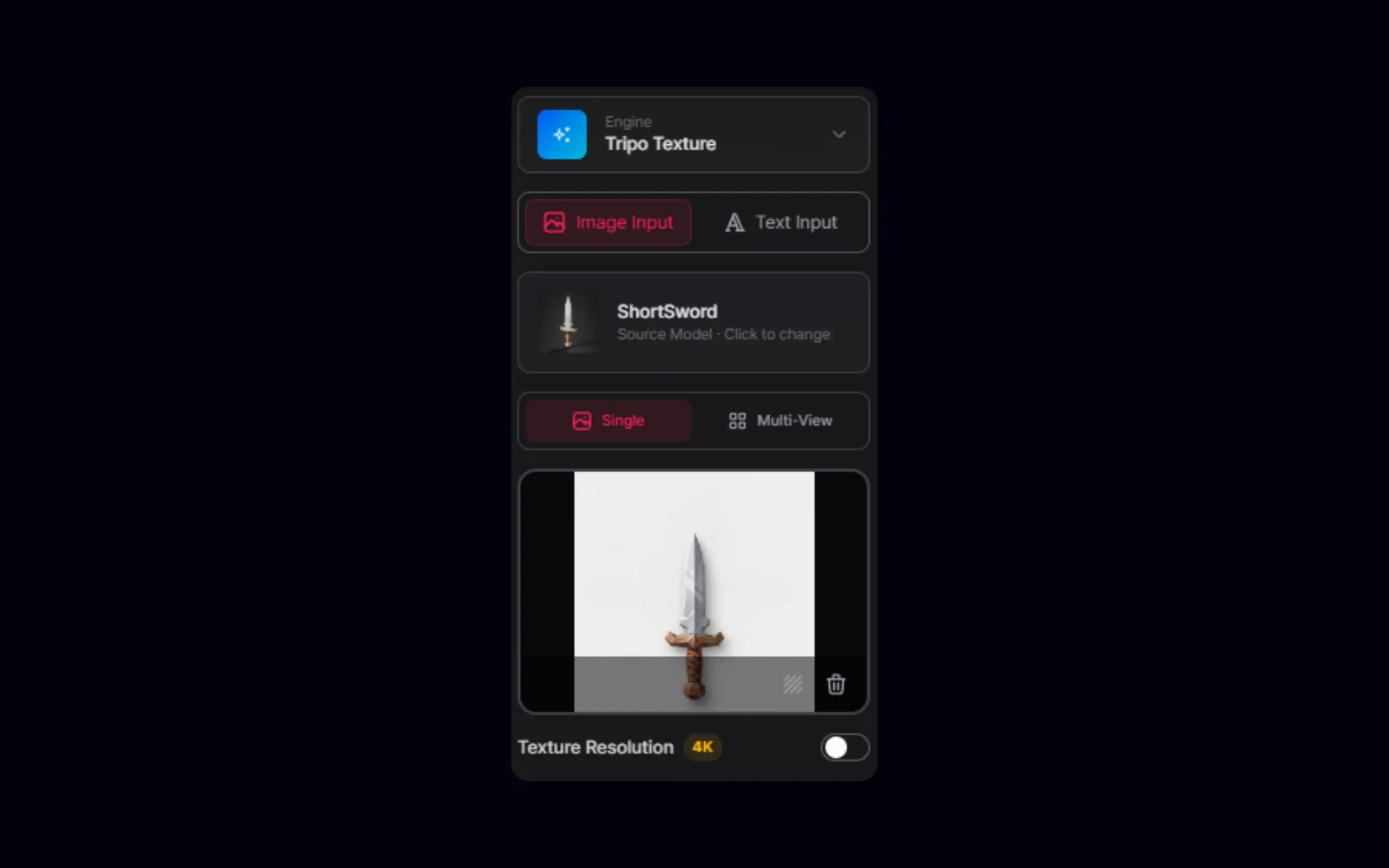
The remeshed result moves on into Texture, Unity, Blender, or UModeler X for a closer look.
Frequently asked questions
What does PicoBerry Remesh do?
PicoBerry Remesh rebuilds the geometry or topology of a 3D model. It helps when a generated or uploaded asset needs a cleaner mesh candidate before texture, rigging, engine import, or manual editing.
When should I run Remesh?
Run it after generation or upload when the shape is promising but the mesh structure needs work. As a rule of thumb, remesh before you rig.
Does Remesh preserve rigging?
No. Because it rebuilds the topology, you shouldn’t expect rigging to survive. Start from a non-rigged source, or remesh before rigging when topology work is needed.
Does Remesh preserve textures?
It depends on the remesh workflow you pick. Some geometry-focused options remove or change textures, so plan to re-check or rerun the texture step afterward.
Does a remesh alone make a model usable in a game?
No. Remesh can sharpen up the mesh candidate, but whether an asset is usable in-engine still comes down to UVs, textures, rigging, collisions, LODs, engine performance, and your project’s own standards.
What should I compare after remeshing?
Compare silhouette preservation, topology flow, polygon count, UV and texture behavior, editability, and whether the model is a better fit for the next step.
Rebuild promising generated assets into cleaner mesh candidates for review.
Use PicoBerry Remesh to rebuild messy topology, control the polygon count, and get an asset ready for texture, rigging, editing, or engine review.