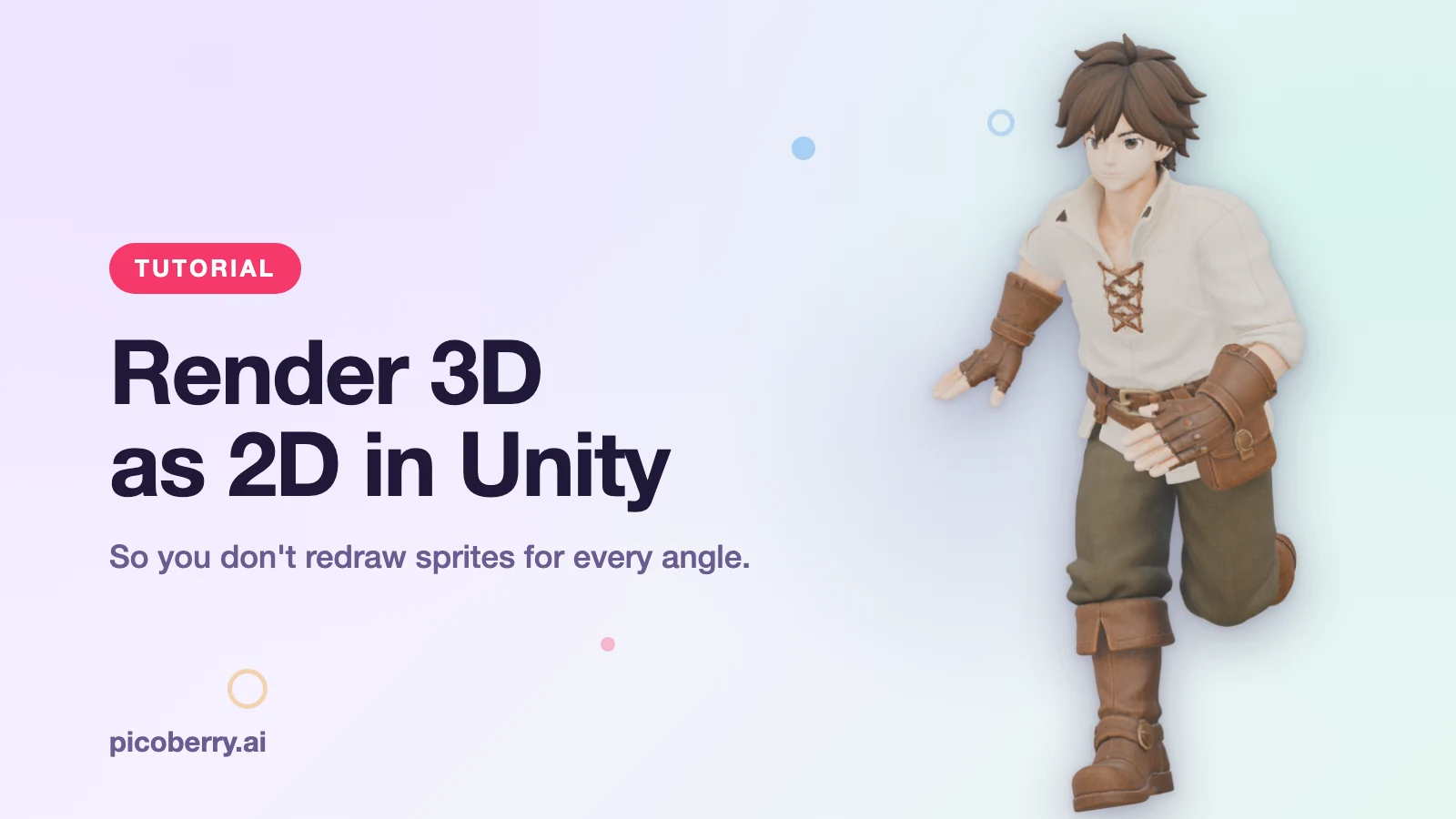
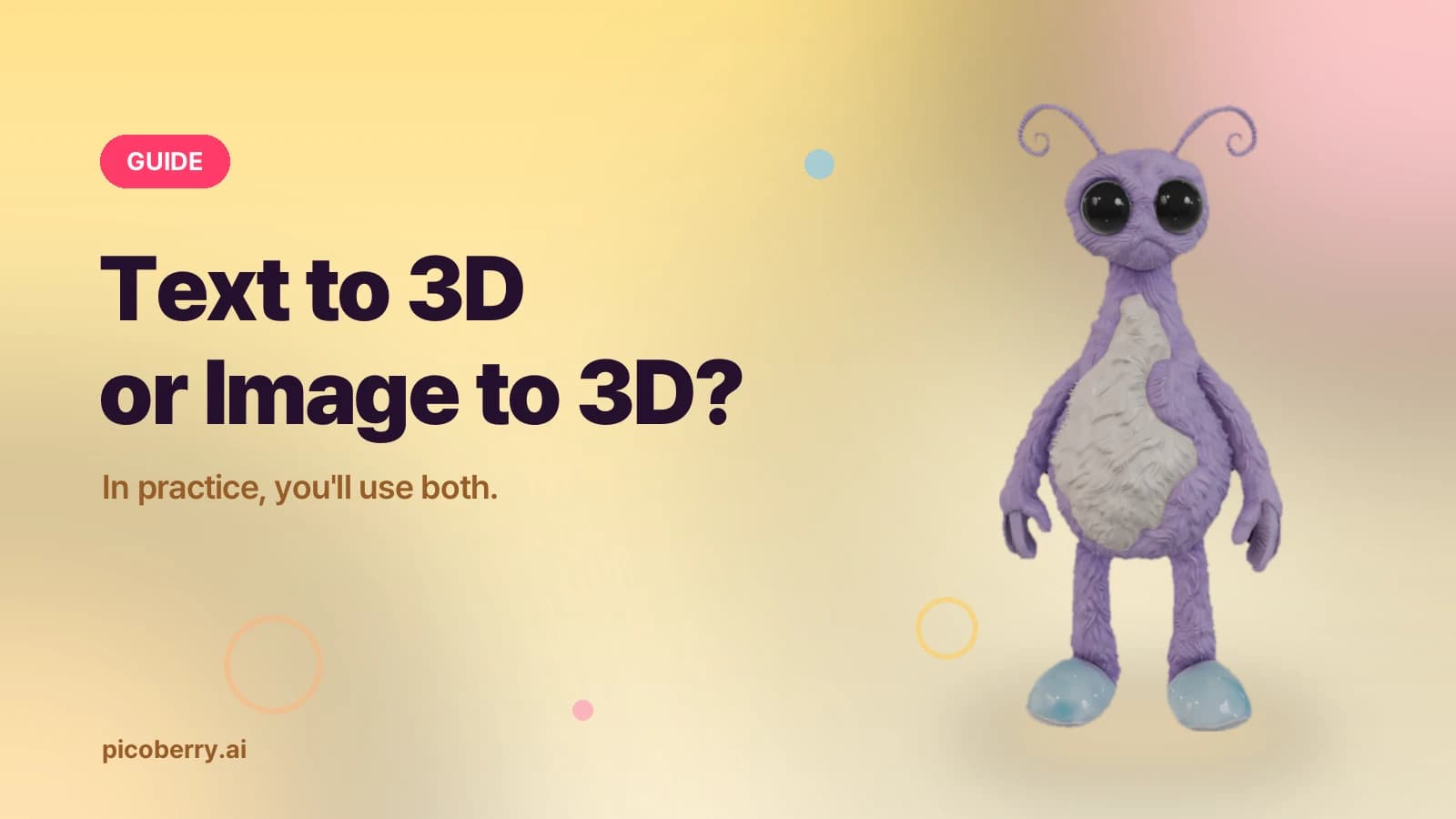
Generating a 3D model now takes minutes. But the moment a model appears on screen is not the moment a game asset is finished. A generated result is still a candidate, and whether that candidate belongs in your game is decided inside the Unity scene. This article lays out the practical workflow for judging an AI-generated 3D candidate — and refining the ones worth keeping — until it's ready to use.
What is the real value of AI 3D generation?
The real value of AI 3D generation is not instant production — it's moving judgment earlier.
In early asset work, the expensive thing is usually uncertainty, not polygon count. A team can spend a full day hand-modeling a prop, a background object, or a stylized character direction, only to discover the idea doesn't read in 3D.
AI 3D generation changes that first decision loop. Instead of waiting for a fully hand-built model, you generate candidates, place them next to real level geometry, and discuss something visible. It doesn't remove review. It pulls review earlier — while changing direction is still cheap.
Why do you have to put it in the scene?
Because a mesh in isolation is not a decision, but a mesh in a scene is.
Game teams need to know real things: does the silhouette read from the gameplay camera, does the scale work next to the player, does the material direction belong, and is the result worth another hour of human attention. Those questions aren't answered by a thumbnail, a prompt, or the first orbit preview. They're answered when the object sits next to the rest of the game and has to survive scale, lighting, camera distance, and taste.
- Text input is a compact asset spec — a good prompt isn't decoration. It carries role, style, silhouette, material direction, and constraints.
- Concept art becomes a spatial argument — an image-to-3D candidate exposes what the 2D concept was hiding: volume, proportion, thickness, and missing sides.
- Unity makes the draft tell the truth — a draft placed in Unity has to answer harder questions: scale, camera readability, lighting, hierarchy, and fit.

How does a candidate become a game asset? (4 steps)
The workflow summarizes in four steps — create a text or image prompt, generate and compare several 3D drafts, add the chosen result to the Unity scene, and refine with UModeler X when you need more control.
1. Treat the prompt or concept image like a production spec
A good input doesn't just describe — it tells the generator what matters. For a prop, that might mean gameplay function, dominant silhouette, material, wear level, and expected scene style. For a character or creature draft, it might mean proportions, costume direction, surface treatment, and whether the asset is meant for a close-up hero view or background iteration.
Image-to-3D works best when the reference has a readable subject, minimal occlusion, and enough visual information to infer volume. If the image hides the back side, joints, thickness, or separate parts, treat the result as an interpretation, not a finished specification.

2. Generate several candidates and compare their decision value
PicoBerry lets you generate several candidates and compare them instead of betting on a single output too early. One result may preserve the silhouette better, another may produce more convincing surface detail, another may be easier to clean up. Committing to one result too soon can hide better options.
Keep the comparison practical: which candidate communicates the asset's role most clearly, which is easiest to place in a real scene, and which is worth an artist's time? The most detailed result and the most useful result are often different models. Usually the one that gets the team to a decision wins.

3. Bring the draft into Unity and evaluate it where it will be used
A model that looks promising in a web preview can still fail inside a game scene. Your Unity evaluation should check scale, pivot/origin, silhouette from the intended camera, collision needs, material readability, lighting response, and whether the asset distracts from gameplay hierarchy.
This is where a generated asset becomes part of a pipeline instead of a gallery item. A crate, a sci-fi device, a background prop, or a vehicle blockout has to be judged next to other assets, under real lighting, at the distance players will see it.

4. Refine inside Unity with UModeler X
Generated assets are drafts. Some go straight into prototyping; others need cleanup, adaptation, or more deliberate editing. UModeler X lets Unity teams keep modeling, UV, painting, and rigging-related work inside the Unity Editor instead of constantly switching context.
That doesn't remove the need for judgment. Teams still review topology, UVs, material direction, rigging needs, LOD/performance targets, and final engine requirements. But because the next step happens where the scene already lives, the path from AI generation to practical iteration gets shorter.

Where is this workflow a strong fit?
It's strongest when the goal is exploration, prototyping, or fast visual decision-making. It's especially useful for:
- Props and set dressing — crates, lamps, signs, market objects, sci-fi devices, furniture, weapons, decorative pieces.
- Environment iteration — background objects, modular details, themed asset sets, blockout replacements.
- Concept-to-scene review — turning a 2D direction into something you can place near real level geometry.
- Style exploration — comparing several candidates before committing artist time.
- Unity workflows — moving selected candidates into UModeler X for in-editor refinement.
When should you be cautious?
A responsible AI 3D workflow is clear about its review boundaries. Hero characters, deformation-heavy creatures, exact product replicas, mechanical assets with precise functional parts, or assets that must meet a strict technical-art specification should go through deeper review before production use. The generated draft can still be valuable — but its value may be concept acceleration rather than final asset delivery.
Before it goes in the scene, run the checklist:
| Check | What to look at |
|---|---|
| Silhouette | Does the shape read from the intended camera? |
| Scale | Is the size right next to the player and nearby assets? |
| Pivot / origin | Is the placement/rotation anchor usable? |
| Topology | Is it clean enough to edit and deform? |
| UVs | Do textures sit naturally? |
| Material direction | Does it fit the scene's tone? |
| Texture consistency | Are color, normal, and roughness consistent? |
| Collision | Does it need collision setup? |
| Rigging / deformation | Are there skinning or deformation requirements? |
| LOD / performance | Does it fit the polygon and performance budget? |
| Camera distance | Does it hold up at the distance players see it? |
How is this different from a "one-click final asset" promise?
The most credible way to present AI 3D generation is not to promise that every result is game-ready. Game assets are contextual. A model can be visually impressive and still need topology cleanup, UV adjustment, texture edits, collision setup, scale correction, or rigging work.
PicoBerry's more useful promise is workflow value: faster starting points, more candidate directions, multi-candidate comparison, export paths, API access for developers, and a continuation path into Unity with UModeler X. That's a stronger, safer claim than treating generation as a replacement for the whole art pipeline. AI doesn't replace the artist — it helps the artist judge faster and try more.
How does this support game teams?
- Solo developers — reduce the blank-page problem and make early scenes feel tangible sooner.
- Small teams — discuss asset direction with real 3D candidates instead of only mood boards.
- Technical artists — draw a clearer boundary between exploration assets and assets that deserve deeper cleanup or production treatment.
- Tool builders — the PicoBerry API extends the same idea into automated pipelines, internal tools, agents, and asset workflows. Generation becomes part of a larger system: create → compare → remesh → retexture → export → notify → continue through downstream review.
If you're weighing workflow value, commercial use, API access, and generation capacity across tools, see the pricing comparison.
In one line
AI 3D generation doesn't finish the asset — it hands you a candidate to judge, fast. Generate and compare several with PicoBerry, put them in a Unity scene to test scale, silhouette, and material under real conditions, then refine only the survivors with UModeler X. AI doesn't finish the asset. It makes the next decision impossible to ignore.