Guide · Hard-surface objects

Best AI 3D model for hard-surface objects

Weapons, vehicles, machines, gear: the crisp, mechanical objects with clean panels and hard edges. Great hard-surface assets start with a great image, then the right model. Here is the workflow and the models to try first.

Try first for hard-surfacePB UltraHunyuan 3.1then compare onedgespanelstopology

How do you keep crisp panels and hard edges in an AI-generated model?

Generate at high detail first and reduce afterwards, not the other way round. Run the same reference through PB Ultra and Hunyuan 3.1, then reject any result whose panel lines have gone soft or rounded — mushy edges do not come back. Bring the dense winner down to a lean polygon count with Tripo Remesh, and check the edges again after the remesh, because that is where they are usually lost. Verify scale, pivot, and a clean GLB or FBX export before the part has to sit next to others in a scene.

What matters most for hard-surface

The six criteria from the hub, weighted for hard-surface objects. These are the three that decide a mechanical asset the fastest.

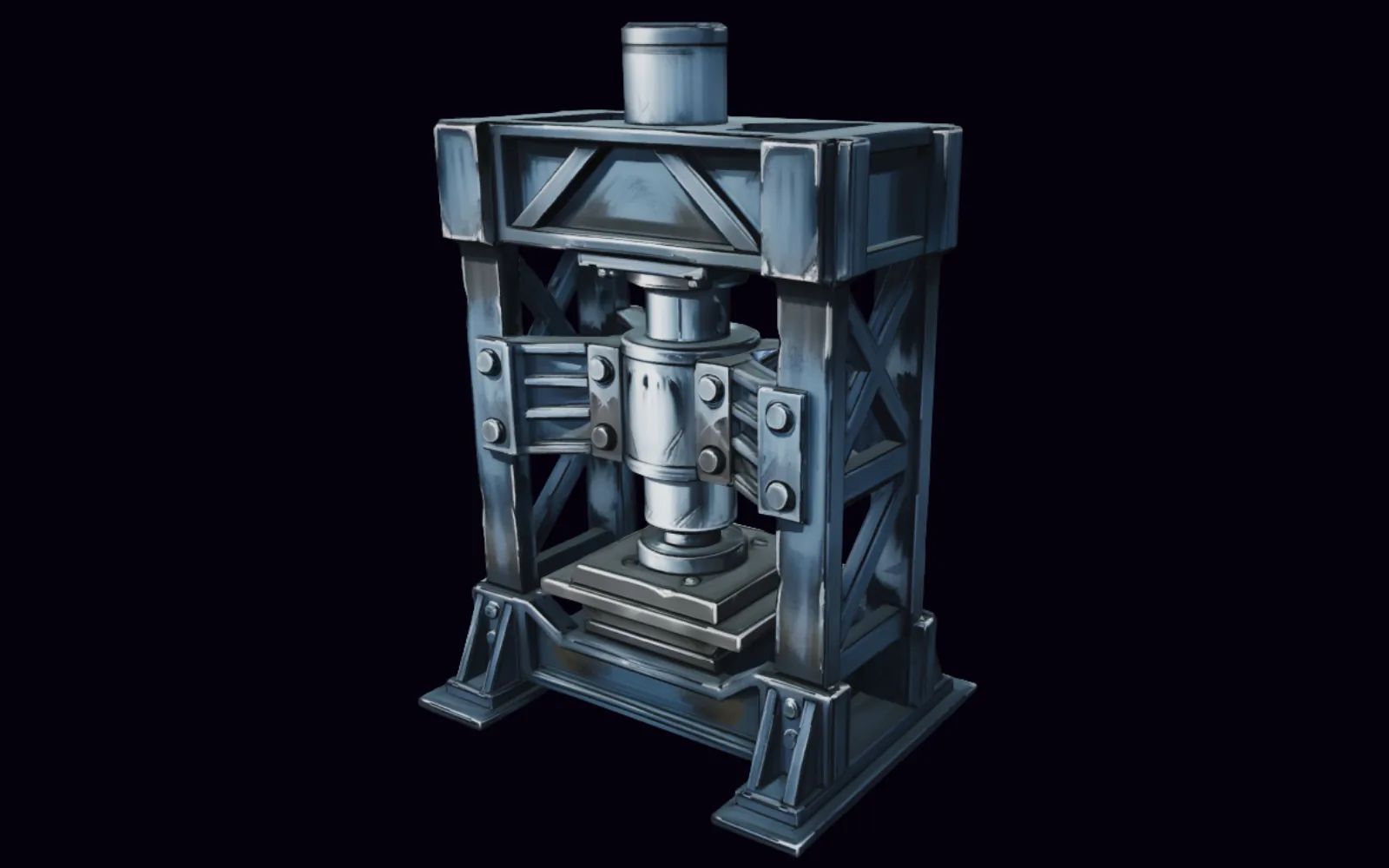
Hard-surface 3D model of a mechanical hydraulic press with crisp panel lines, hard edges, and clean bolted plates, generated in PicoBerry

Edge & panel fidelity

Hard-surface lives on crisp edges and clean panel lines. Mushy, rounded detail is the first thing to reject.

The same hard-surface press shown side by side as clean wireframe topology and as the textured model, showing remesh-friendly topology in PicoBerry

Remesh-friendly topology

High-detail generation is dense. It has to remesh cleanly to a lean polygon count without losing the edges.

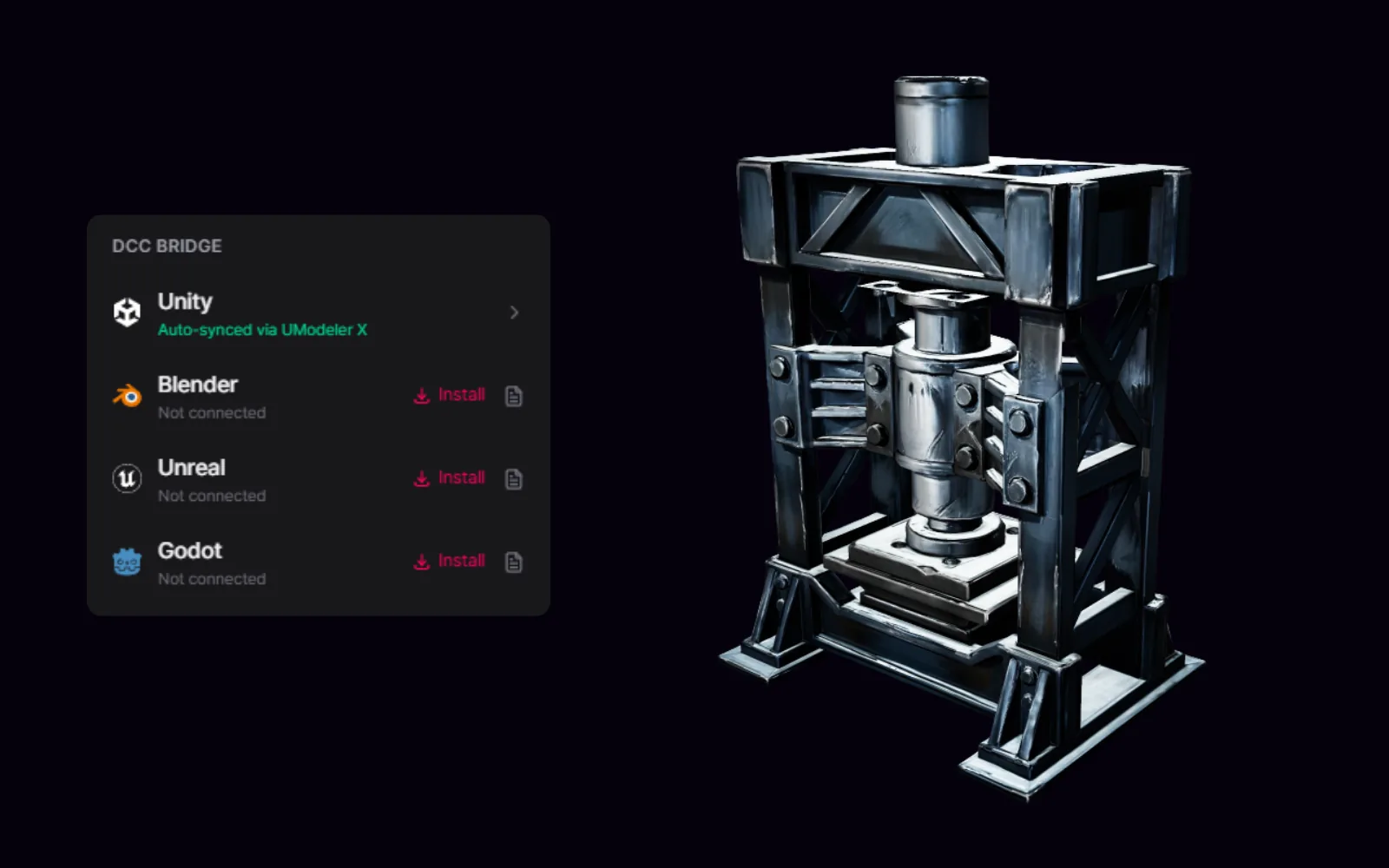
The finished hard-surface press beside PicoBerry’s DCC Bridge export panel showing Unity, Blender, Unreal, and Godot targets

Scale, pivot & export

Mechanical parts need the right size, a sensible pivot, and clean GLB/FBX/OBJ so they assemble in your scene.

Models to try first for hard-surface

Reasonable starting candidates to test, not fixed winners. Run the same image across them and judge the results. The lineup evolves, so check the current model picker in PicoBerry.

Candidate A

PB Ultra

A high-detail model. A strong first try for hard-surface objects where crisp panels, bevels, and edges are the whole point.

Check: edge sharpness and how faithfully it holds the panel lines.

Candidate B

Hunyuan 3.1

Another high-detail engine worth comparing head to head with PB Ultra on the same image. One often resolves a given mechanical form better than the other.

Check: which one reads cleaner on edges and hard corners.

Then bring it to budget

Bring it to budget with Remesh

High-detail results are dense. PicoBerry gives three remesh engines — PB Remesh, Meshy Remesh, and Tripo Remesh — so pull the winner down to a clean, lean polygon count while keeping the hard edges. Tripo Remesh is the high-poly to low-poly premium path.

Check: that the edges and panels survive the remesh to your polygon count.

The same object across models

A like-for-like test: one image, a couple of models, judged on edges, panels, and topology. This is the evidence behind the recommendation above.

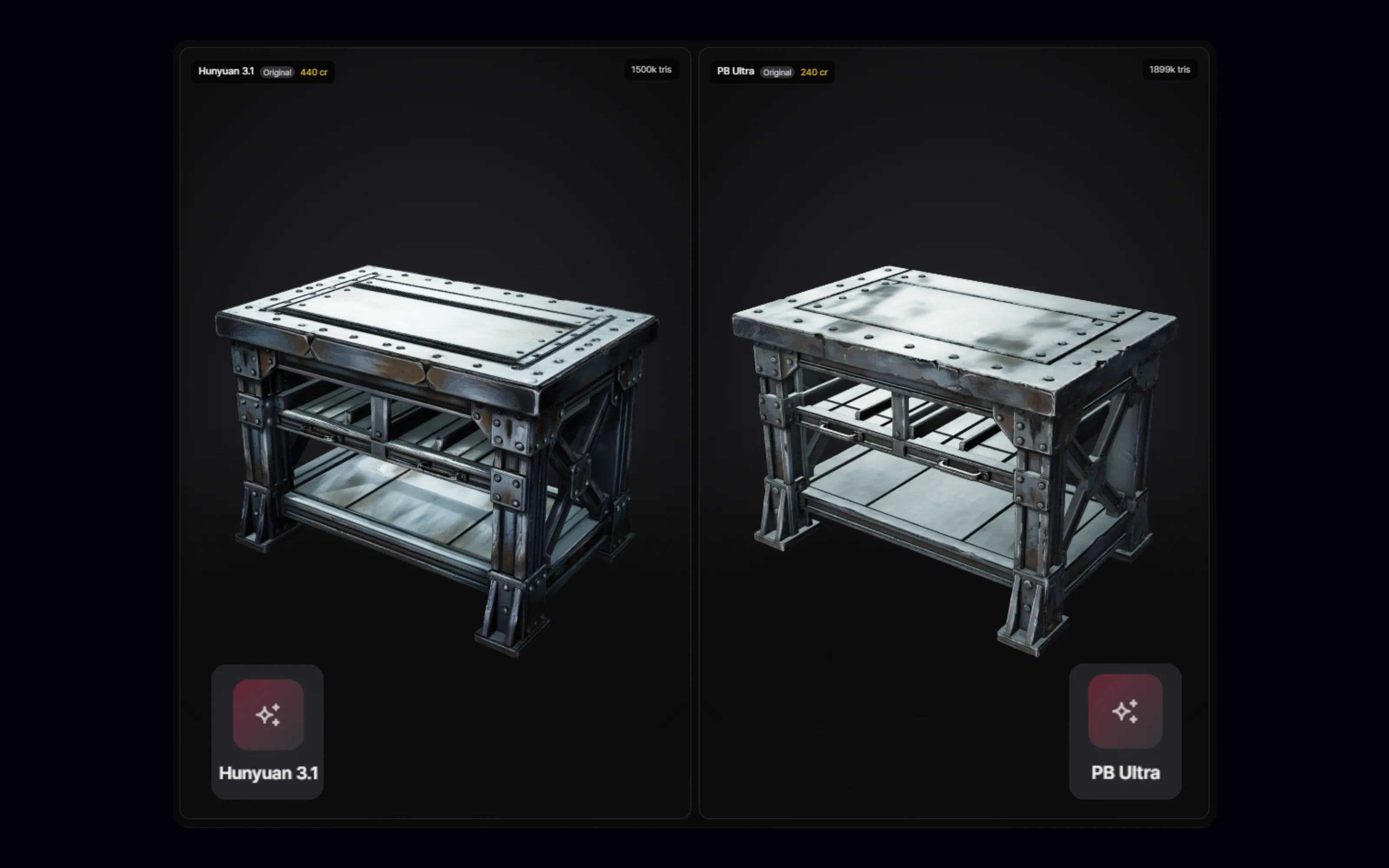
The same industrial metal workbench generated on Hunyuan 3.1 and PB Ultra side by side in PicoBerry, with credit cost and triangle count shown for each

Same image, two models

One object, two candidates, so the difference in edge and panel fidelity is visible, not asserted.

Measured: Hunyuan 3.1 1.5M triangles · PB Ultra 1.9M triangles — both far above a game budget, which is why the remesh step decides the winner.
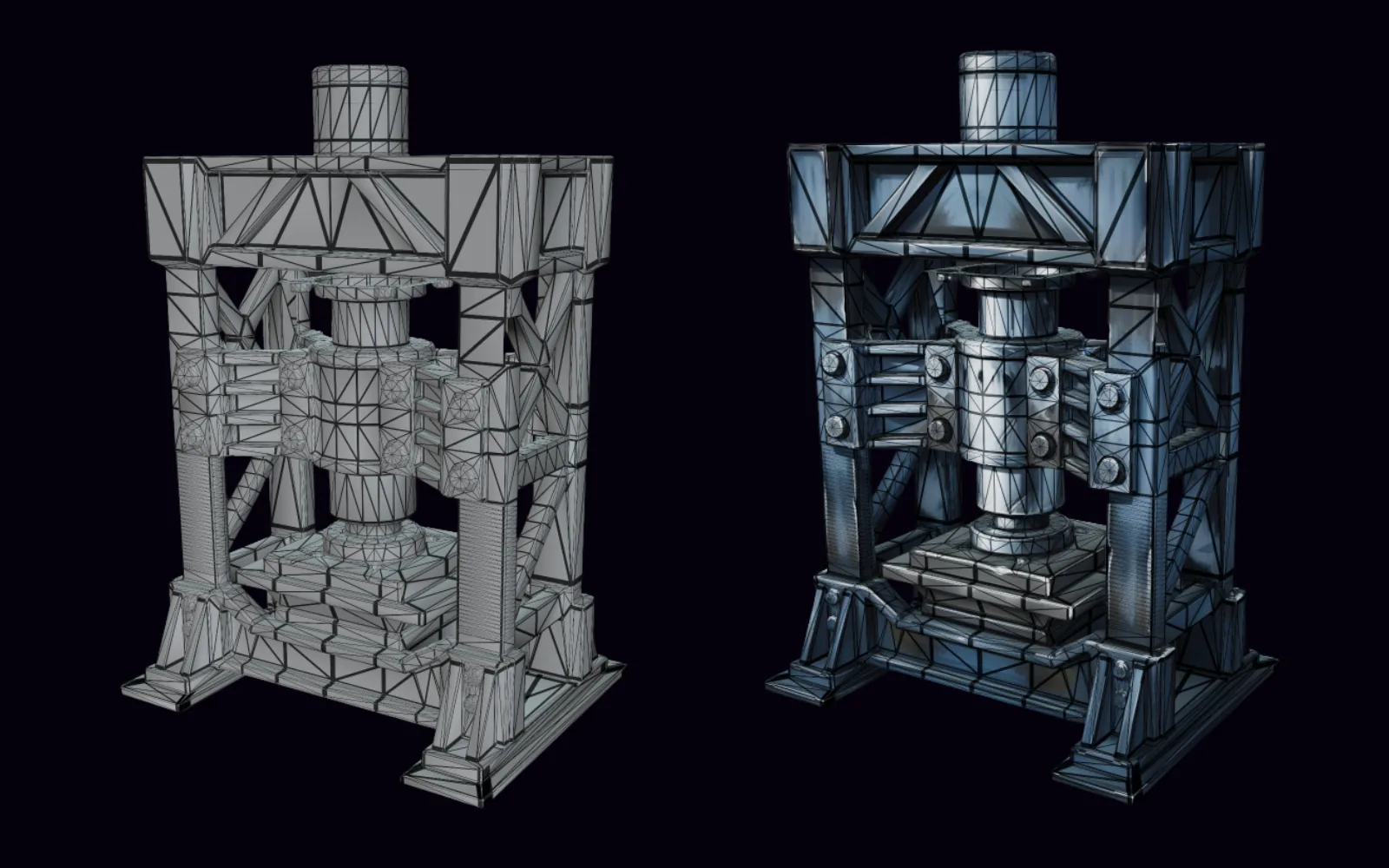
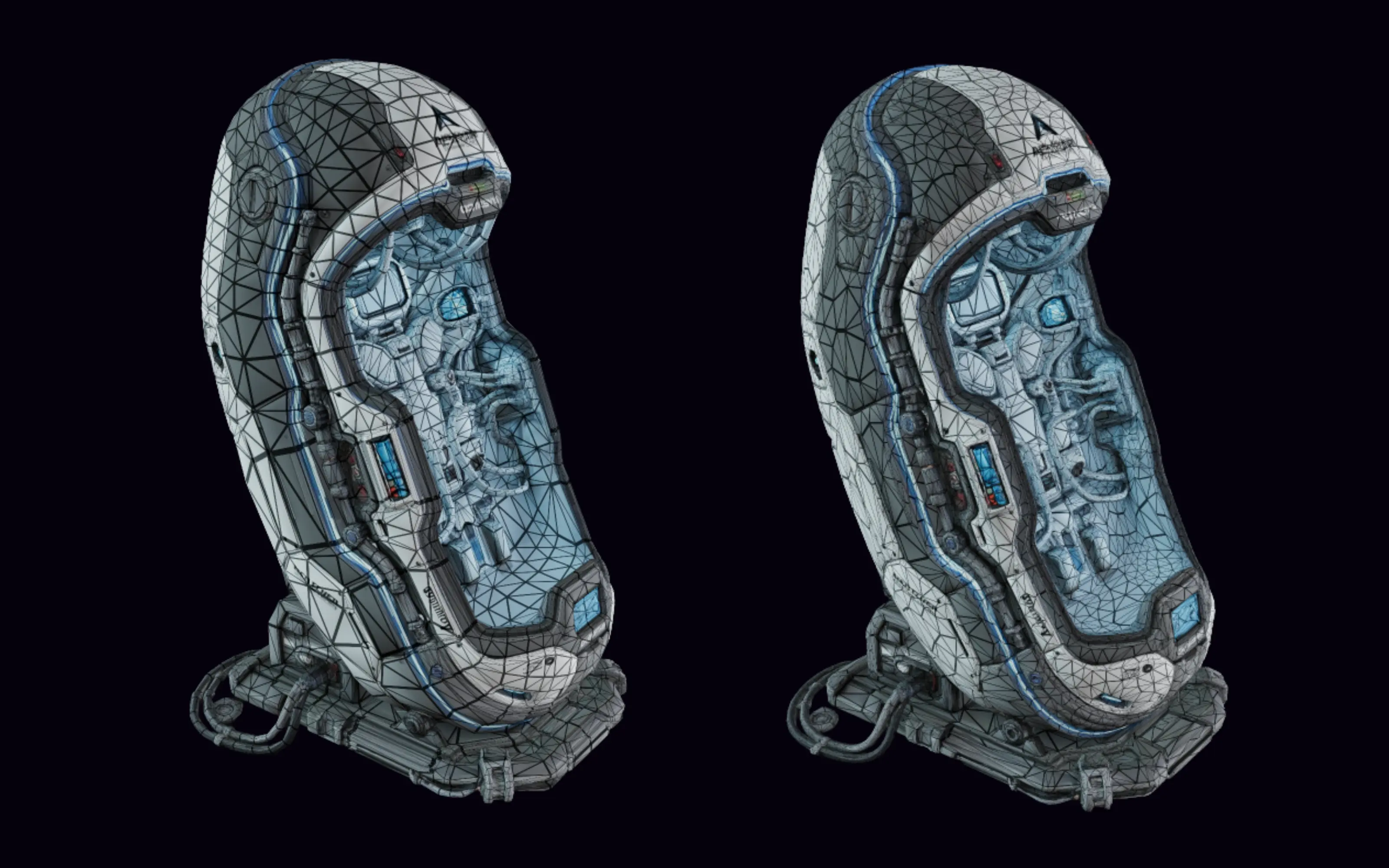
The same hard-surface object shown twice with wireframe topology overlaid, comparing mesh density from each model in PicoBerry

Topology at the panel lines

The wireframes reveal which result will remesh to a clean, lean polygon count while keeping the edges.

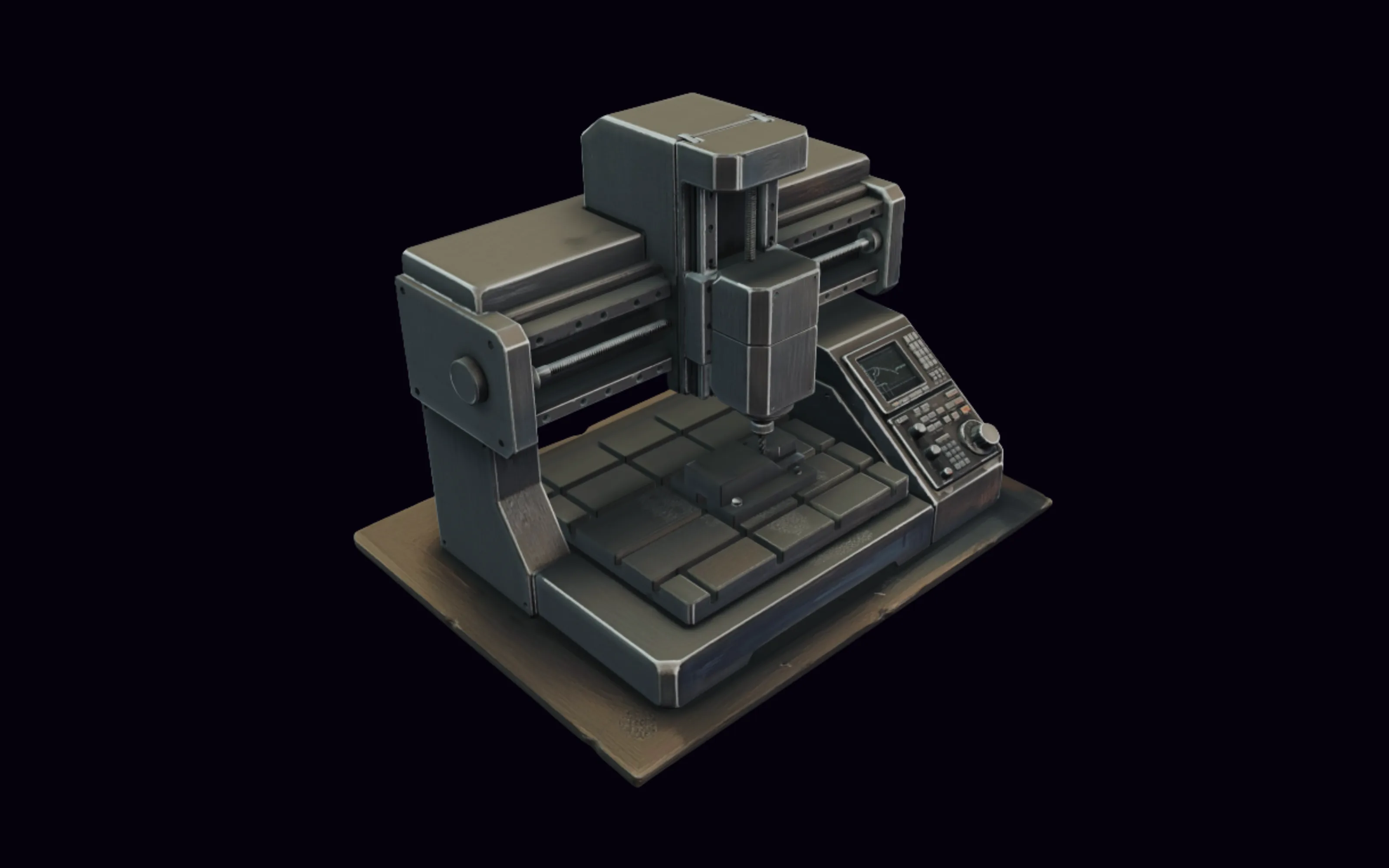
The chosen hard-surface object, a textured CNC milling machine with a control panel, remeshed and refined and ready for a game scene

Chosen object remeshed and refined

The winning candidate remeshed with Tripo Remesh to your polygon count, re-textured, and ready for your scene.

How to choose for hard-surface, step by step

STEP 01

Start with a great image

Generate your reference art in PicoBerry Image Generation, or bring your own concept or render. Clean, well-defined edges in the image lead to clean edges in 3D.

STEP 02

Generate on PB Ultra and Hunyuan 3.1

Run the same image through both high-detail models in PicoBerry, on one credit pool, so the comparison is fair.

STEP 03

Compare edges and panels

Judge the edge fidelity and panel lines first, then the wireframe. Keep the one that holds the hard-surface detail best.

STEP 04

Remesh, texture, export

Remesh with Tripo Remesh to your polygon count, re-texture to your style, then export for your engine.

Hard-surface results

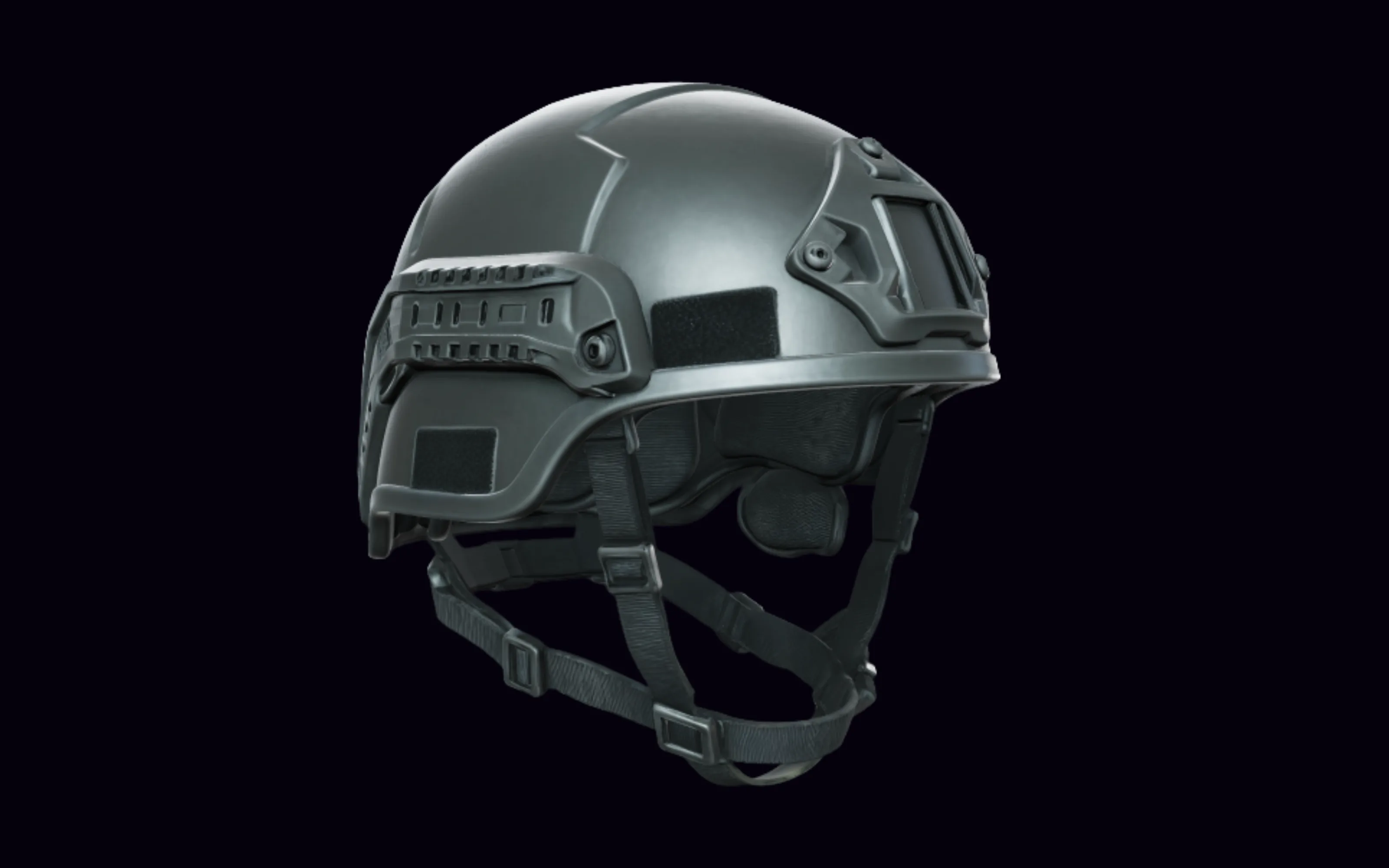
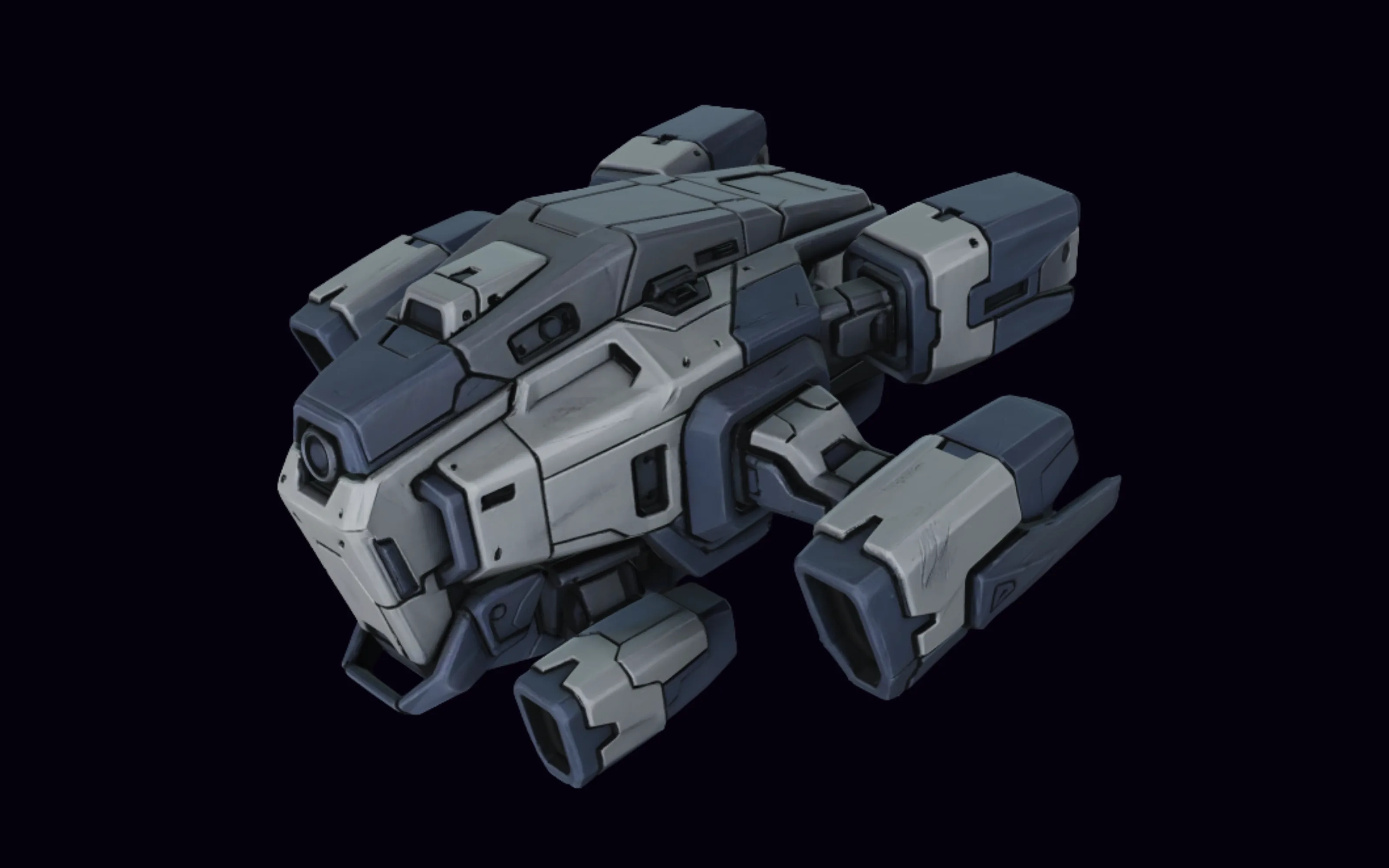
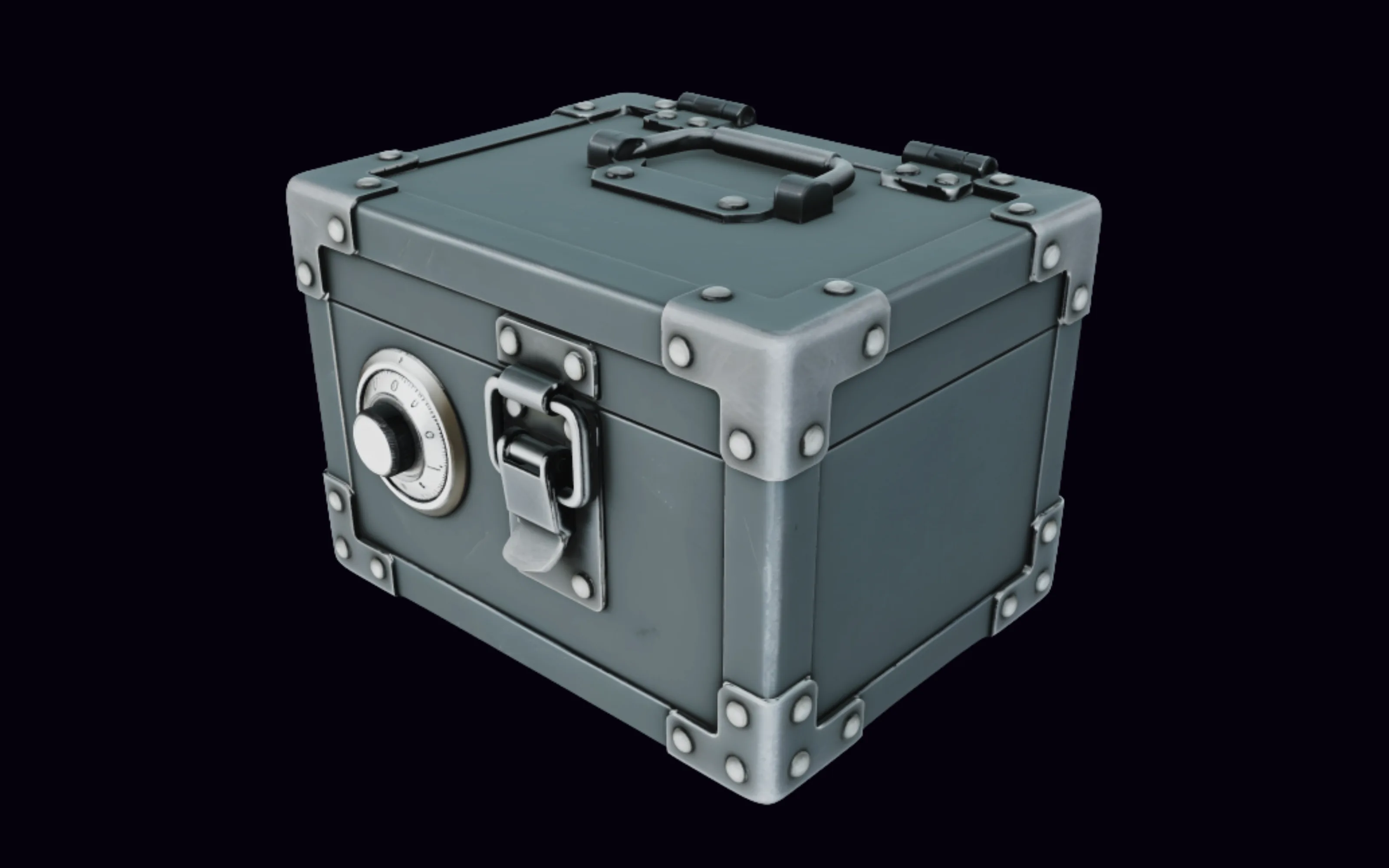
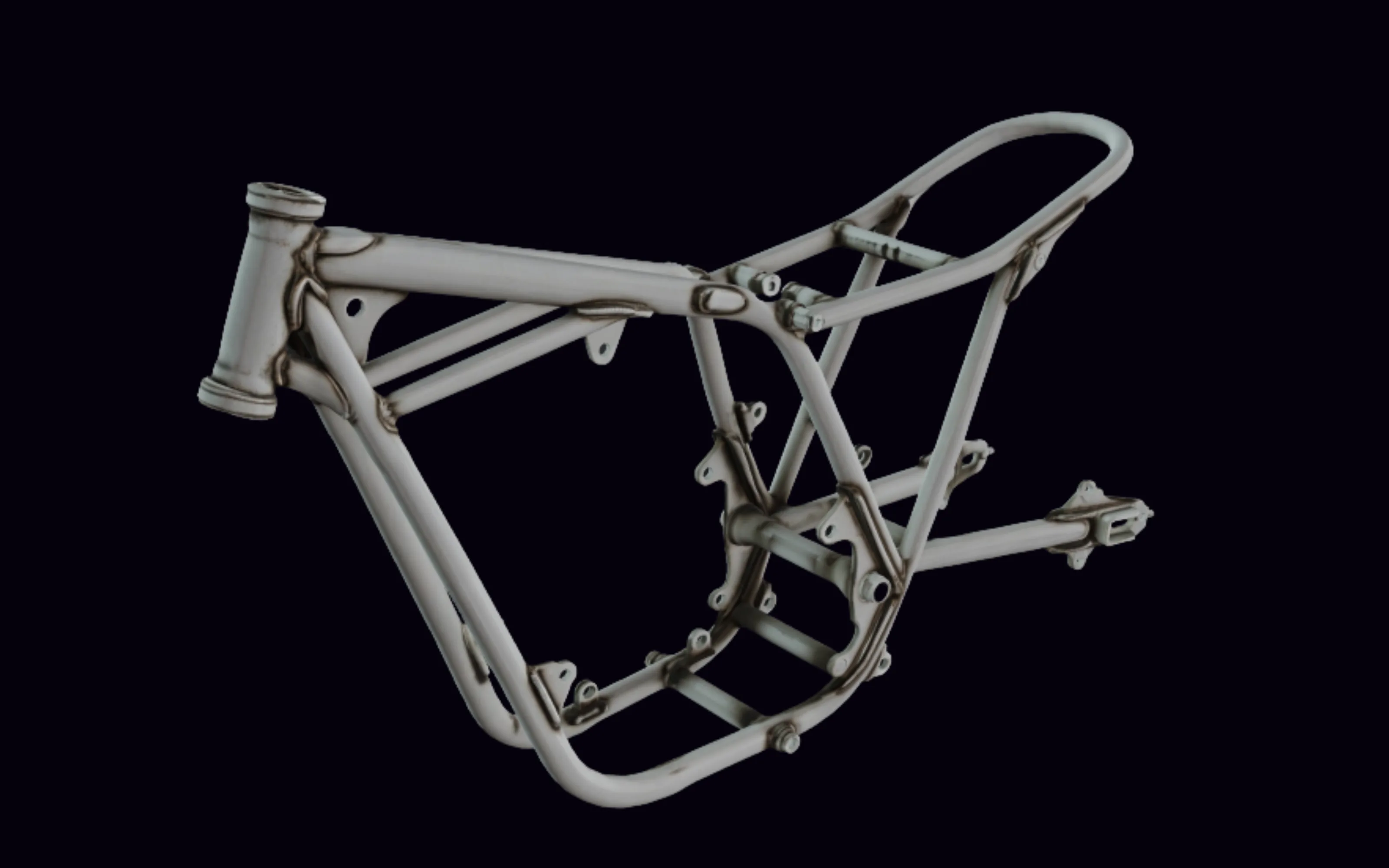
Example renders from the workflow above. Each one still needs a review against your project’s standards — polygon count, UVs, collisions, and how the panels read under your own lighting.

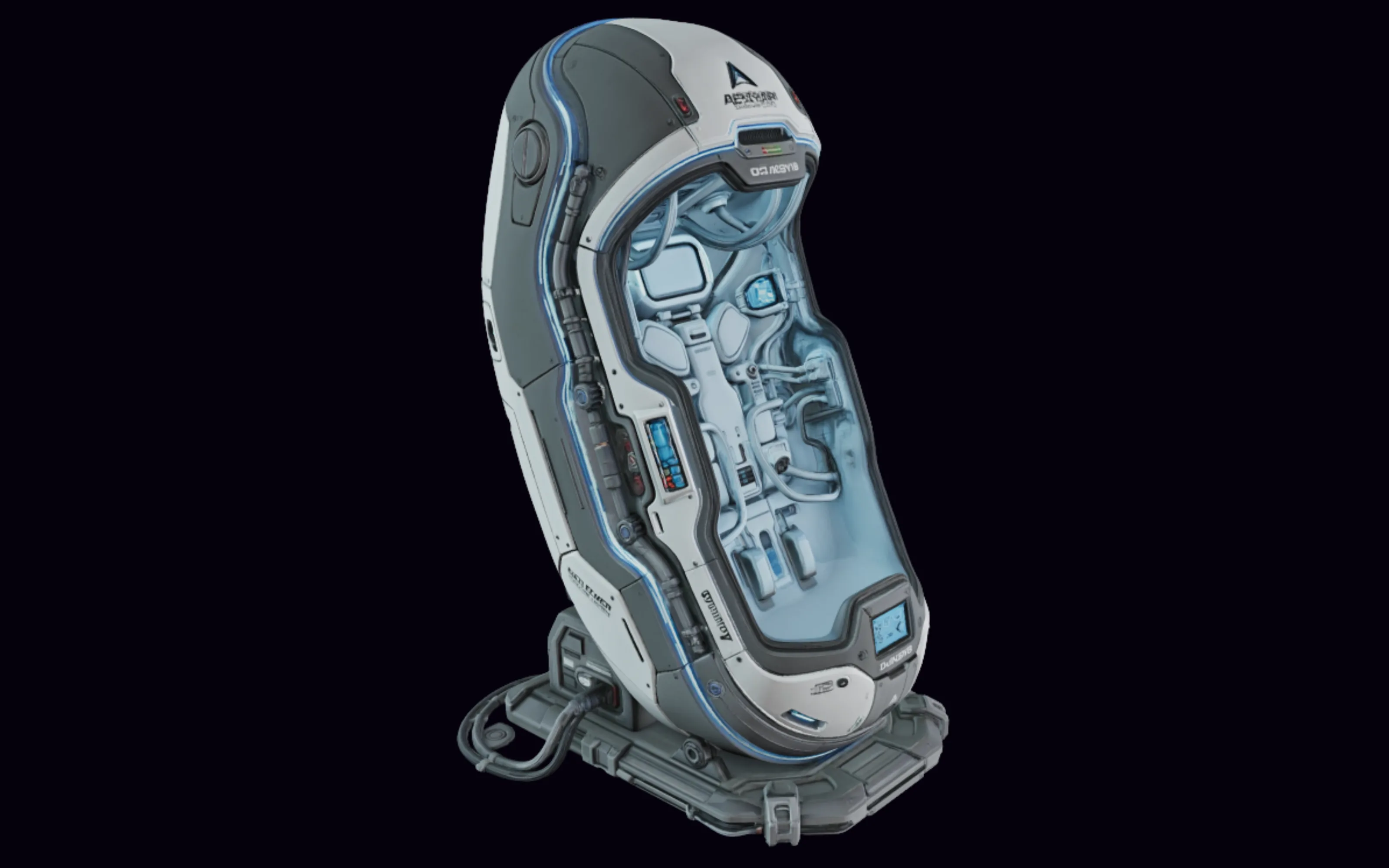
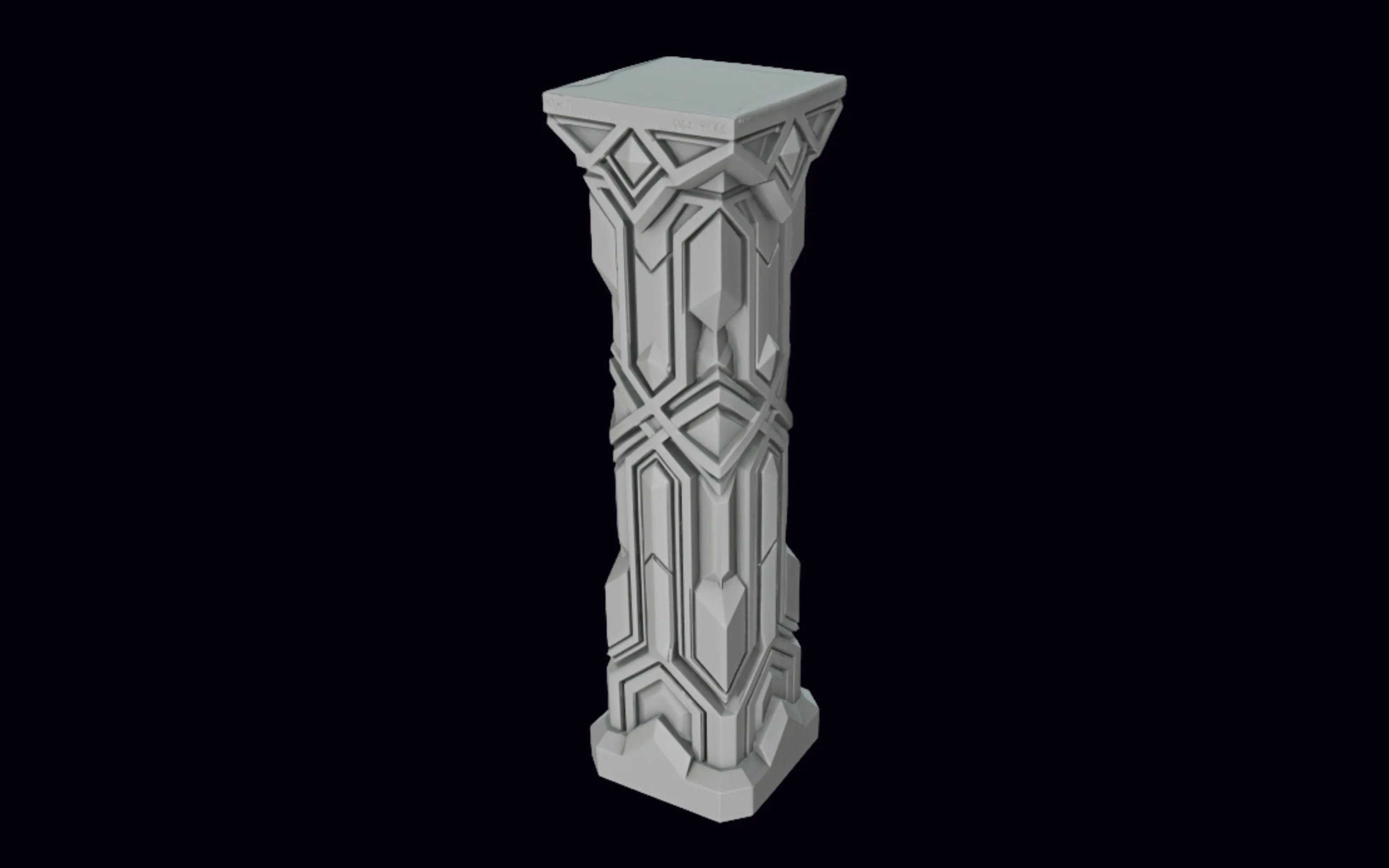
Hard-surface 3D game asset of a tactical combat helmet with side accessory rails, a mounted display, and chin strap, generated in PicoBerryHard-surface 3D game asset of a sci-fi dropship with twin engine thruster pods and armored panel plating, generated in PicoBerryHard-surface 3D game asset of a metal lockbox with a combination dial, latch clasp, carry handle, and riveted corner reinforcements, generated in PicoBerryHard-surface 3D game asset of a welded tubular motorcycle frame with a head tube and mounting brackets, generated in PicoBerryHard-surface 3D game asset of a sci-fi cryo-stasis pod with a glowing blue interior, screens, and tubing on a base, generated in PicoBerryHard-surface 3D game asset of an ornate carved stone pillar with angular geometric relief detail, generated in PicoBerry

The bottom line for hard-surface

Great hard-surface objects start with a great image, then the right model. Generate the reference in PicoBerry Image Generation or bring your own, then try PB Ultra and Hunyuan 3.1 for crisp panels and edges. Remesh the winner with Tripo Remesh to a clean, lean polygon count.Models change and results depend on your prompt, so treat this as a starting point to test, not a fixed ranking. The full method lives in the hub guide.

Frequently asked questions

What is the best AI 3D model for hard-surface objects?

There isn’t a fixed best, but PB Ultra and Hunyuan 3.1 are strong first tries for hard-surface objects: high-detail models that hold crisp panels and edges. Start from a great image, test both on the same reference, keep the cleaner edges, then remesh with Tripo Remesh to a lean polygon count.

Do I need a high-detail model for hard-surface?

Often yes. Crisp panels, bevels, and hard edges reward a high-detail model like PB Ultra or Hunyuan 3.1. The trade-off is dense topology, so plan to remesh with Tripo Remesh to a clean, lean polygon count.

Do panel lines survive a remesh to a lower polygon count?

Some do and some do not, which is why you check after the remesh rather than before. Hard edges that were modelled as real geometry usually survive; edges that only existed in the shading tend to soften. Use Tripo Remesh to pull it down to your target polygon count, then look at the silhouette and the panel breaks at that count — if an edge you need has gone, raise the target rather than trying to rebuild it by hand.

Should I generate a vehicle as one mesh or as parts?

As parts, when the parts have to move or be reused. A single generated mesh gives you one object with one pivot, which is fine for a static prop but not for a turret that rotates or a door that opens. PicoBerry’s Parts Breakdown route generates the pieces separately from one design so each has its own pivot and can be re-used across a set. Generate as one mesh only when nothing needs to articulate.

Hard-surface objects across Models

Generate the same reference on a couple of models in PicoBerry, compare the edges and panels, and remesh the one that fits your budget.